
Best Free Background Remover Tools in 2026 (Tested)

Most "free" background removers aren't actually free. They cap your resolution, slap on a watermark, or make you sign up before you can download anything. We compared 8 tools, on what they actually deliver for free. Here's which one to use, and when.
Quick takeaways
- Zoviz gives you the cleanest edge detection on hair and fine detail here, with no watermark and no sign-up wall, plus it connects to logo and brand kit tools if you need more than one image done.
- Remove.bg is still the benchmark for raw edge accuracy on people and pets, but the free tier caps you at low resolution.
- PhotoRoom is the strongest pick for bulk product-photo processing if you're running a store.
- Canva wins if you're already designing in Canva and want the cutout to drop straight into a template.
- None of these 8 tools need a credit card, but three (Design.com, Remove.bg, PhotoRoom) push you toward a paid plan once you need full resolution or batch exports.
Which background remover should you use?
| Tool | Best for | Free tier | Honest trade-off | Paid plans |
|---|---|---|---|---|
| Zoviz | Fast cutout with no watermark or sign-up | Unlimited, full resolution, no watermark | Single-purpose tool; no built-in heavier photo editing | Optional, unlocks broader brand tools |
| Design.com | Reusing one cutout across many brand assets | Full-resolution PNG/JPG/vector exports, no subscription needed | Bigger ecosystem than you may need for one task | Optional, for expanded templates and assets |
| BrandCrowd | Fast, high-volume social content | Free removal, no mandatory account | No brand-consistency tools layered on top | Applies to broader design suite, not removal itself |
| Remove.bg | Cleanest edges on hair, fur, and complex products | Unlimited low-resolution downloads | Full-resolution exports require payment | Credit-based or subscription for full resolution |
| Canva | Cutouts that drop straight into a Canva design | Limited; full removal typically needs Canva Pro | Not part of the always-free tier | Included in Canva Pro |
| PhotoRoom | Ecommerce sellers processing photos in bulk | Background removal and basic backdrop swaps | Batch tools require upgrading | Subscription for batch processing and advanced editing |
| Fotor | Background removal plus light photo editing in one place | Removal and basic editing tools | Not best-in-class edge quality next to Remove.bg | Fotor Pro for advanced editing, higher export limits |
| Picsart | Creative decoration after the cutout (filters, stickers) | Removal plus basic creative tools, ad-supported | Built for creative output, not professional ecommerce use | Picsart Gold removes ads, adds premium content |
Zoviz

Zoviz's background remover handles hair, shadows, and product edges more cleanly than most of the free tools on this list, and it doesn't put a watermark on the output or ask you to create an account first.
Upload a photo and the AI isolates the subject in a few seconds, then hands you a high-resolution transparent PNG ready to use. It's built for ecommerce sellers, marketers, and anyone making profile photos or social graphics, and it connects to the rest of Zoviz's brand tools if you end up needing a logo or business card to go with it.
- Best for: Anyone who wants a clean cutout fast without signing up or dealing with a watermark.
- Honest trade-off: It's a single-purpose tool for this task. If you need heavier photo editing beyond background removal, you'll still want a separate editor.
- Free tier: Unlimited background removal, high-resolution PNG output, no watermark.
- Paid plans: Not required for background removal. Zoviz's paid tiers unlock broader brand and design tools.
Design.com

Design.com's background remover is really the front door to a bigger toolkit. Upload your image and the AI produces a clean, high-resolution transparent PNG in seconds, same as any tool here, but the value shows up after that: your cutout drops straight into Design.com's 50-plus other tools for business cards, websites, QR codes, and presentations. If you're trying to keep a consistent look across a dozen different assets, that's a real advantage over a standalone remover.
- Best for: Brand managers and entrepreneurs who need the same cutout reused across multiple formats.
- Honest trade-off: You're inside a bigger ecosystem whether you need it or not, which can feel like more platform than the task calls for.
- Free tier: Background removal with PNG, JPG, and vector-compatible exports, no subscription required.
- Paid plans: Optional, for expanded template and brand asset access.
BrandCrowd

BrandCrowd's remover is built for volume: upload, remove, done, with a clean transparent PNG at the end. There's no mandatory account and no hidden fee to unlock the download, which makes it a genuinely frictionless option if you're producing a lot of social content on a tight turnaround. It won't help you think through brand consistency the way Design.com does, but that's not really what it's trying to do.
- Best for: Social media creators and small business owners who need a fast, no-account cutout.
- Honest trade-off: Speed over structure. There's no brand kit or template system layered on top.
- Free tier: Free background removal, no account required.
- Paid plans: BrandCrowd's paid tiers apply to its broader design suite, not to background removal specifically.
Remove.bg
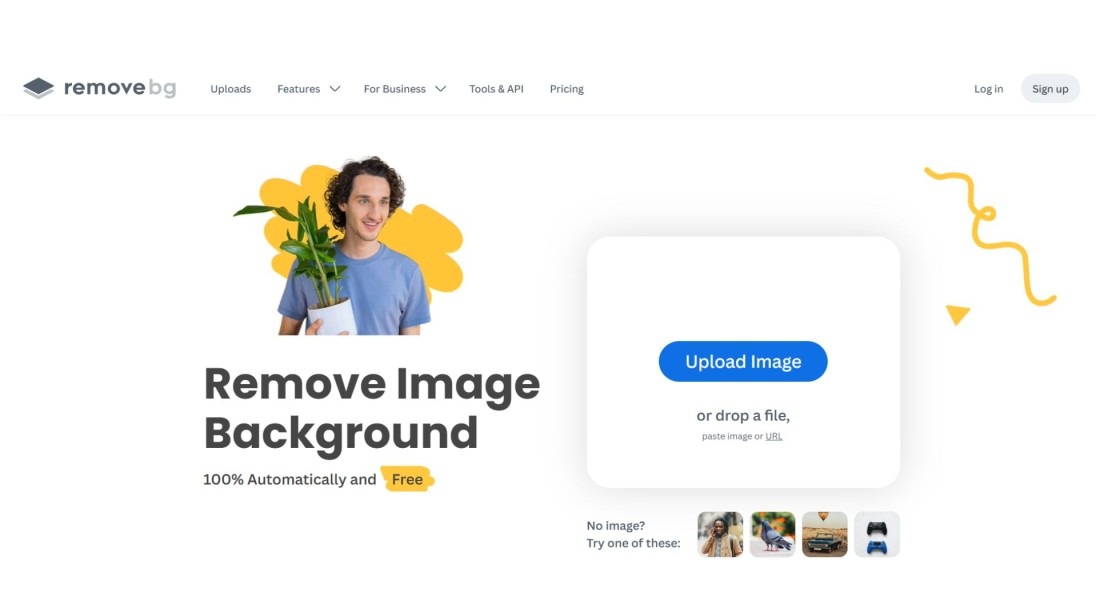
Remove.bg is still the name most people default to, and for good reason. It handles hair, fur, and complex product edges about as cleanly as anything free on the market, and the interface is genuinely one-click: upload, done. The catch is the free tier's resolution cap. You'll get a usable preview, but full-resolution downloads sit behind a paid plan or credit purchase.
- Best for: Anyone who needs the cleanest possible edge detection on people, pets, or products, and doesn't mind a resolution ceiling.
- Honest trade-off: Free downloads are capped at low resolution. Full quality means paying.
- Free tier: Unlimited low-resolution previews and downloads.
- Paid plans: Credit-based or subscription pricing for full-resolution exports.
Canva
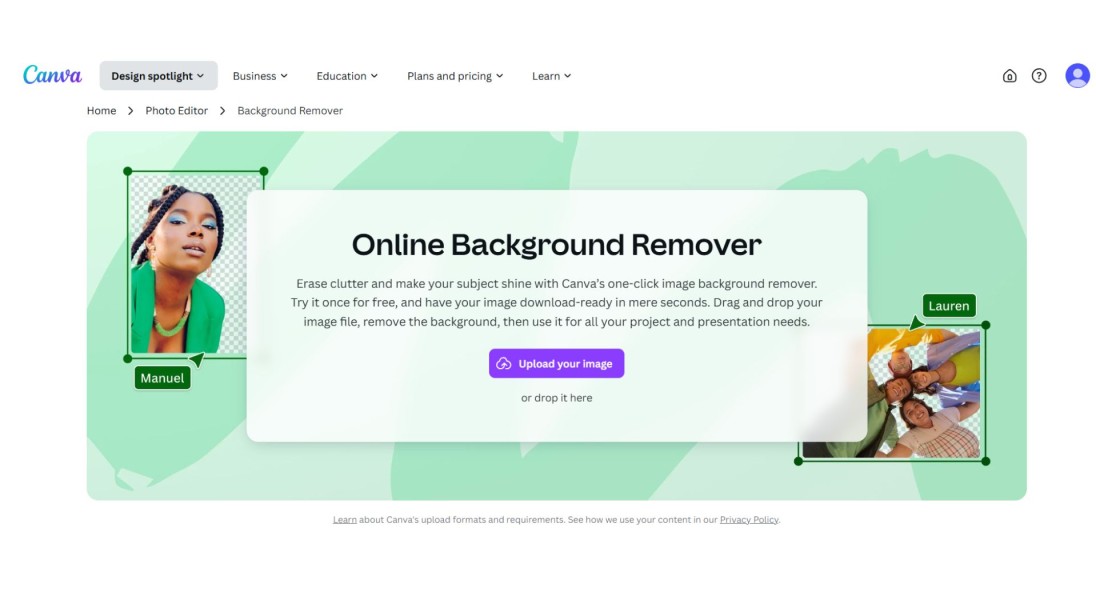
Canva's background remover lives inside its design editor, which is the whole point: if you're already building a poster, ad, or social post in Canva, you can strip the background without leaving the tab. Upload your image, hit remove, and the cutout drops straight into whatever you're designing. It's less useful as a standalone tool, since you'd be opening a full design platform just to do one thing.
- Best for: Anyone already designing in Canva who wants the cutout to land directly in their project.
- Honest trade-off: Background removal is a Canva Pro feature. It's not part of the always-free tier.
- Free tier: Limited. Full background removal typically requires Canva Pro.
- Paid plans: Included in Canva Pro, alongside the rest of Canva's template library.
If your photo has more than a background problem, stray objects, watermarks, or a person you want gone, our guide to the best AI object remover tools covers the tools built for that instead.
PhotoRoom
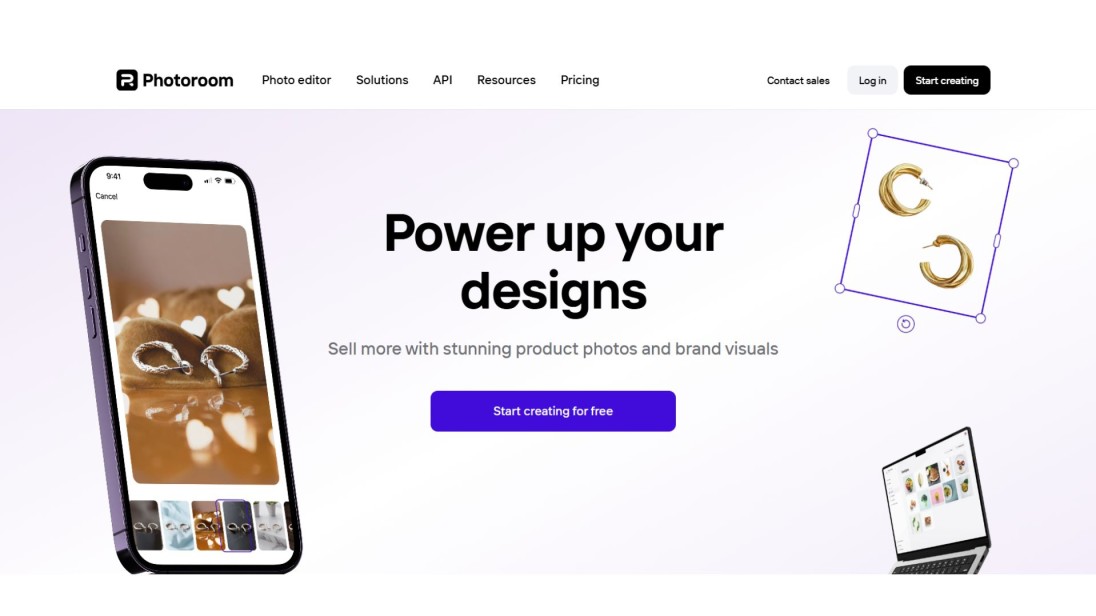
PhotoRoom is built with online sellers in mind. It removes the background and lets you drop in a white, colored, or custom backdrop in the same step, plus shadow and layout adjustments that most tools on this list don't offer. That combination makes it the strongest pick here for anyone processing product photos at scale rather than one image at a time. If your product photos also need a resolution boost before they're store-ready, our guide to the best AI image upscalers covers that step separately.
- Best for: Ecommerce sellers who need consistent, store-ready product photos in bulk.
- Honest trade-off: The extra editing tools mean a slightly steeper learning curve than a pure one-click remover.
- Free tier: Background removal and basic backdrop swaps at no cost.
- Paid plans: Batch processing and advanced editing features sit behind a subscription.
Fotor
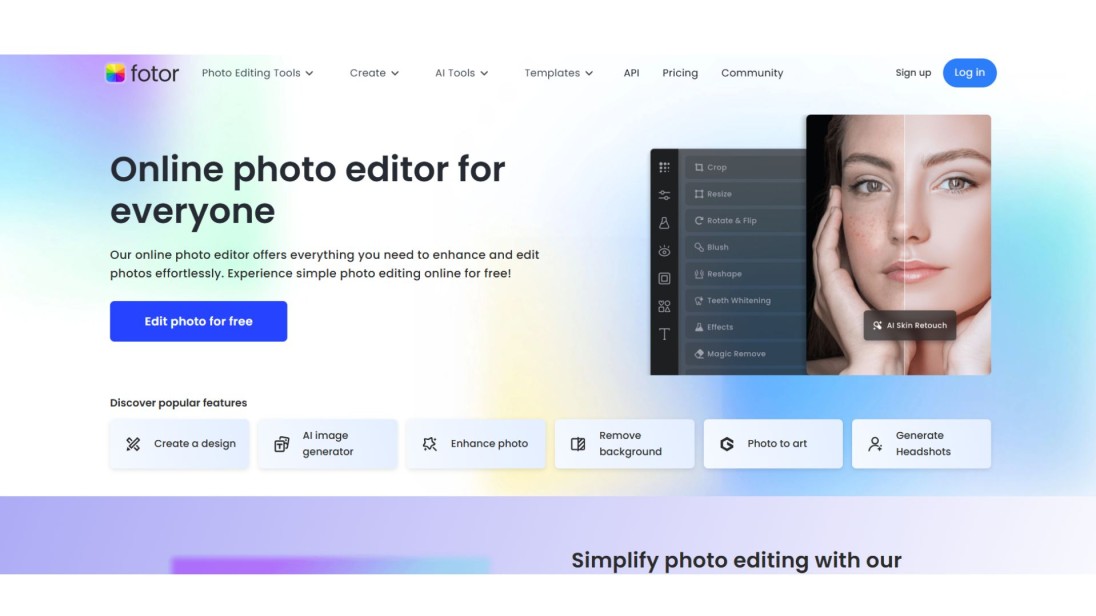
Fotor bundles background removal into a broader photo editor, so once the background's gone, you can crop, adjust brightness, or add text and stickers without switching tools. That makes it a reasonable pick for bloggers and YouTubers prepping thumbnails or banners, but the background removal itself is a supporting feature rather than the main event.
- Best for: Anyone who wants background removal plus quick photo editing in one place.
- Honest trade-off: The removal quality is solid but not best-in-class next to dedicated tools like Remove.bg.
- Free tier: Background removal and basic editing tools at no cost.
- Paid plans: Fotor Pro unlocks advanced editing and higher export limits.
A clean background doesn't fix a stray person, wire, or watermark still sitting in your photo. Our guide to removing unwanted objects from photos covers the tools built specifically for that job, so you can clean up the whole image, not just what's behind it.
Picsart
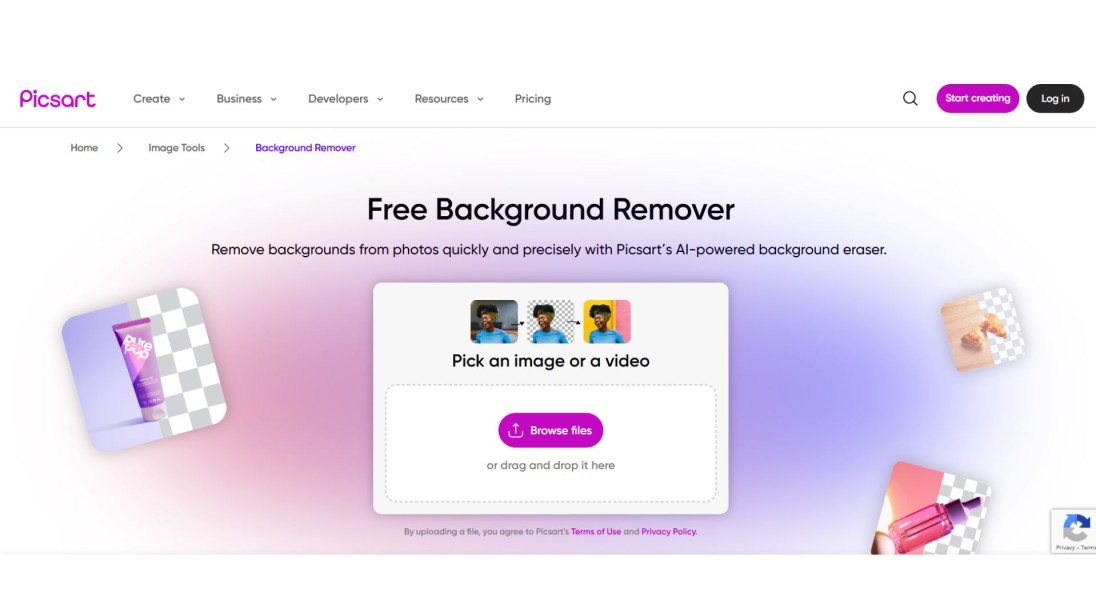
Picsart treats background removal as one ingredient in a much bigger creative toolkit: filters, stickers, collage tools, and effects all sit right alongside it. It's a solid choice for people and pet photos specifically, and it's genuinely popular for anyone building distinctive social content rather than clean product shots.
- Best for: Social media creators who want to remove a background and then decorate the result.
- Honest trade-off: It's built for creative, not professional, output. Ecommerce sellers will want PhotoRoom or Remove.bg instead.
- Free tier: Background removal plus basic creative tools at no cost.
- Paid plans: Picsart Gold removes ads and adds premium content and export options.
Remove.bg alternatives worth knowing
If Remove.bg's resolution cap is the dealbreaker, you've got real options. Zoviz gives you full-resolution exports with no watermark and no sign-up, which covers the exact gap Remove.bg's free tier leaves open. PhotoRoom and Canva both work as alternatives too, though each comes with its own trade-off: PhotoRoom leans commercial and Canva's remover is Pro-only. If you specifically want a Remove.bg swap that stays free at full resolution, Zoviz is the most direct match.
Buyers scroll past listings with visible clutter, stray furniture, or personal items still in frame. Our guide to real estate photo editing walks through how to clean up listing photos fast, so the property gets the attention, not the mess in the background.
Helpful Tips for Using Background Remover Tools

These are some of the easy guidelines to achieve maximum results:
- The subject should be easier to detect with good lighted photos so the tool can take a better picture
- Avoid taking a photo against a background that is too busy or messy
- Get in close and see the edges: edges around hair or areas of detail
- In case you want to maintain the background transparent, then select PNG format
- Before uploading, reduce your photo in size when the tool is sluggish
- In case one tool is not yielding a nice result, use another one in this list
How to choose a background remover
Before you pick a tool, run through four questions:
- Format support: Does it accept your file type (JPG, PNG, HEIC, WebP), and does it export what you need, usually a transparent PNG?
- Edge quality: Test it on your hardest image first, hair, fur, or a busy background, not a simple product shot on white.
- Resolution and watermarks: Check the free tier's actual limits before you commit. A "free" tool that caps resolution or adds a watermark isn't free for professional use.
- What happens after removal: If you need a new background, multiple sizes, or full brand assets, an all-in-one tool like Zoviz or Design.com saves you a second app. See our guide to the best AI image editing tools for a broader roundup.
Conclusion
None of these 8 tools cost anything to try, and testing two or three on your actual photo, not a stock demo image, is the fastest way to find out which one handles your edges well. If you want a single answer: start with Zoviz for the combination of resolution, no watermark, and no sign-up wall. Once your background's clean, our guide on how to remove a background from an image walks through the exact steps.
Frequently asked questions
What is the best background remover for free?
Zoviz, Remove.bg, and Canva are the three most reliable free options, but the right pick depends on what you need. Zoviz is the best overall pick for full-resolution exports with no watermark. Remove.bg wins on raw edge accuracy but caps free downloads at low resolution.
What is the most accurate background remover?
Remove.bg consistently tests best on the hardest images: hair, fur, and semi-transparent edges. Zoviz comes close on the same categories while skipping the resolution cap that Remove.bg's free tier applies.
Is there a free background remover without signing up?
Yes. Zoviz, BrandCrowd, and PhotoRoom's basic tier all work without creating an account. Remove.bg and Canva's background remover both require a sign-up or Pro subscription to unlock full features.
Is there a free background remover with no watermark?
Zoviz and BrandCrowd both export without a watermark on their free tiers. Several other "free" tools apply a watermark or resolution limit unless you upgrade, so check before committing to one.
Can ChatGPT remove a photo's background?
Not reliably. ChatGPT's image tools can approximate background removal through a text prompt, but edge quality is inconsistent compared to a dedicated tool built specifically for this task, especially around hair and fine detail.
What's the difference between a background remover and an object remover?
A background remover isolates your subject and strips out everything behind it. An object remover, like Zoviz's photo object remover, is built for the opposite problem: removing something specific out of the frame, a person, a watermark, a stray object, while keeping the rest of the photo intact. If your image has both problems, you may need both tools.
Ricevi newsletter esclusive
Iscriviti ora per ricevere gli ultimi aggiornamenti direttamente nella tua casella di posta. Non perderli!
Consigliato per te


Prova il Logo Maker di Zoviz
Inserisci il nome del tuo brand e ottieni opzioni di logo in pochi secondi.


