
In 2025, it is quick and easy to remove the background of a picture. You do not require any installation of the software or complicated design procedures. Numerous websites and apps provide an opportunity to upload a picture and erase the background within a single click.
They are available to students, small entrepreneurs, content makers, and any individuals who desire to enhance their pictures. They can be used to make the photos of a product clean, create personal profile photos to post to soc-nets and create posters and flyers.
The majority of these tools are free and not too difficult to use. The following are the six best free image background remover tools to use this year. They are quite convenient, and they provide quick outcomes.
Table of Contents
- Zoviz
- Design.com
- Brandcrowd
- Remove.bg
- Canva
- PhotoRoom
- Fotor
- Picsart
- Helpful Tips for Using Background Remover Tools
- When to Use These Tools
- Conclusion
Zoviz
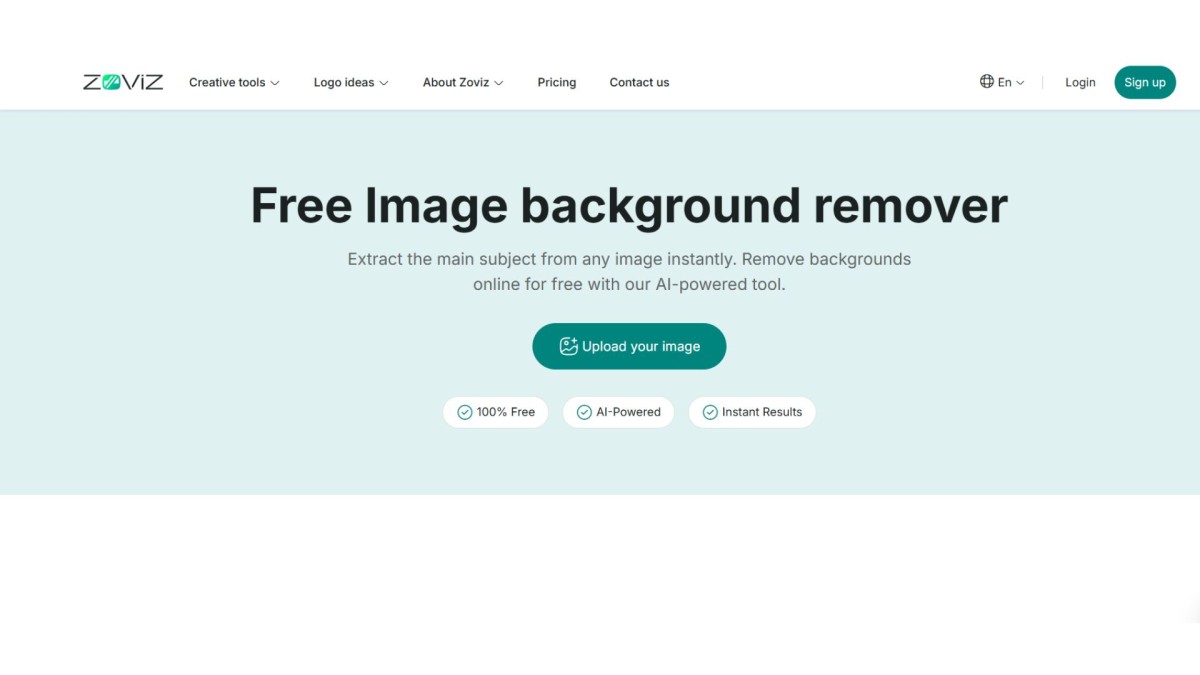
Zoviz’s AI background remover ranks among the best online tools for fast, high-precision background removal. Built for creators, ecommerce sellers, marketers, and businesses, Zoviz delivers clean, sharp cutouts with natural subject isolation in seconds.
Simply upload your image, and the AI automatically detects the subject, removes the background, and generates a crisp, high-resolution transparent PNG. The tool is optimized for accurate edge refinement around hair, shadows, product contours, and fine details, avoiding the rough cut lines common in basic background removal tools.
Zoviz is especially effective for product photos, profile images, marketing creatives, and ecommerce listings where clarity and professional presentation matter. The output is high-quality and ready for immediate use across digital platforms or print materials.
If your goal is fast, reliable, and professional background removal without complicated editing software, Zoviz offers a streamlined solution designed for modern content workflows.
Zoviz AI Background Remover – Key Features
- Free AI-powered background removal in seconds
- High-resolution transparent PNG output
- Advanced edge detection for clean, detailed cutouts
- Handles complex subjects (hair, soft edges, shadows)
- No watermark on exports
- Drag-and-drop interface with zero learning curve
- Suitable for ecommerce, marketing, social media, and professional use
Design.com

Design.com’s AI Background Remover is built for professionals who need more than a one-off edit. At its core, it’s a brand management tool that uses background removal as its starting point.
Upload your image and the AI instantly produces a crisp, high-resolution transparent PNG, but the real value kicks in after the removal. Your image drops directly into Design.com’s ecosystem of 50+ design tools, where you can immediately use it across business cards, websites, QR codes, and presentations, all from a single platform.
This makes it especially well-suited for businesses, entrepreneurs, and brand managers who need to maintain a consistent visual identity across multiple formats and channels.
Design.com supports PNG, JPG, and vector-compatible exports, giving it the output flexibility that professional branding work demands. If your goal is a cohesive brand presence rather than just a clean image, Design.com’s tightly integrated workflow is designed for exactly that.
Design.com AI Background Remover – Key Features
- 100% free with no subscription required
- AI background removal in seconds, with high-resolution transparent output
- Exports in PNG, JPG, and vector-compatible formats for professional use
- Direct integration with 50+ Design.com tools: business cards, websites, QR codes, presentations, and more
- Ideal for building and maintaining a consistent brand identity across multiple channels
- Drag-and-drop interface with no design experience needed
BrandCrowd

BrandCrowd’s Background Remover is built for content creators and social media marketers who need polished visuals fast. The AI detects and removes backgrounds in seconds, then delivers a clean, transparent PNG ready to go.
For small business owners and social media creators who are constantly producing fresh content across platforms, BrandCrowd offers a fast, frictionless path from raw photo to publish-ready asset. The focus here is speed and creative output volume rather than brand architecture. If you’re making a new post, a flyer for an event, or a batch of product images for Instagram, BrandCrowd’s workflow is optimized for exactly that kind of high-cadence creative work.
BrandCrowd Background Remover – Key Features
- Completely free with no hidden fees and no mandatory account
- AI-powered background removal in seconds with clean transparent PNG output
- Zero design experience required; drag-and-drop interface
- Integrates with BrandCrowd’s creative suite: social graphics, posters, flyers, logos, and letterheads
- Perfect for product photos, brand assets, and publish-ready social visuals
Remove.bg
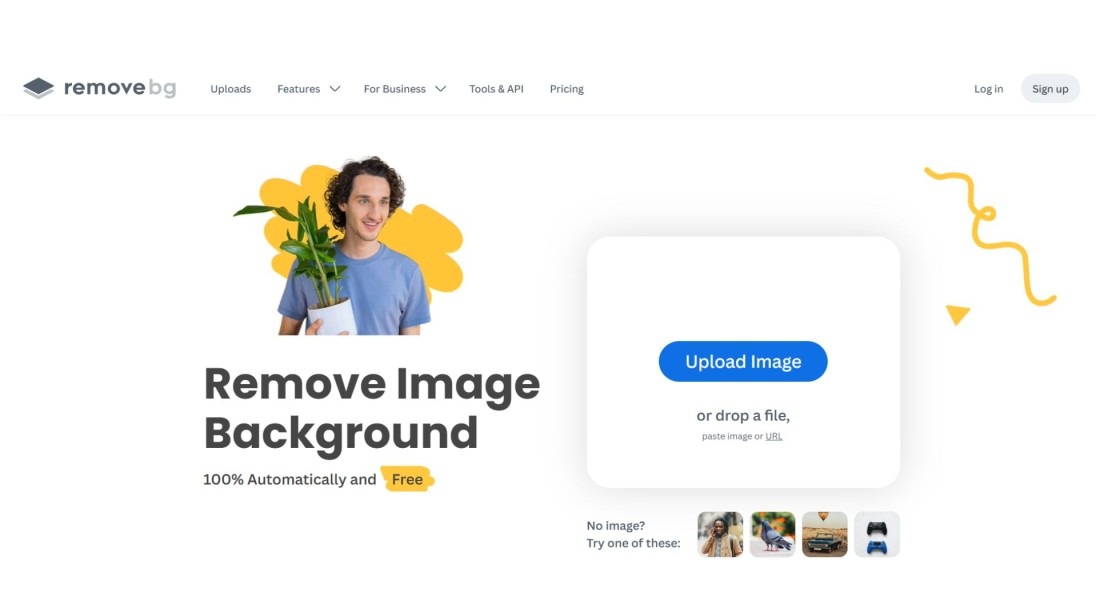
The most popular online background removal tool is Remove.bg. It is also distinguished by high-quality results and a very convenient system. You simply post your picture, and the tool will automatically pull it out.
You may save the result as a transparent picture or insert a new background. It will be useful if you desire to have your photo over a white or coloured background.
It is effective when used on people and product photos. A lot of graphic designers and web sellers utilize this tool to make fast changes.
Remove.bg’s Best Features
- With one click, it removes backgrounds
- It is super precise with human beings and products
- Backgrounds may be added and changed easily
- It has compatibility with desktop browsers and mobile browsers
Canva
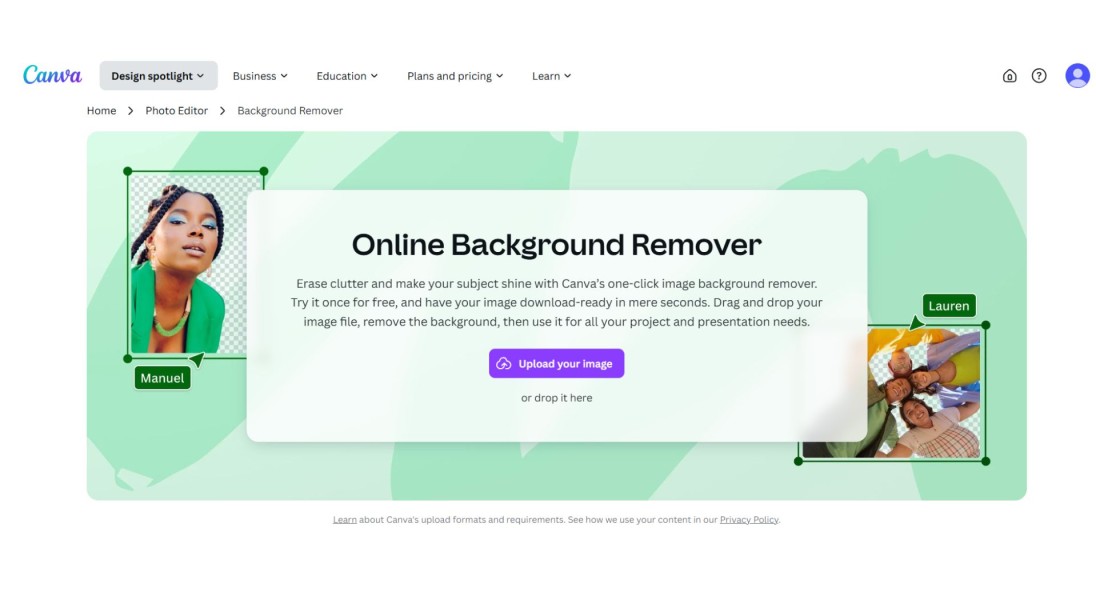
The most popular designer AI background remover tool also allow you to clean up your background, including Canva. Once you have uploaded the image, you can hit the background remover button and then look at the result in real time.
Canva will come in handy as it also has options for designing using your photo, which has been edited. You may have text, frames, icons, and stickers to make posters and advertisements or share them on social media.
It is a popular utility among beginners, students, and business owners as it is all provided under a single roof.
Canva’s Best Features
- It will allow you to eliminate backgrounds and create in a single editor
- One is to apply numerous free templates and design elements
- It is simple to operate even with no design experience
- This is excellent for creating marketing material, school slides, or social posts
PhotoRoom
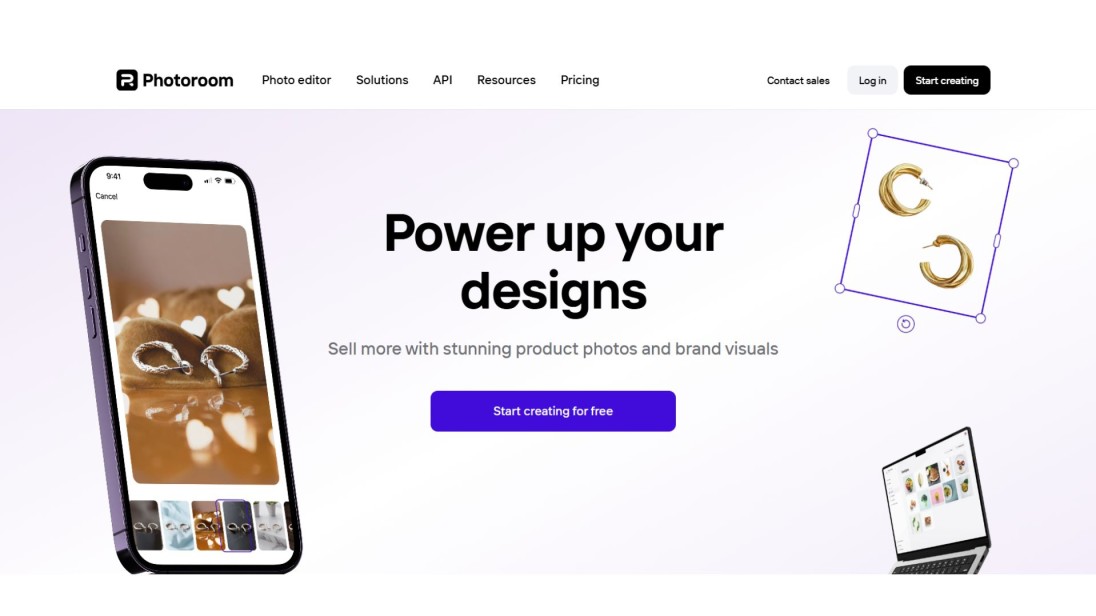
PhotoRoom free background eraser is ideal for those requiring clear and clean product photos. The tool erases the background and allows for the selection of a white, colour, or custom background. This will be ideal in online stores, markets and business directories.
There is also an opportunity to add shadows, edit the layout, and change the photo itself in the tool. It functions on both mobile phones and desktop browsers.
Those who sell products online tend to use PhotoRoom to produce professional-looking photos without employing the services of a designer.
PhotoRoom’s Best Features
- It also provides you with clean cuts with sharp edges.
- It is possible to introduce new backgrounds and effects
- It works excellently as business-related photos of products
- It is effective on the phones as well as on the computers
Fotor
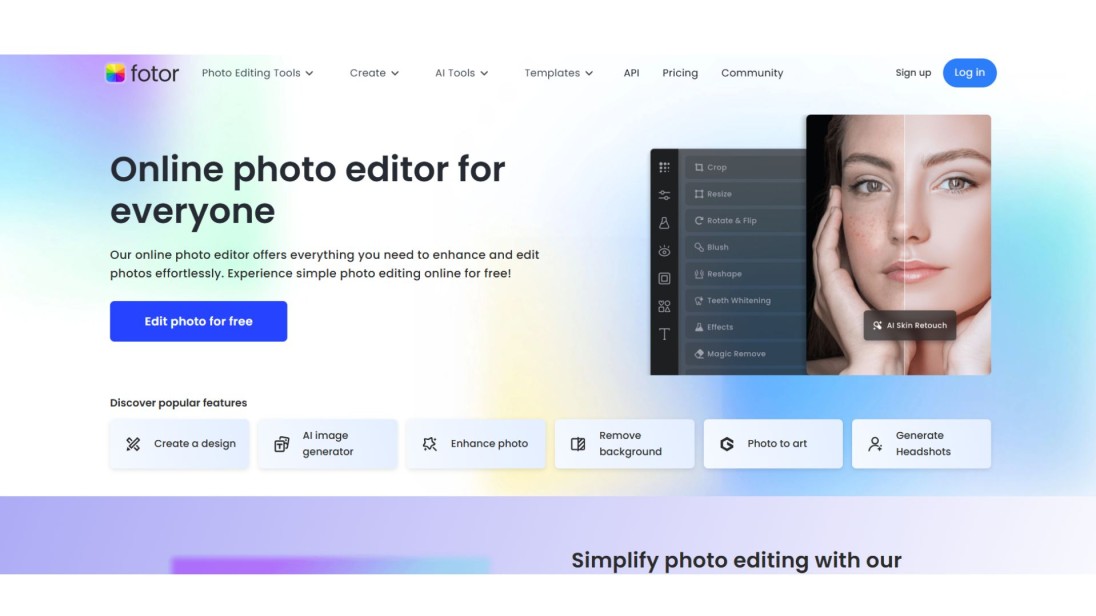
Fotor is an editing tool that features a background remover. Once you have uploaded your photo, the tool removes the background and allows you to make other adjustments. It is possible to crop, adjust brightness, and paste text or stickers.
It is suitable for bloggers, YouTubers, and individuals who are keen on editing their pictures prior to their posting. Fotor is user-friendly and has numerous tools to advance your image.
Fotor’s Best Features
- It does fast background removal
- One can edit the photo later using the in-built tools
- It is helpful in designing banners, thumbnails among others
- Excellent for first-time users seeking classic and smooth effects
Picsart
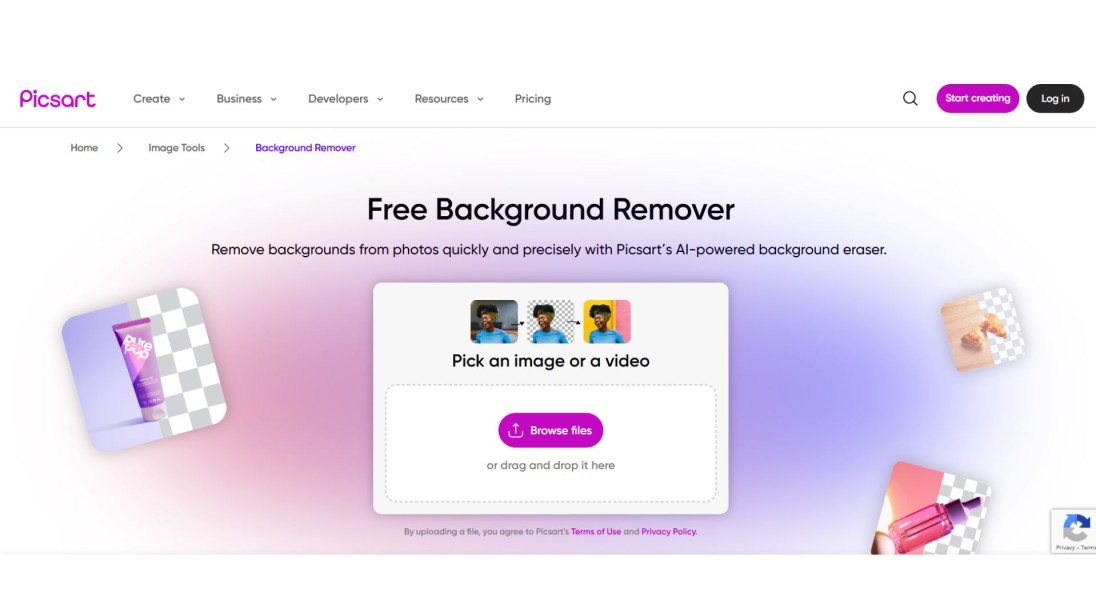
Picsart allows you to remove backgrounds and make your photo ornamental. It is possible to add filters, effects, stickers and other amusing options. It is effective with pictures of people, animals and normal day-out objects.
Most people who use social media enjoy Picsart since it helps them share their content in a distinctive way. It is also possible to make collages, apply some glowing effects, or change the background by making it colourful.
It can be used easily and is both mobile and web-friendly.
Picsart’s Best Features
- It provides fast background erasing
- It is easy to add text, filters and stickers to the photos
- Ideal to make social media content go out of the box
- Entertaining and non-professional editing applications
Helpful Tips for Using Background Remover Tools

These are some of the easy guidelines to achieve maximum results:
- The subject should be easier to detect with good lighted photos so the tool can take a better picture
- Avoid taking a photo against a background that is too busy or messy
- Get in close and see the edges: edges around hair or areas of detail
- In case you want to maintain the background transparent, then select PNG format
- Before uploading, reduce your photo in size when the tool is sluggish
- In case one tool is not yielding a nice result, use another one in this list
When to Use These Tools

You can find numerous applications of background remover tools in your everyday activity or creative purpose.
- They are used by online sellers so that the image of the product can be neat and professional-looking
- Creators on social media rely on them to develop attention-grabbing profile photographs and statuses.
- They are used in school slides and posters by students
- They are used by small business owners in flyers, ads and websites
- Bloggers along with YouTubers use them in thumbnails and headers.
They are efficient devices to save time and make your images look better. You do not have to be a designer to produce nice, clean pictures.
Conclusion
In 2025, you do not require any skills or paid software to delete the photo background. Clean images can be created in a couple of seconds with the help of Zoviz, Remove.bg, and Canva.
All these tools are simple to use and trial. You may even apply the object removal tools after/before you remove the background to repair some added objects in your picture. They make your photos look more professional whether you are doing it at school, business or fun.
A wonderful place, of course, to start with is Zoviz. It is quick, easy and does not require you to join. Taste some of these tools and see which one better suits you. It is possible to have clean and creative images with the touch of a button.


