
Take your brand to the next level with Zoviz today! In this tutorial, you will learn how to transition from a “basic pack” to a “Full brand kit.” Just follow the listed steps to obtain a premium pack that will add that extra spice to your brand’s logo.
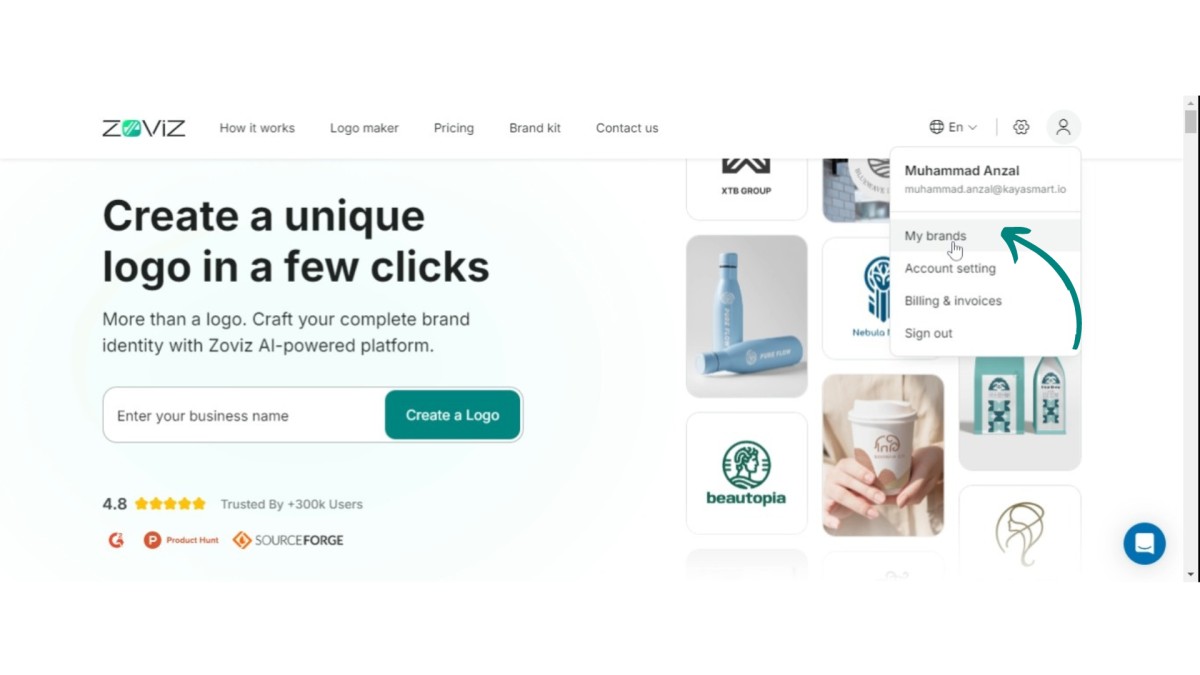
Step 1. Click the profile icon in the top right corner and select “My Brands.”
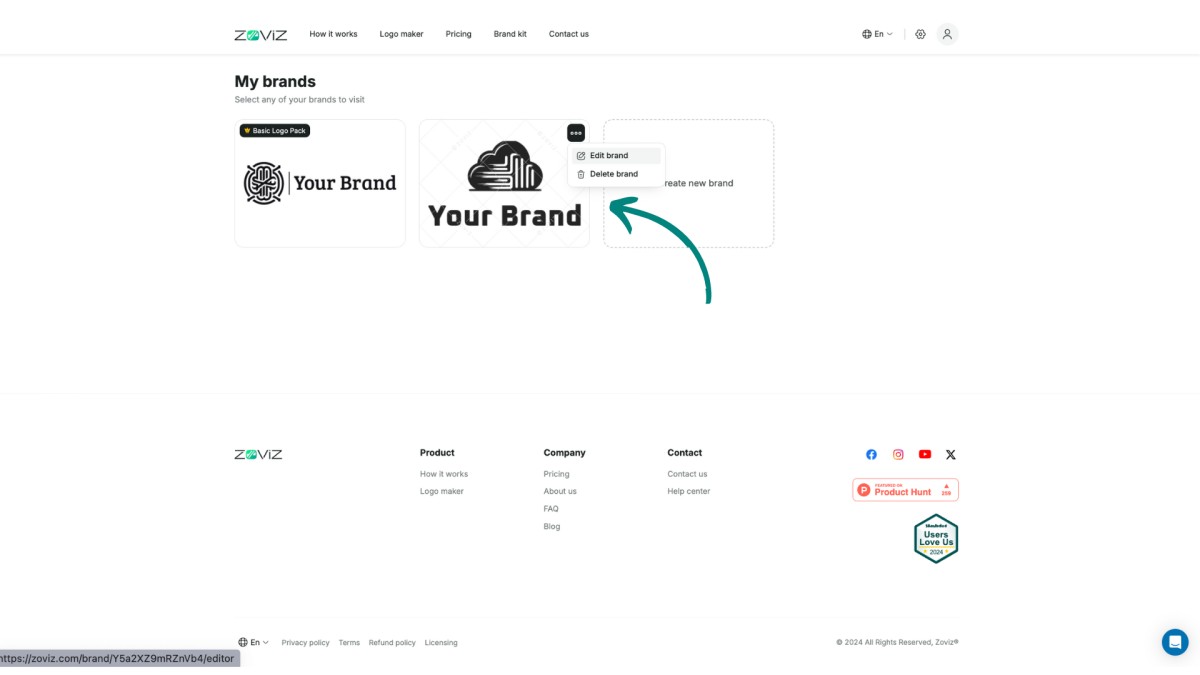
Step 2. Choose the brand kit you wish to upgrade.
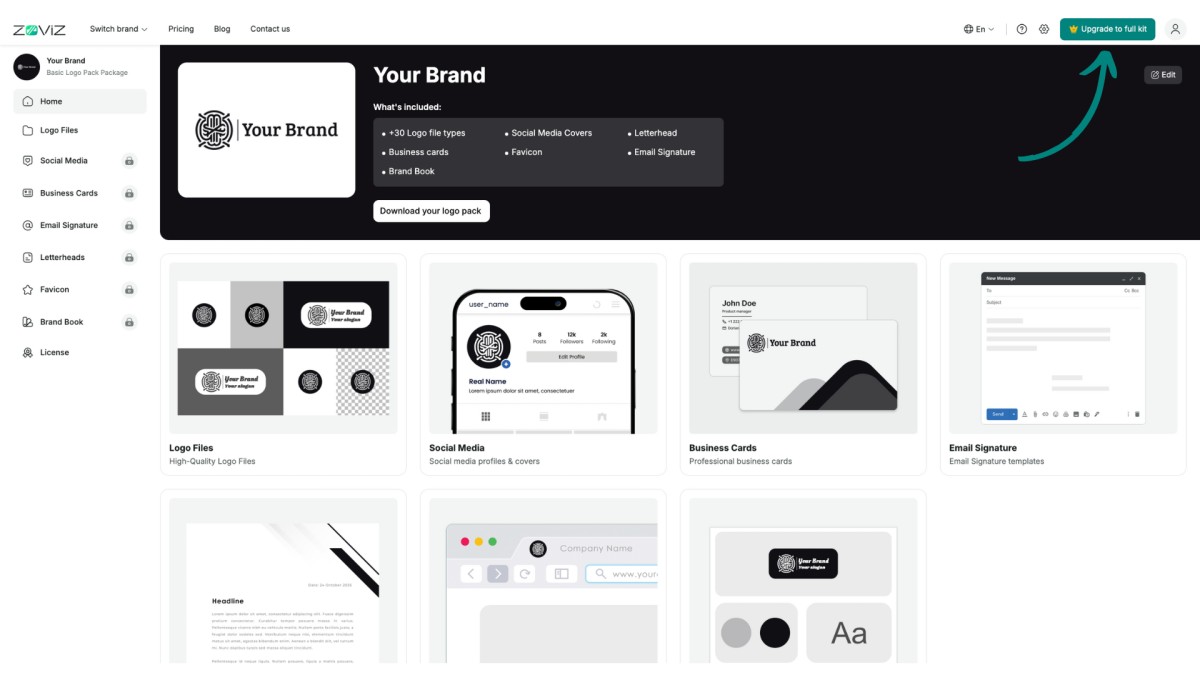
Step 3. Click on “Upgrade to Full Kit.”
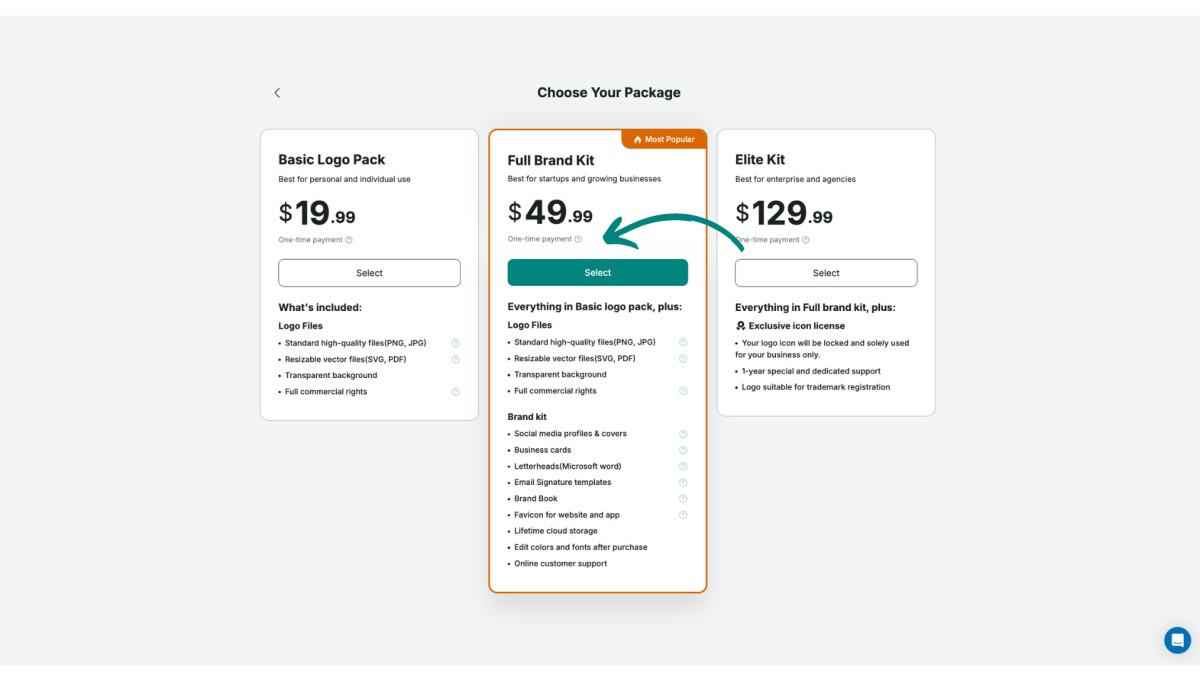
Step 5. Click "Get Your Full Logo Pack."
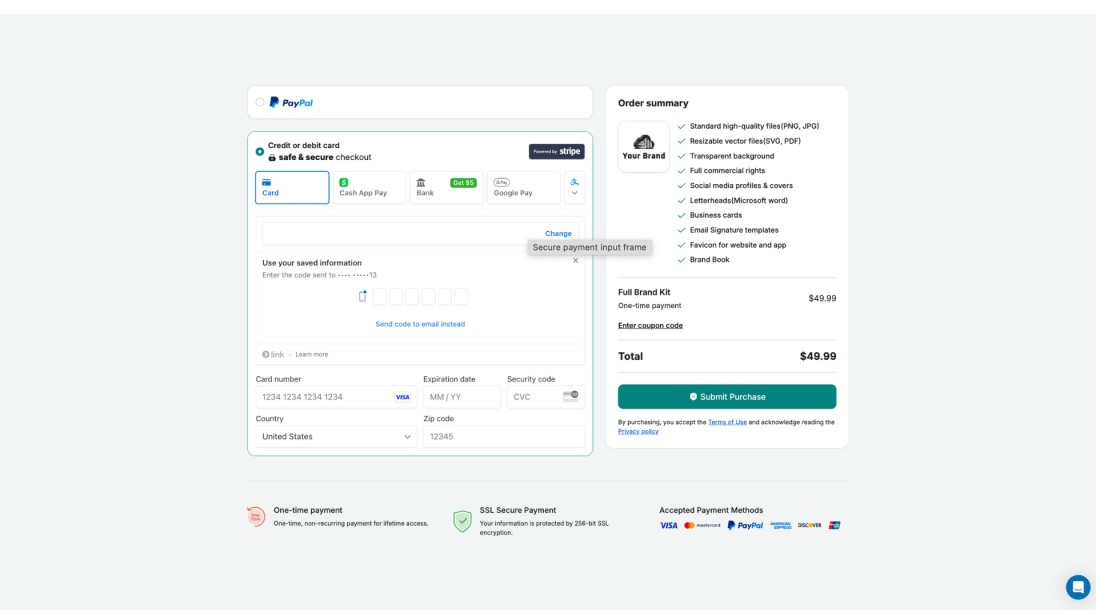
Step 6. Enter your card details to finalize your purchase.
With just a few clicks, you’ll be on your way to a standout brand identity.


