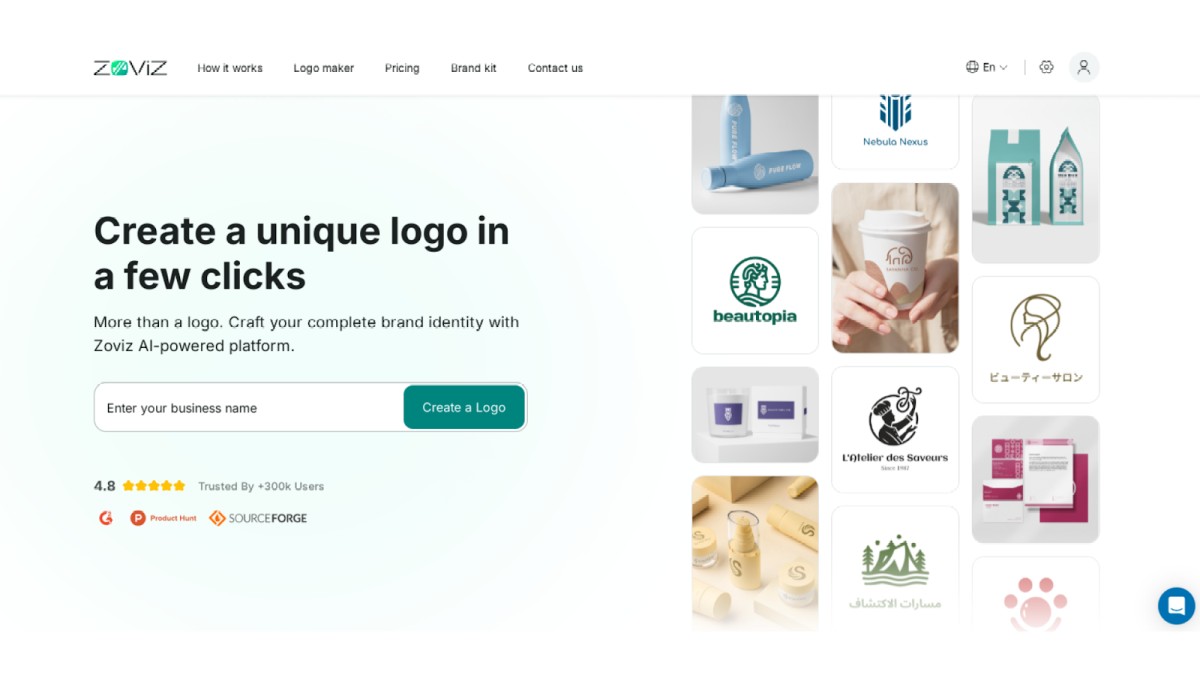
Getting started with Zoviz AI Logo Maker is simple. Here's how to sign up and get access to a set of tools that will allow you to design and develop your brand identity vision.
1. Sign Up with Google
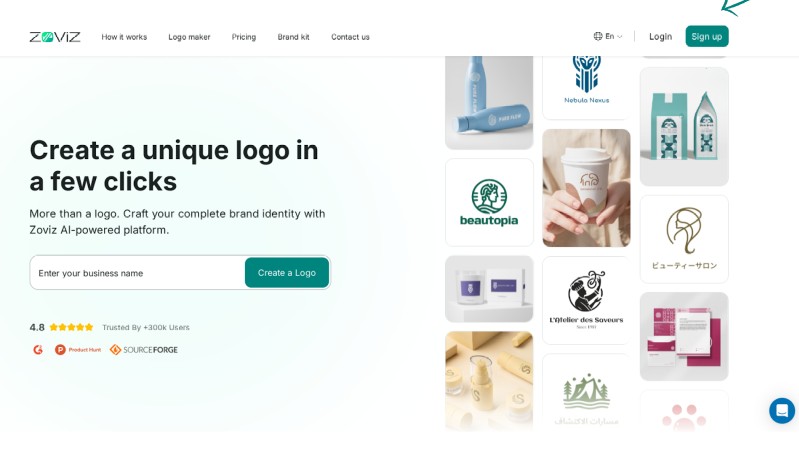
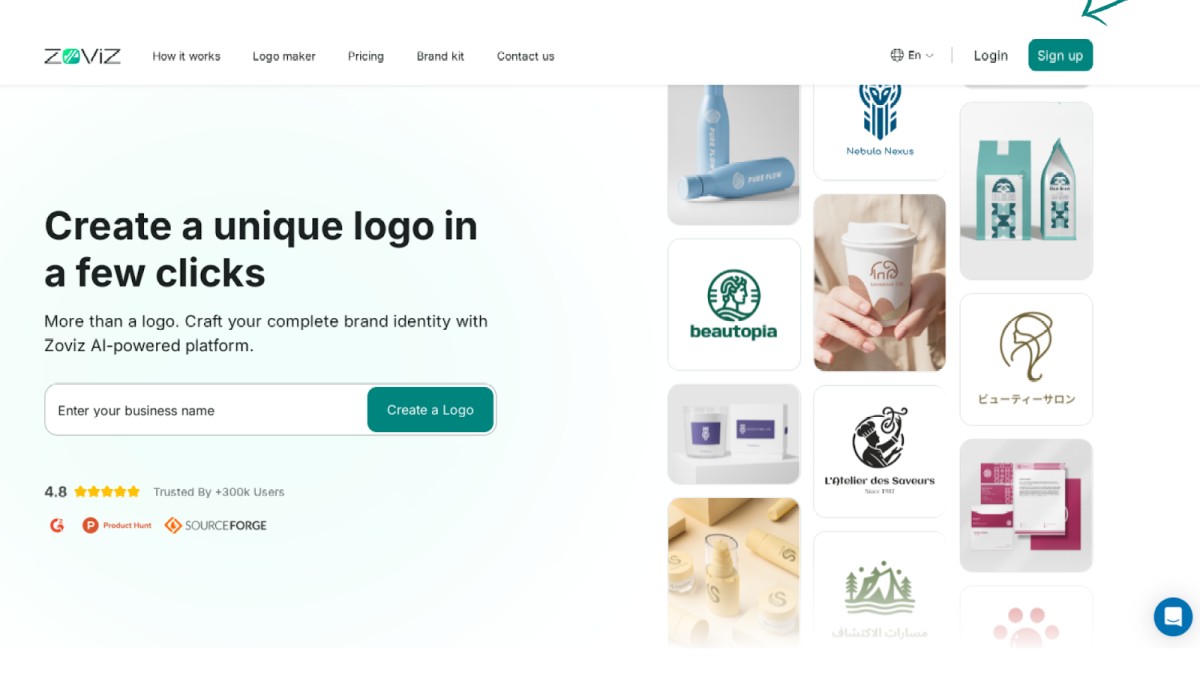
Step 1: Click the sign-up button in the top right corner.
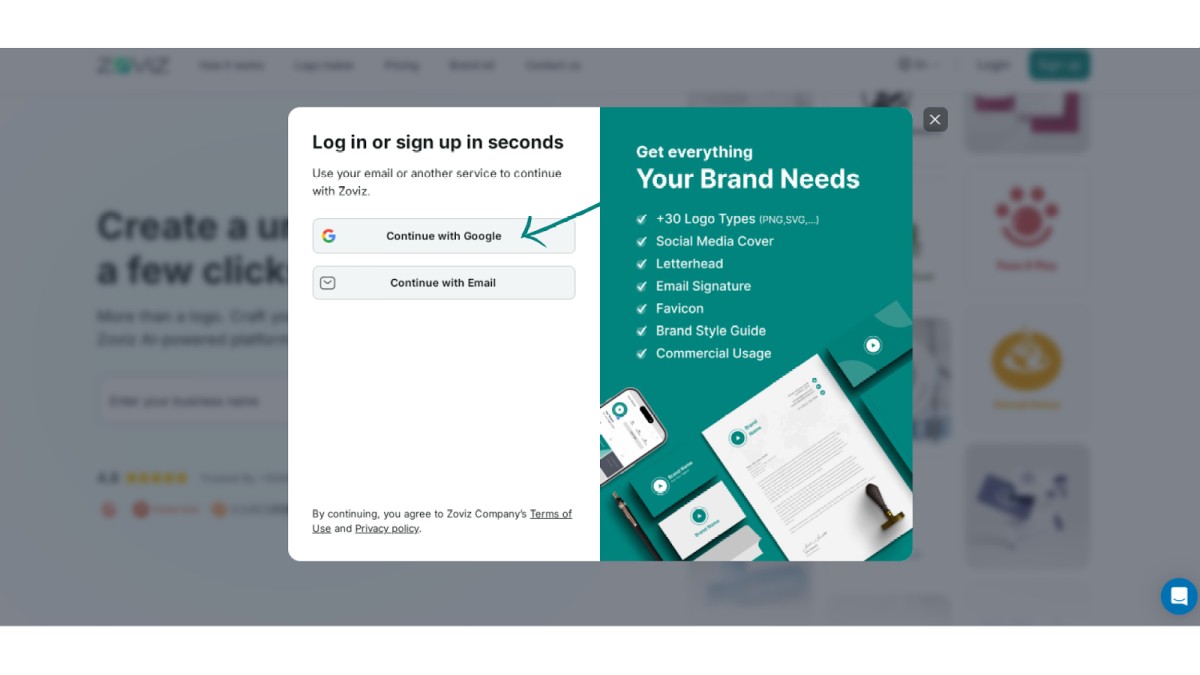
Step 2: Select 'Continue with Google.
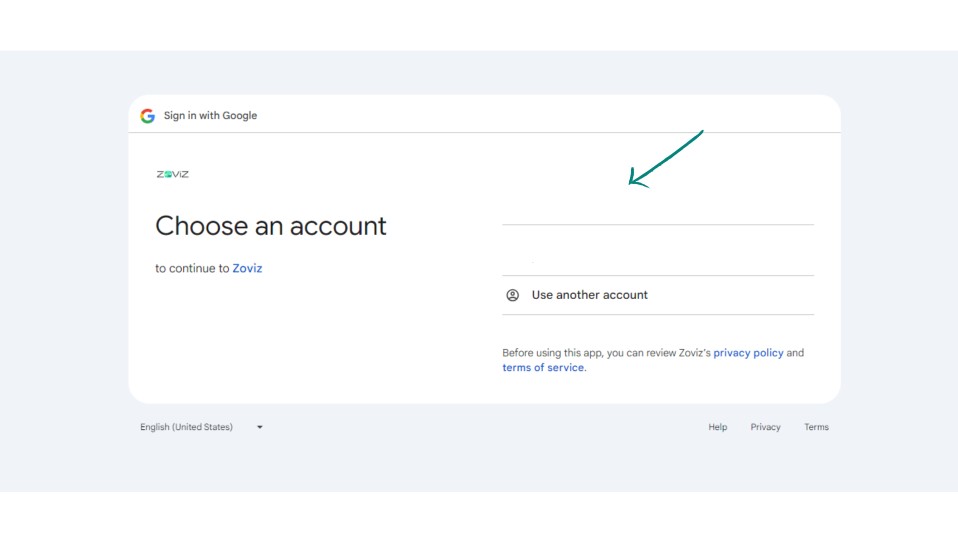
Step 3: Choose the email address you want to use.
2. Sign Up with Email
Step 1. Click on the Sign-Up button in the top right corner.
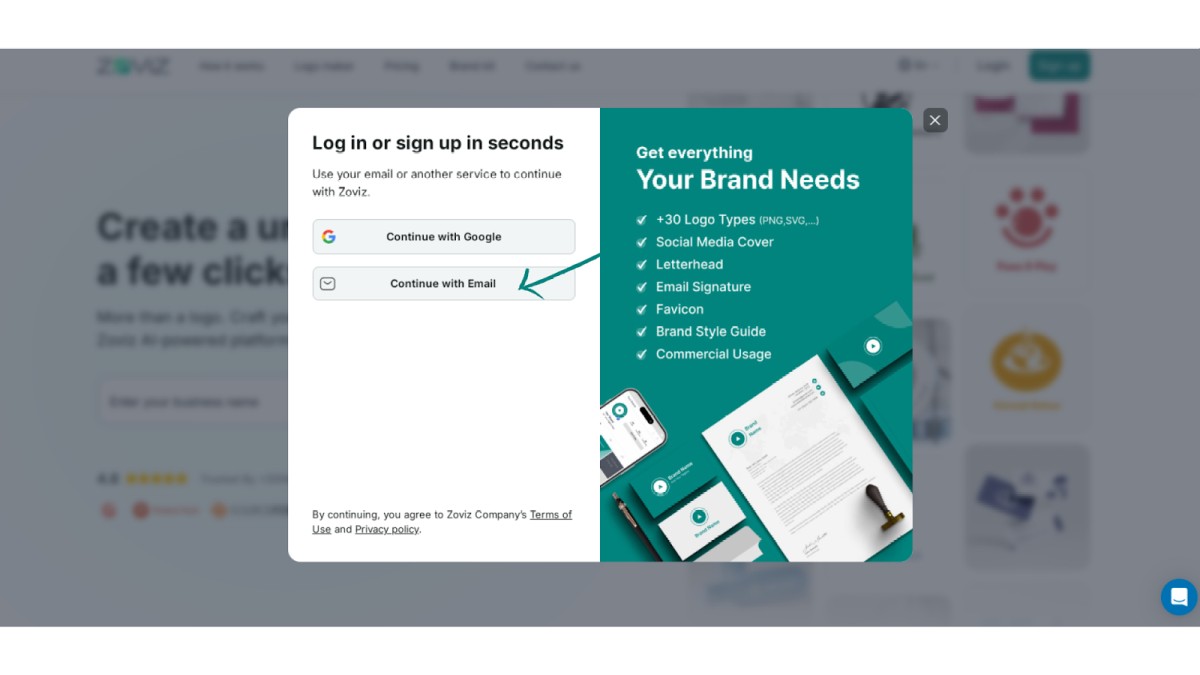
Step 2. Click on the Continue with Email button.
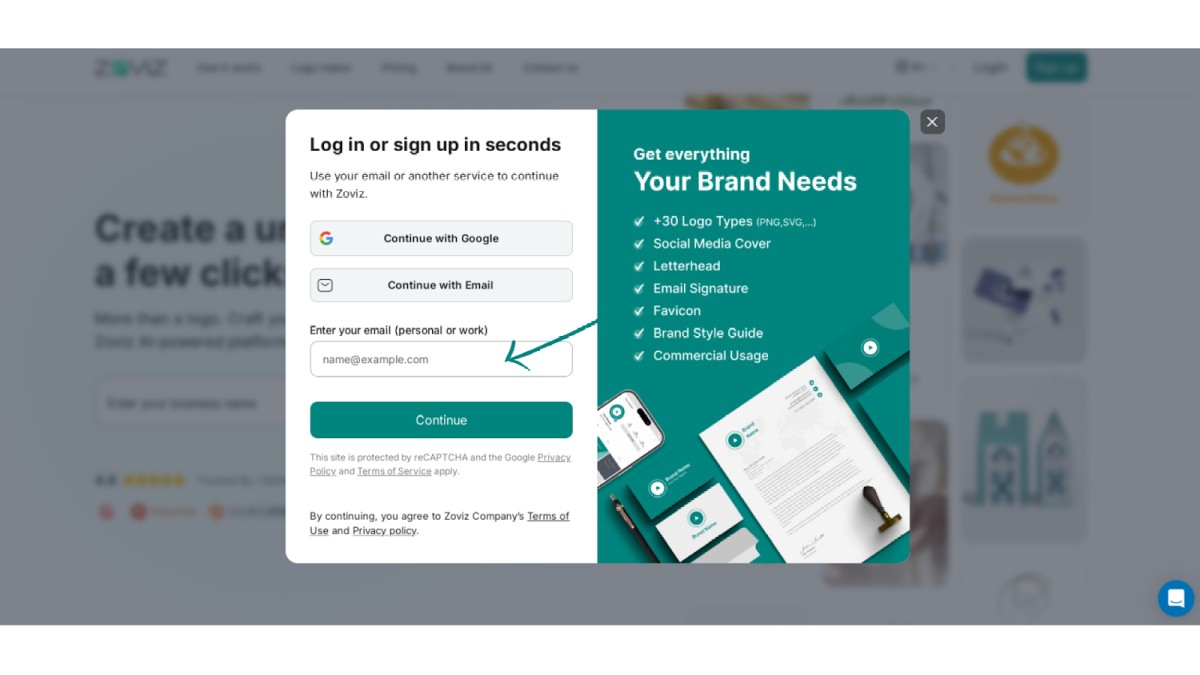
Step 3. Enter your email address.
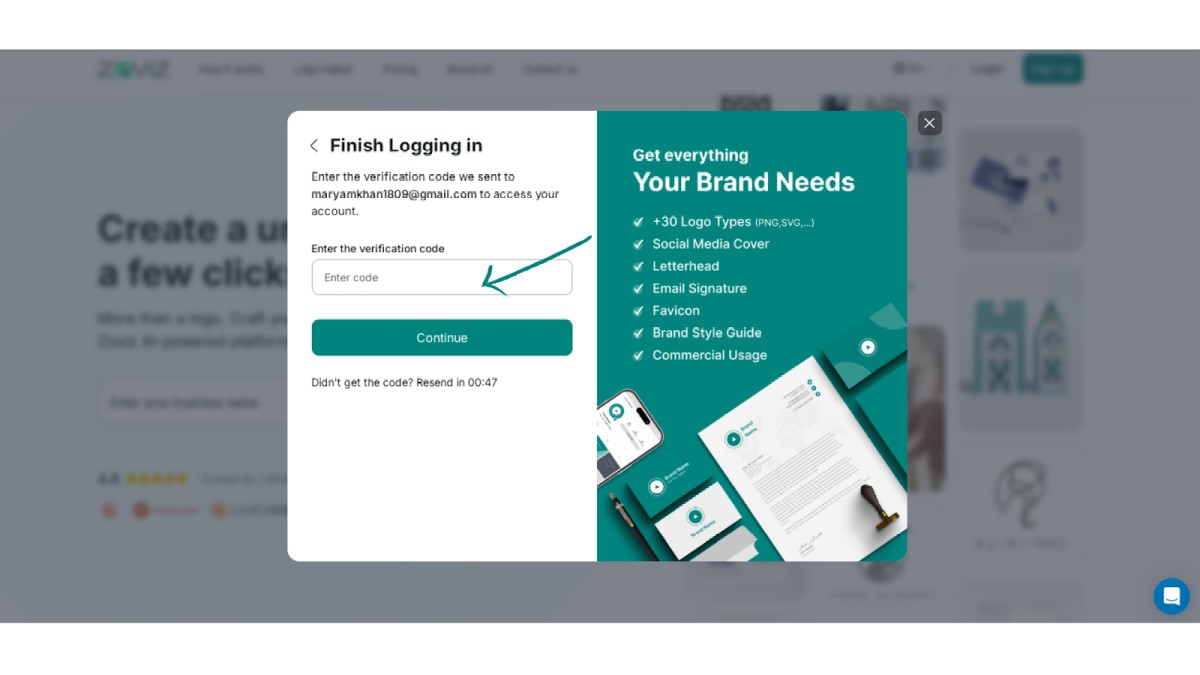
Step 4. Enter the code sent to your email address.
Step 5: Enter your brand name and start using Zoviz