How To Pay With a Credit Card?
It's easy to choose and download logos and brand kits from Zoviz, whether you pick the Basic, Brandkit, or Elite package. You can purchase with a credit card, PayPal, or other options from your user dashboard. Our secure payment process makes getting your logo and brand kit simple. Just follow these easy steps:
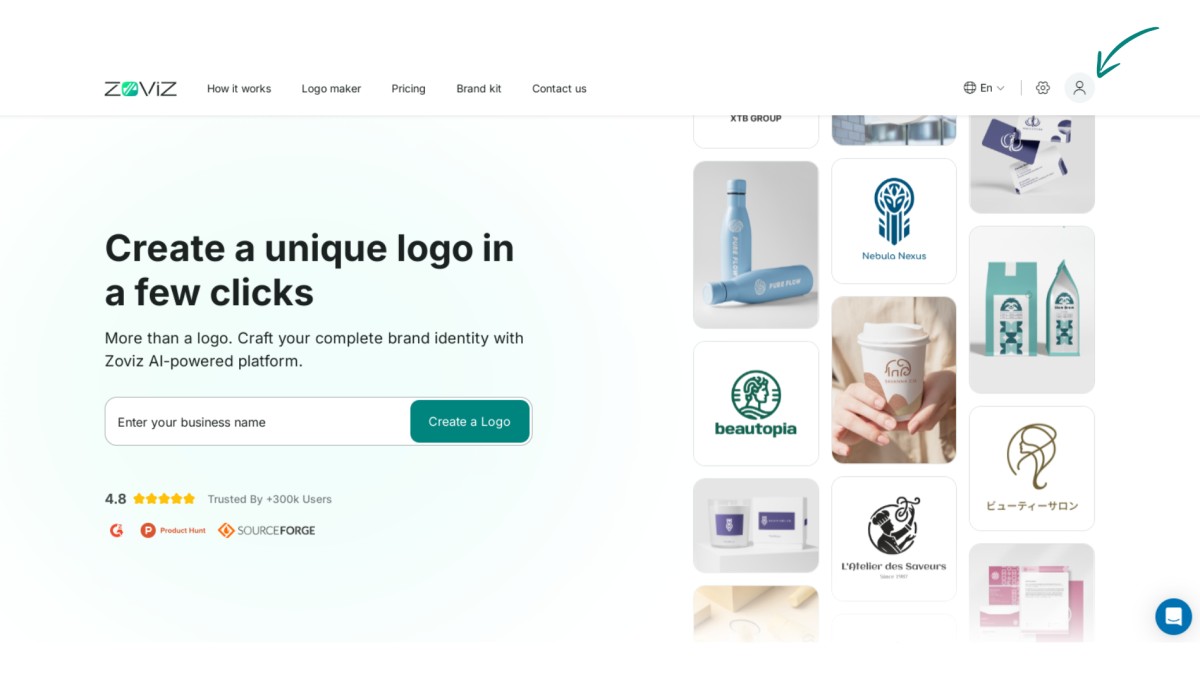
Step 1:Click on the profile icon in the top right corner.
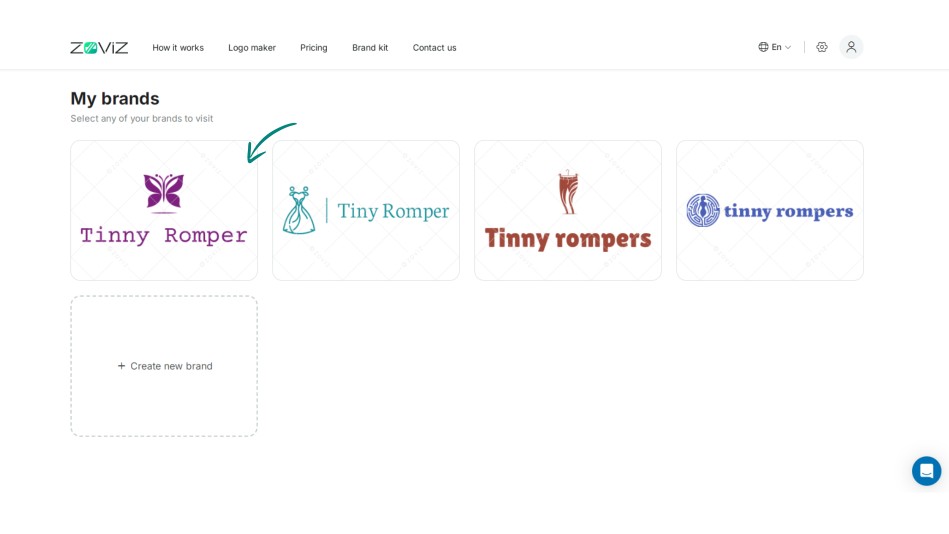
Step 2:Select the logo you want to purchase.
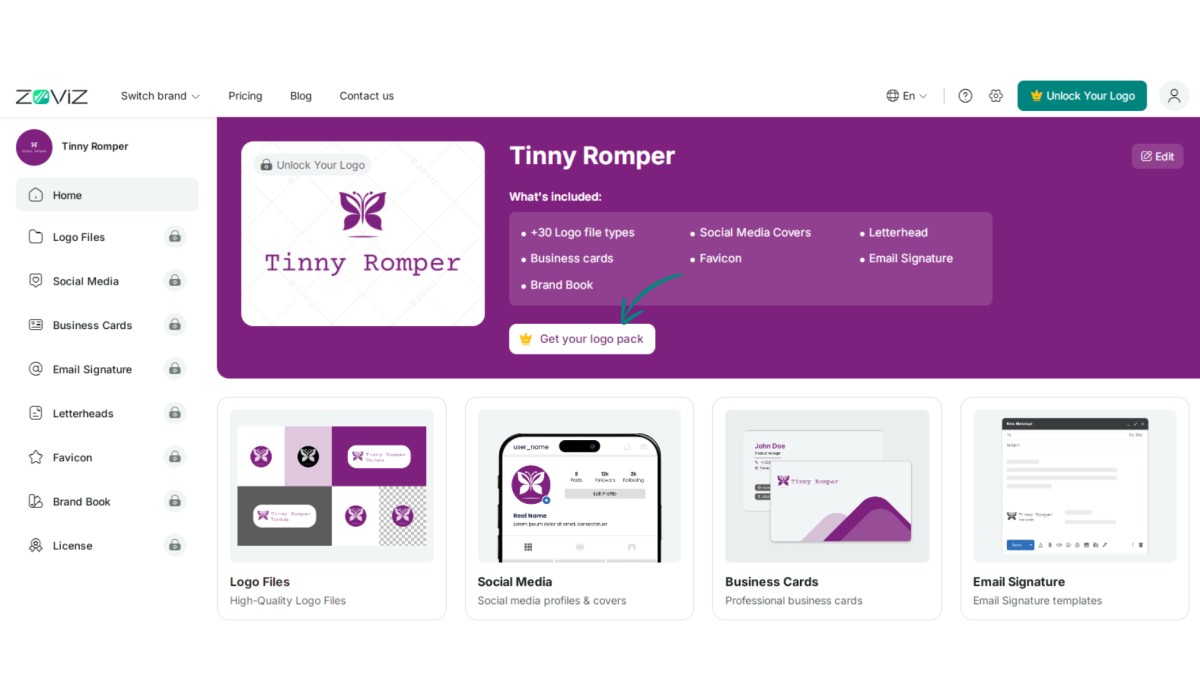
Step 3:Click the ‘Get Your Logo Pack’ button.
Step 4:Choose the logo package that suits you best.
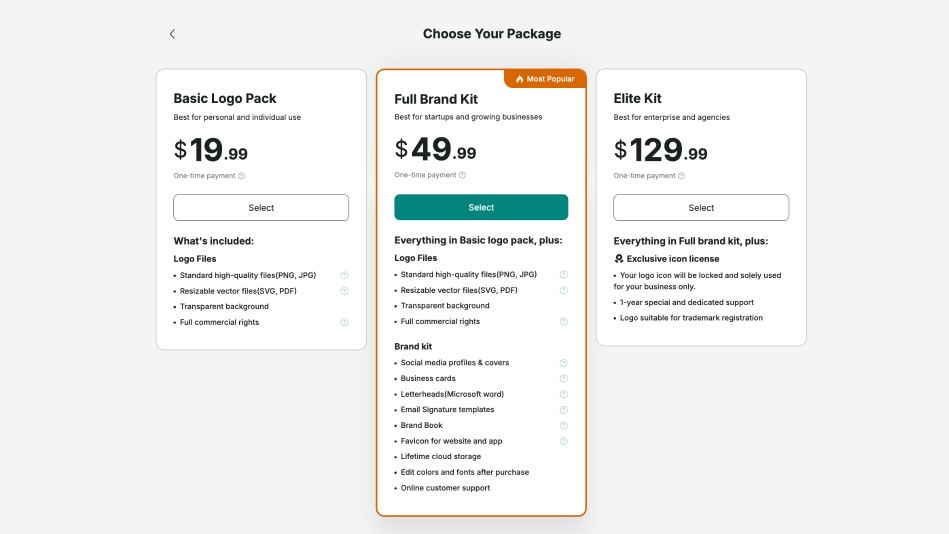
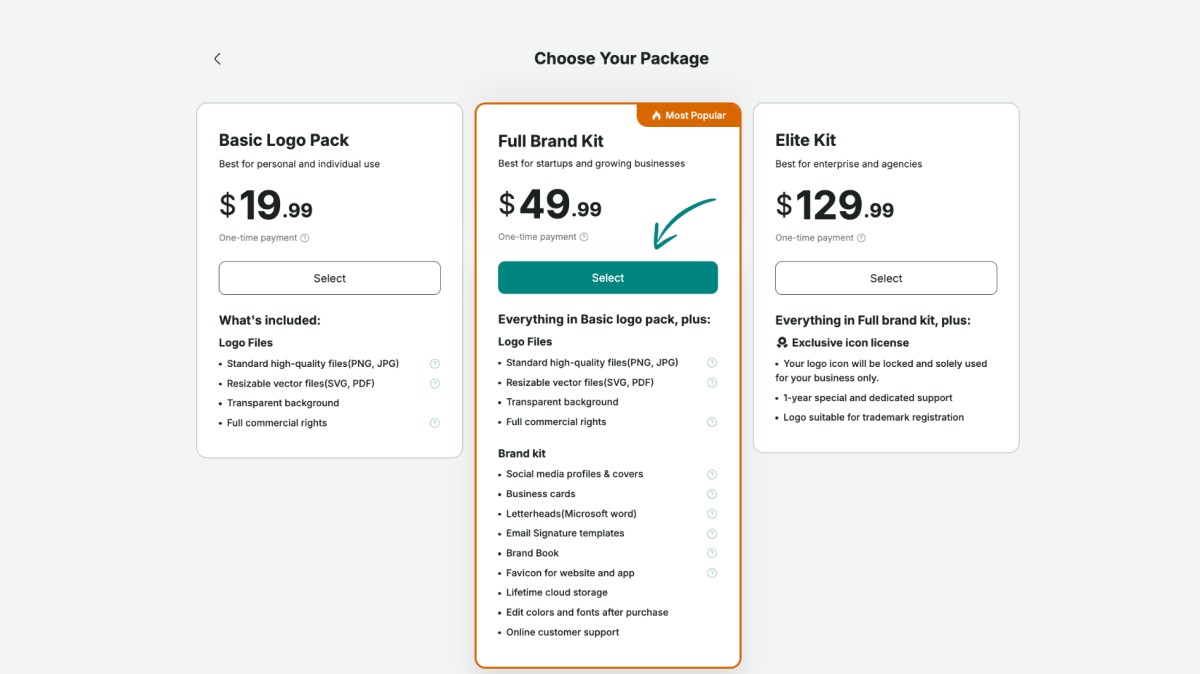
Step 5:Click the ‘Select’ button.
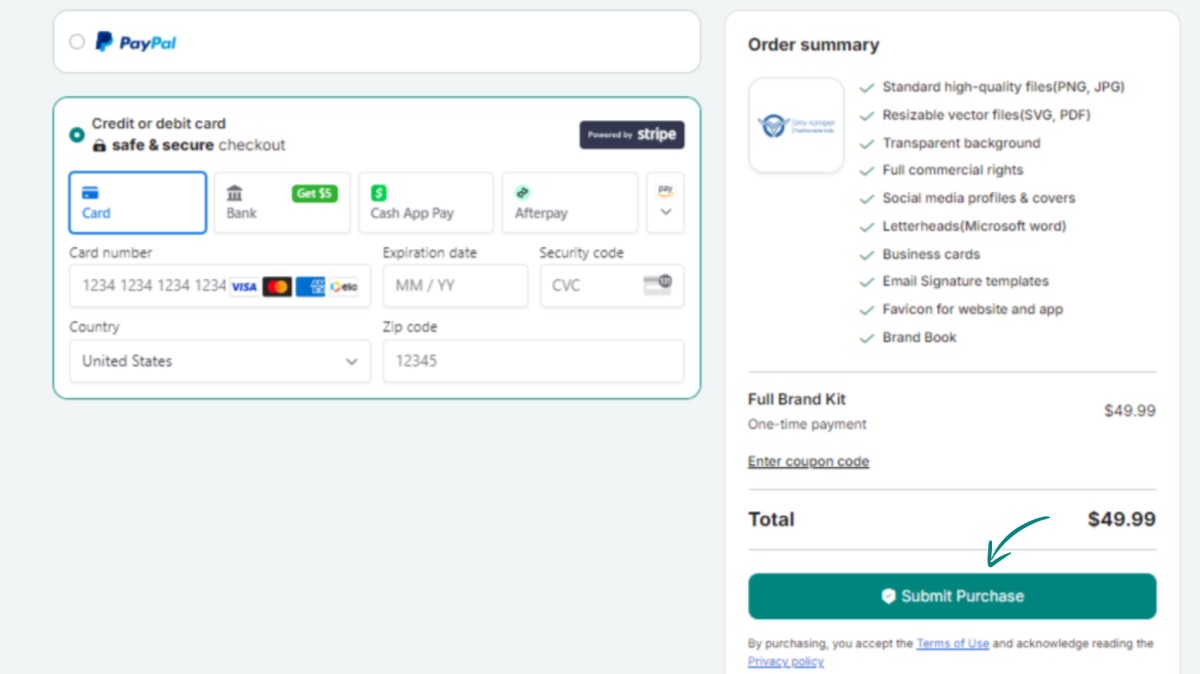
Step 6:Enter your payment and country details.
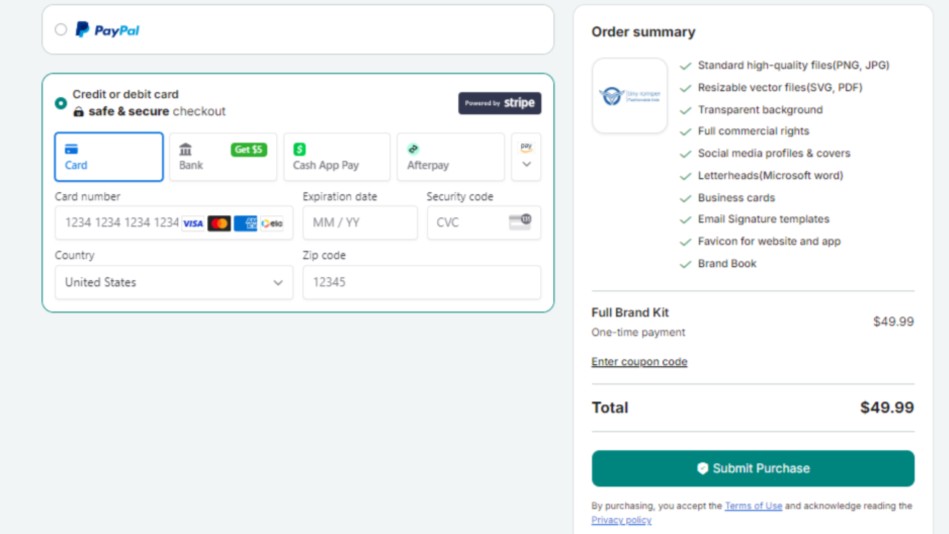
Step 7:Finalize your purchase by clicking ‘Submit Purchase.’