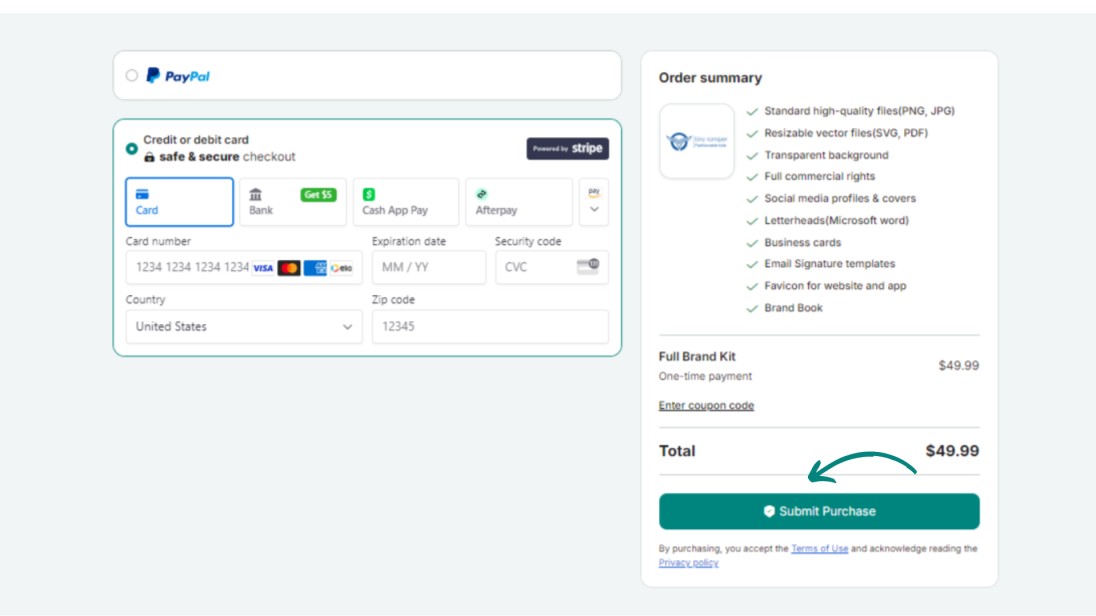
Save better on Zoviz in several easy steps! Read on to use a discount code you do not know how to apply. Let’s guide you through how to use your discount code successfully in the next couple of steps.
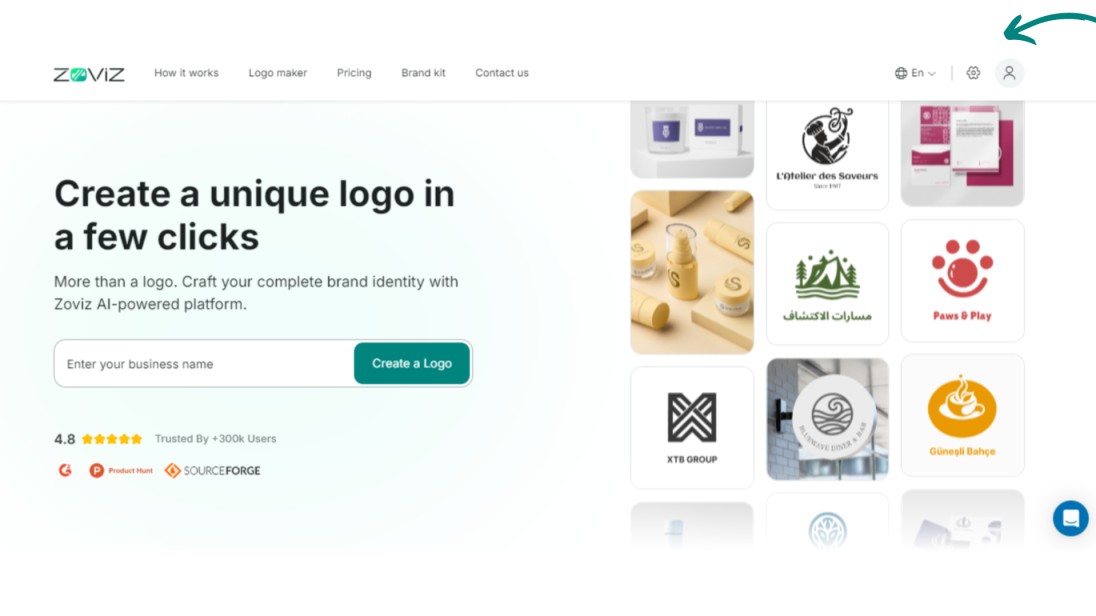
Step 1. Navigate to the upper right of the top bar and click the profile button.
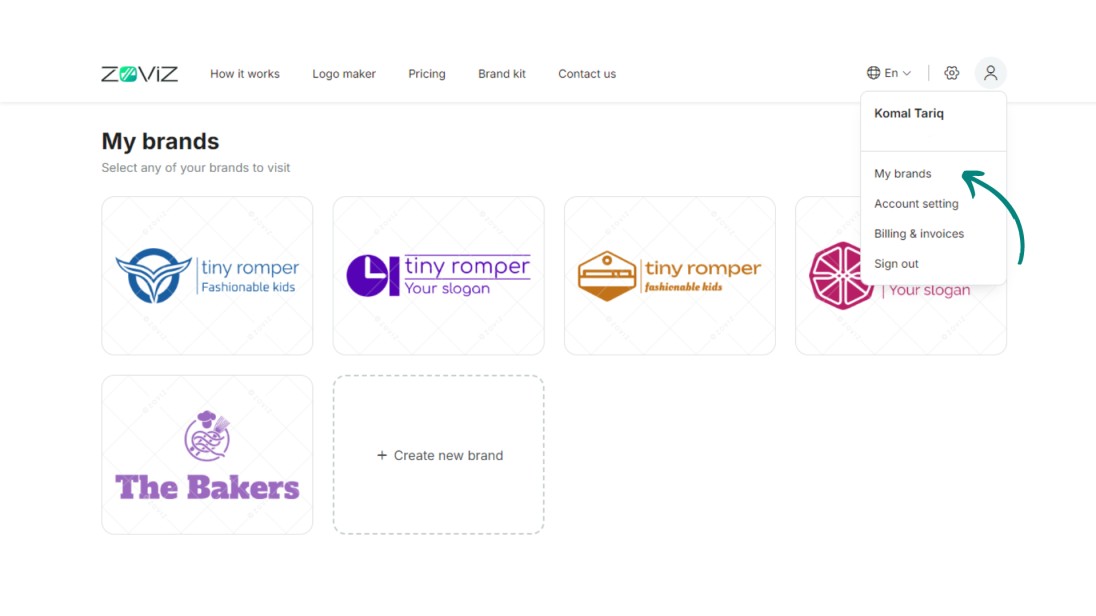
Step 2. Click on ‘My Brands.’
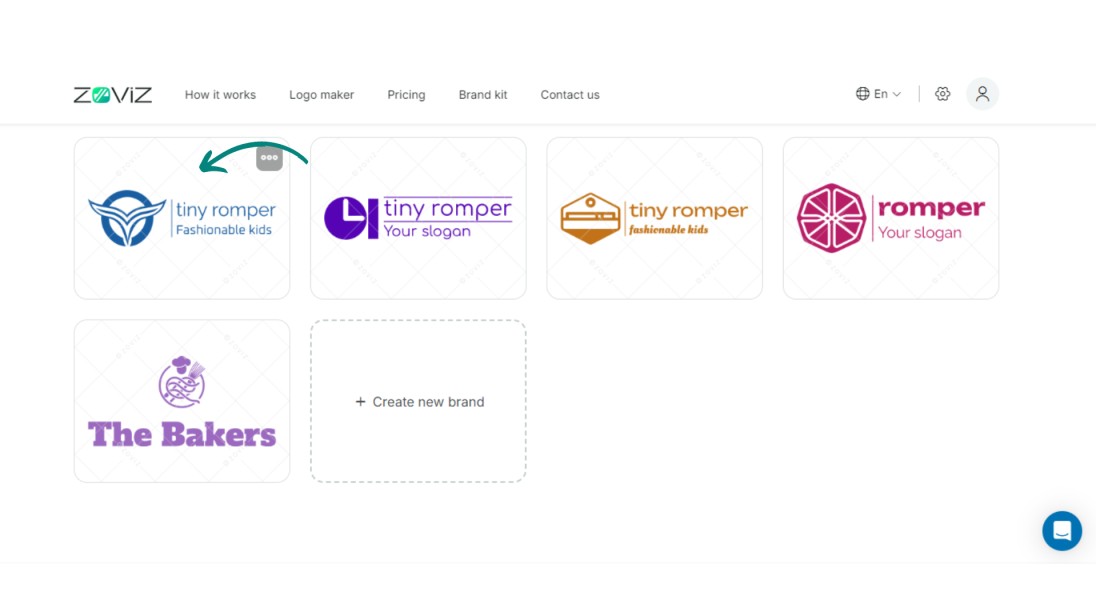
Step 3. Select the logo for the discount that you wish to apply.
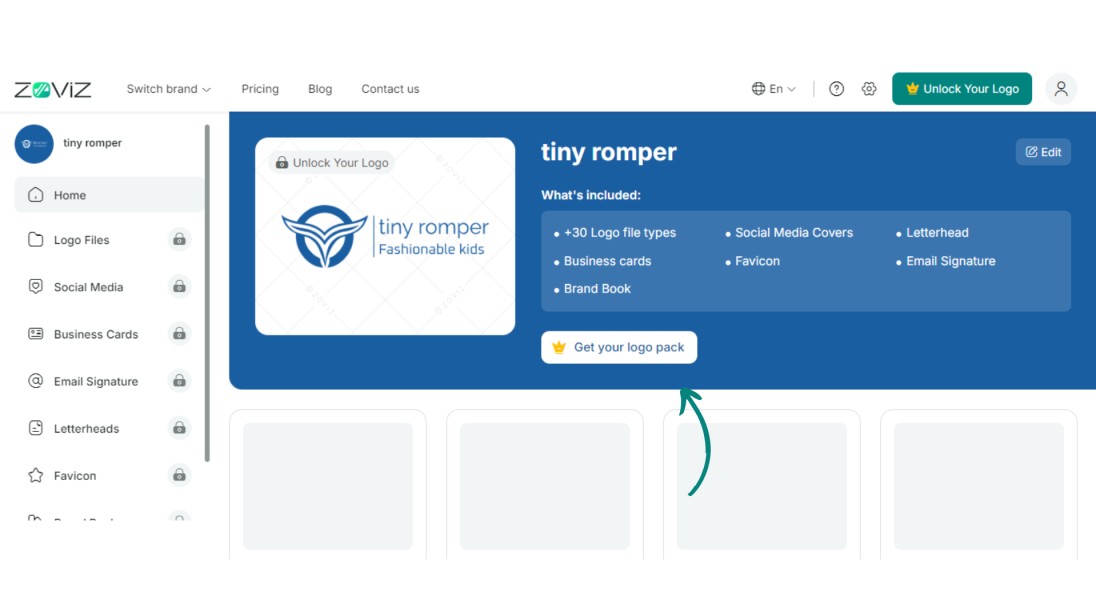
Step 4. Click on "Get you logo pack"
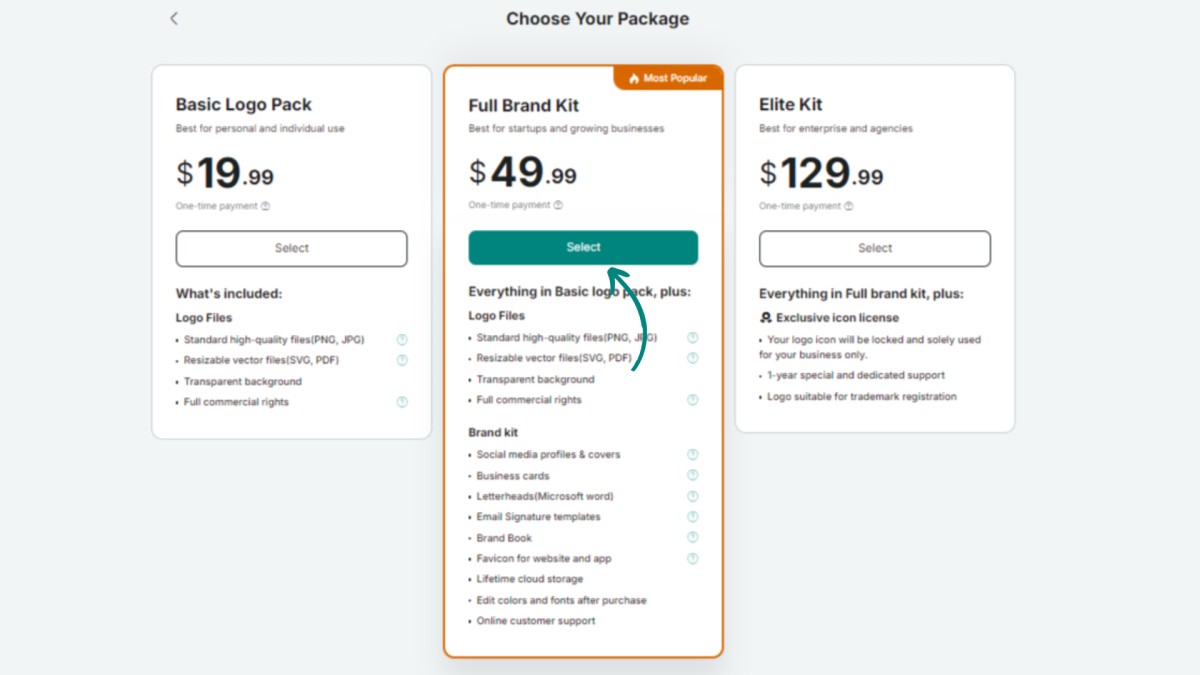
Step 5. Choose your package and then click on ‘Continue.’
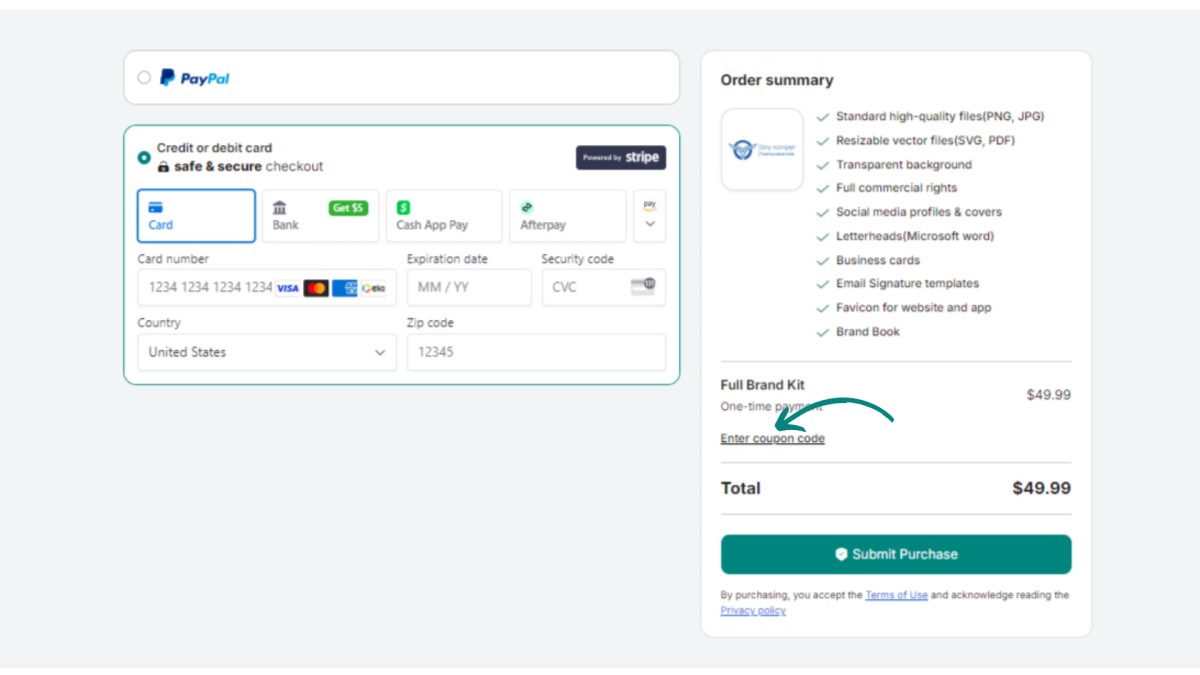
Step 6. Proceed and click on the “Enter coupon code” button.
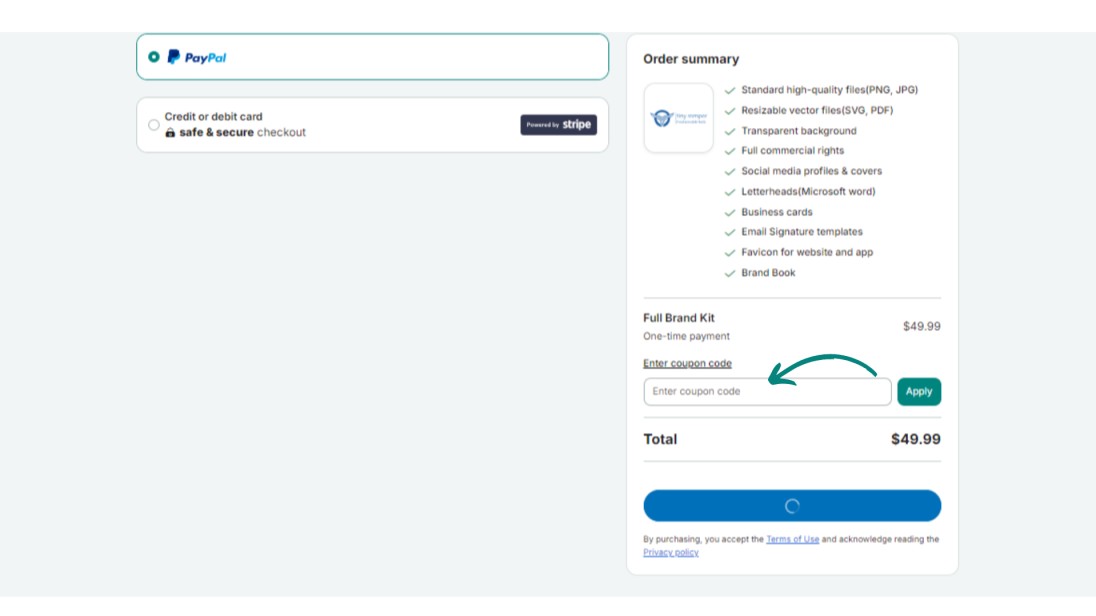
Step 7. Enter the coupon code and click the “Apply” button.
Step 8. Proceed with your discounted purchase