
How to Change Your Logo Font using Zoviz

How To Change Your Font
Selecting a font that suits your brand is necessary when working on your logo. That is why, with Zoviz, we will help you meet them and, as a result, make it as easy as possible. Here are the simple steps to change the font
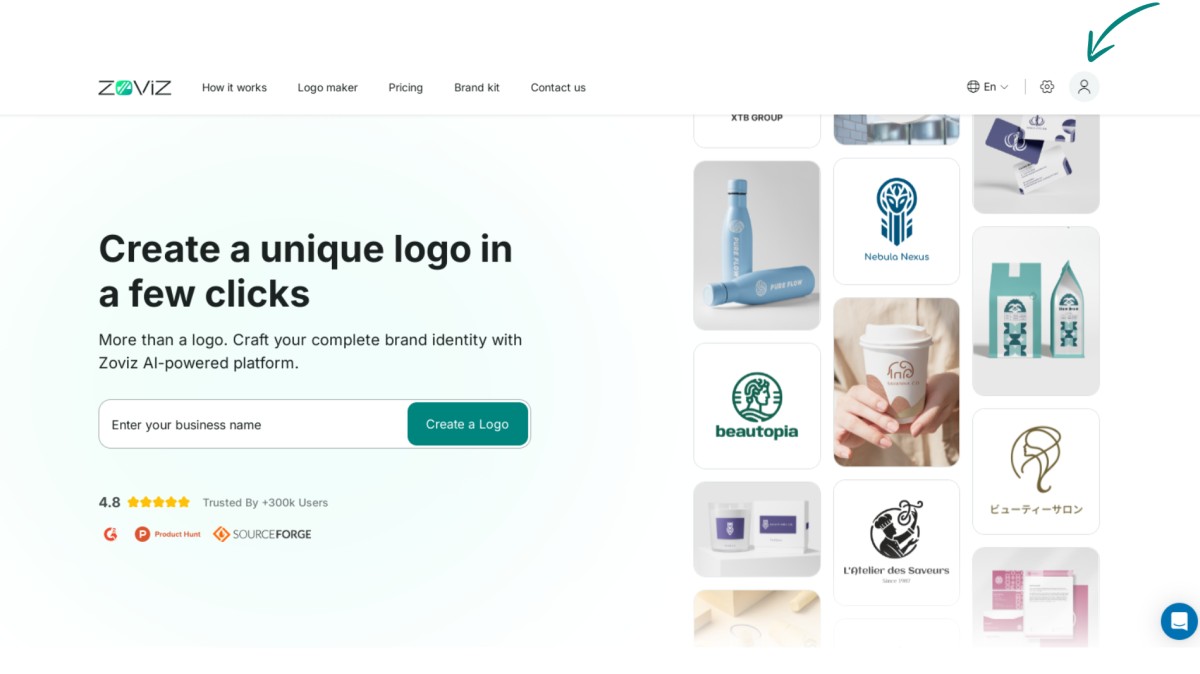
Step 1. Go to the top right corner of the screen and find the profile button.
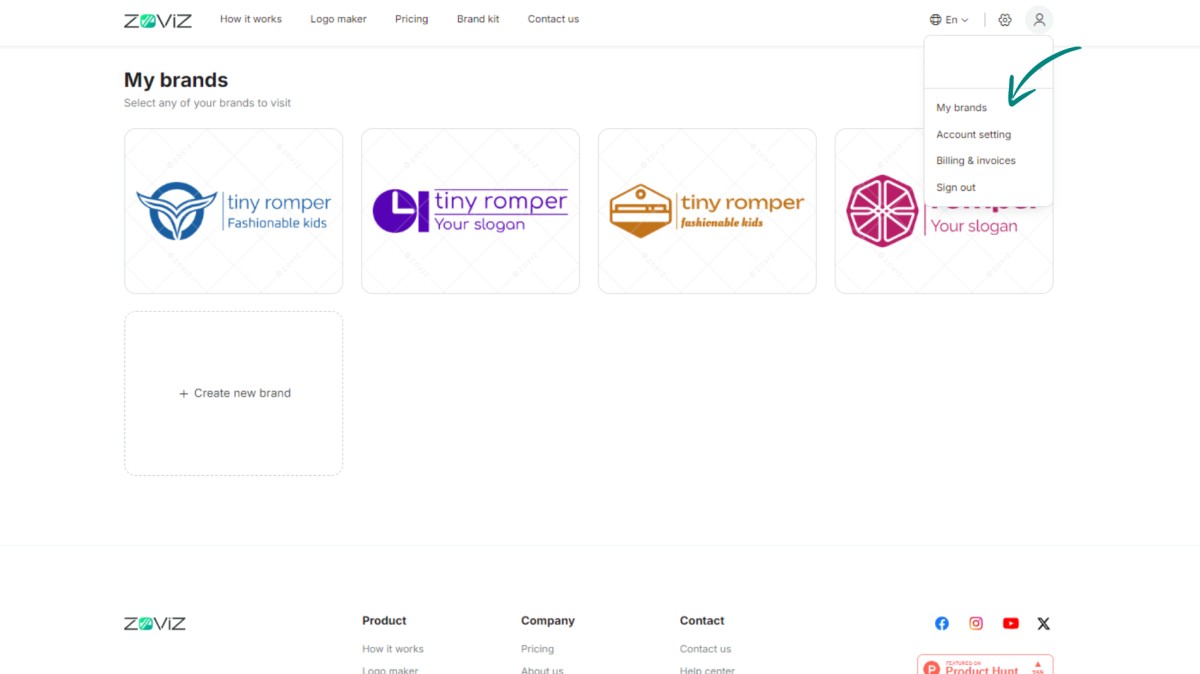
Step 2. Select "My Brands."
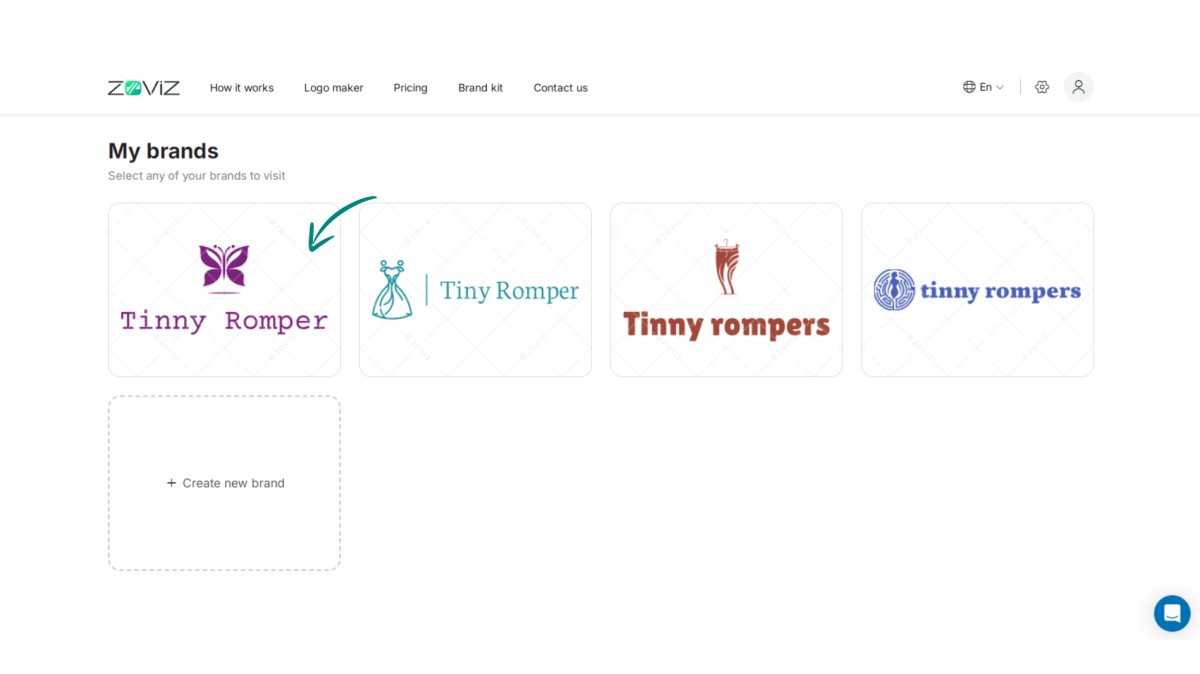
Step 3. Select the logo that needs to be changed.
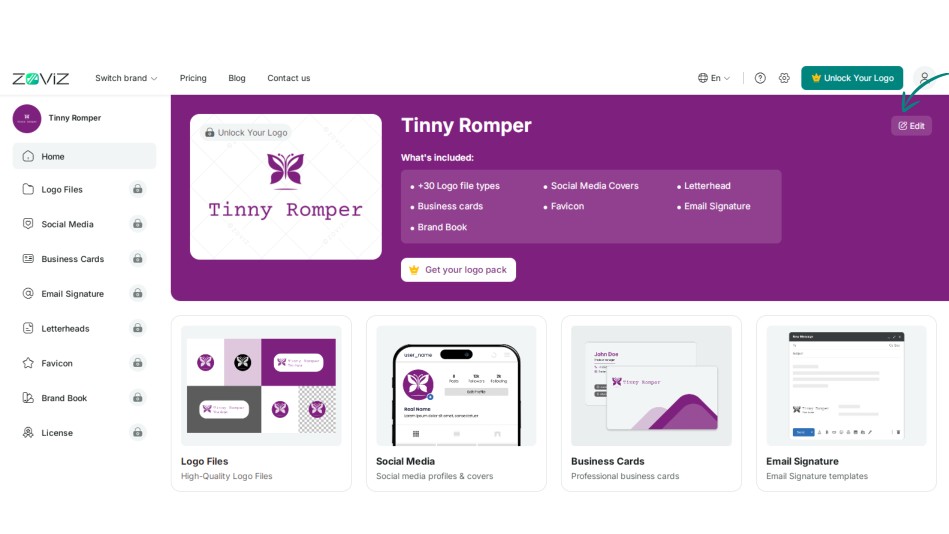
Step 4. Click the Edit button.
Step 5. Navigate to the link in your logo.
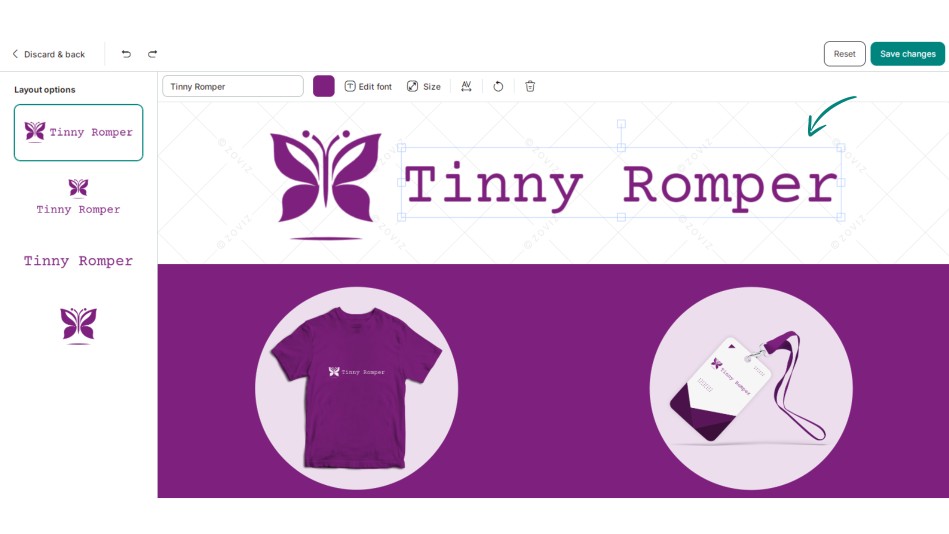
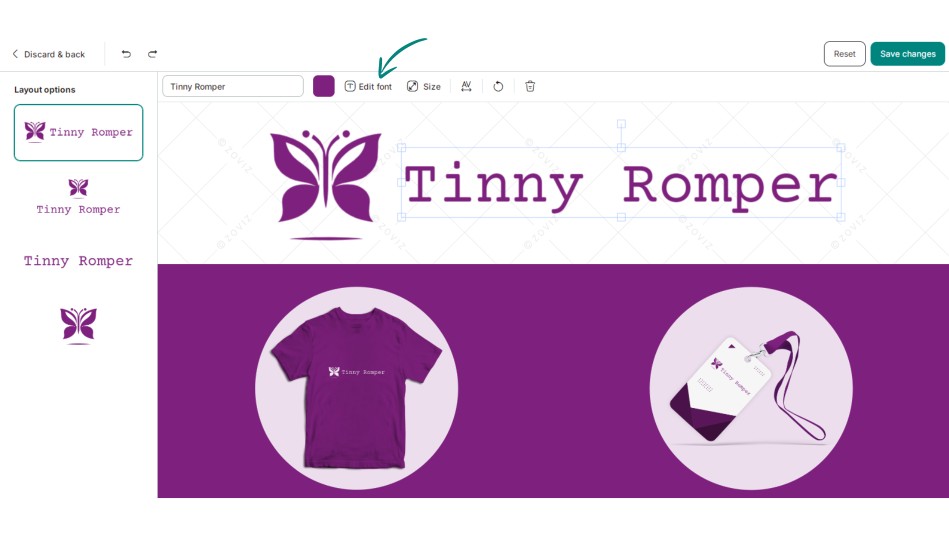
Step 6. Now, click on the “Edit Font” button.
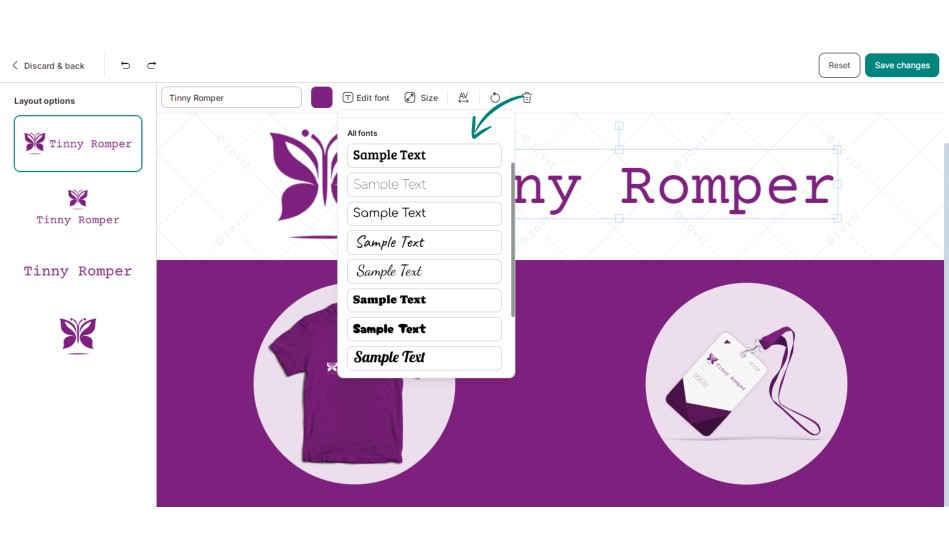
Step 7. Choose the appropriate font for you.
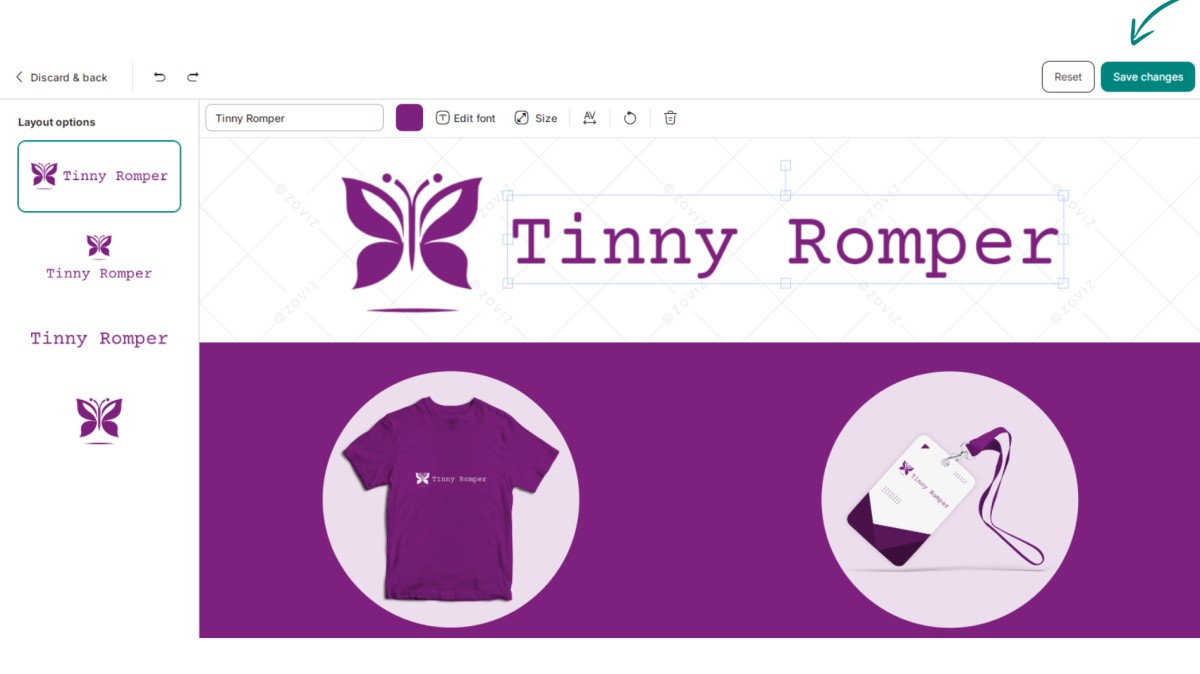
Step 8. Press "Save Changes. "
Dapatkan buletin eksklusif
Berlangganan sekarang untuk mendapatkan pembaruan terbaru langsung ke inbox Anda. Jangan sampai ketinggalan!
Direkomendasikan untuk Anda


Coba Pembuat Logo Zoviz
Masukkan nama merek Anda dan dapatkan pilihan logo dalam hitungan detik.


