
How Can You Access Your Brand

How Can You Access Your Brand
Using Zoviz to access your brand materials is easy and convenient. Once the creation process is complete, we’ll help you navigate downloading and using your brand assets. It includes your logo, social media covers, and everything else you need in terms of branding, and it will all be sorted and easily accessible. Stick to the following guidelines to help you maximize your Zoviz brand kit.
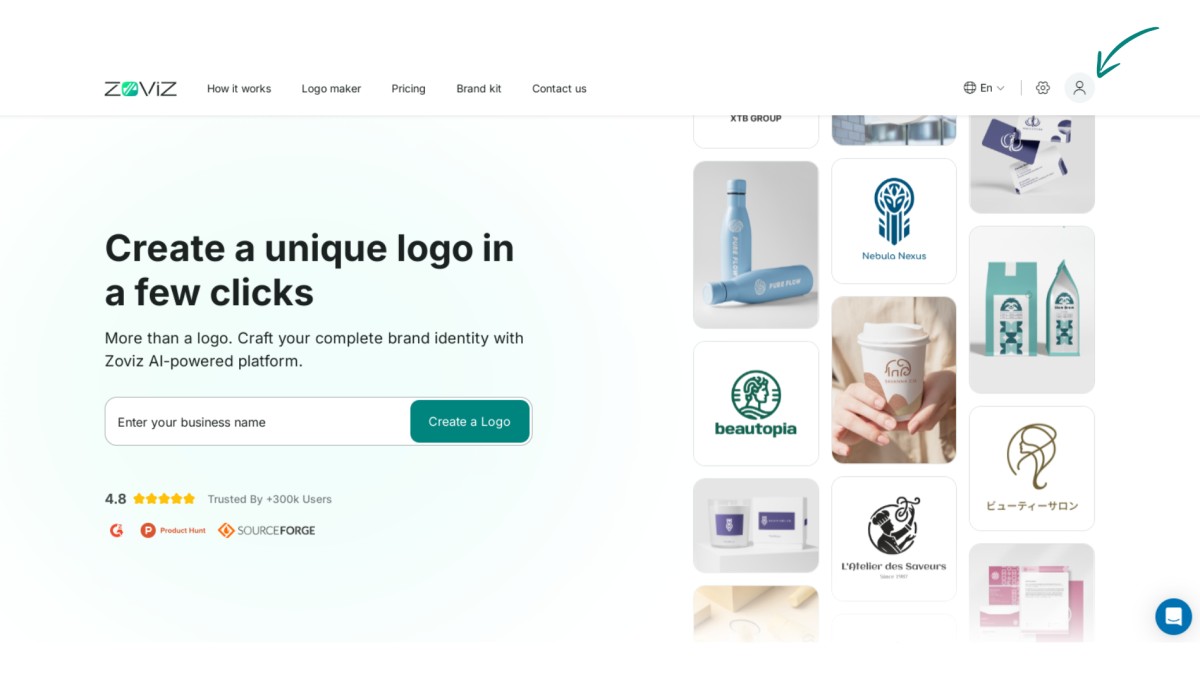
Step 1. Click on the profile button in the top right corner.
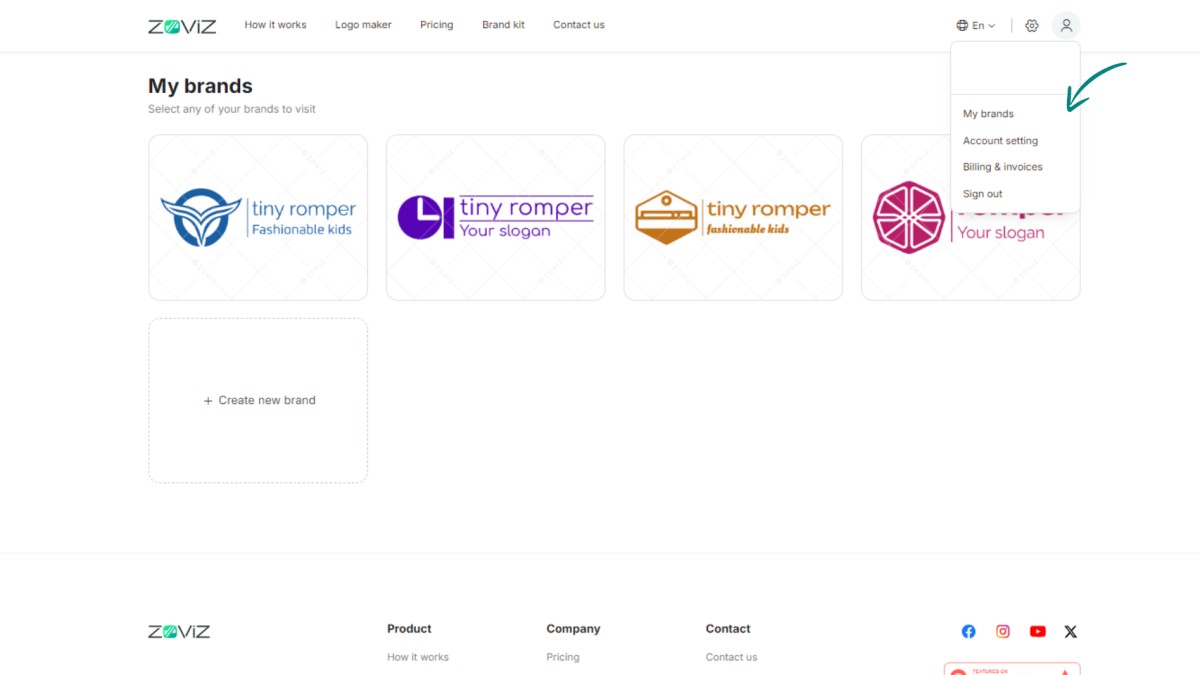
Step 2. Select 'My Brands.'
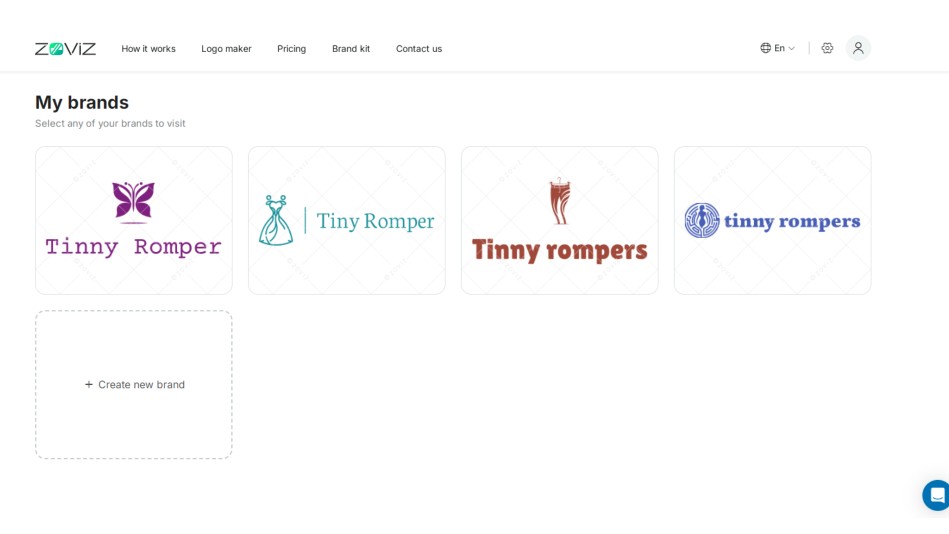
Step 3. Look through the brands you've created.
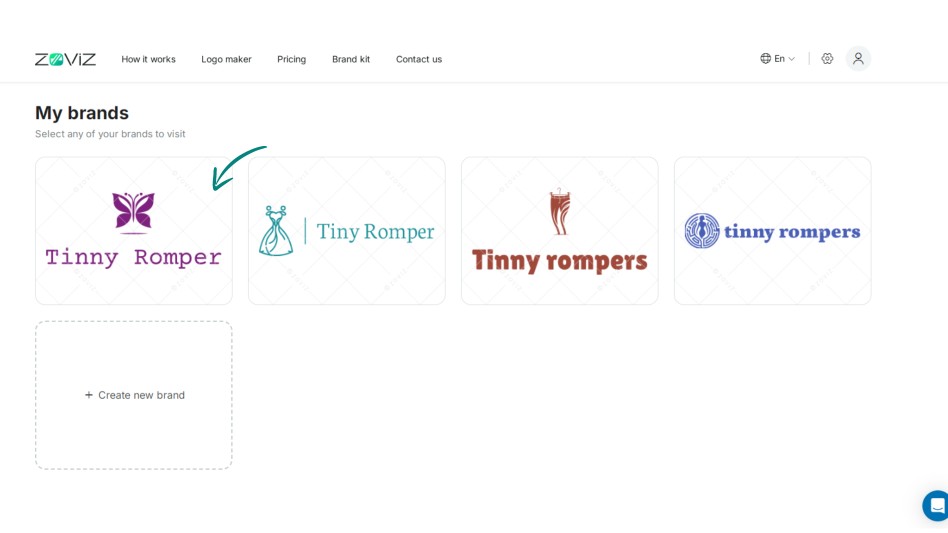
Step 4. Click on the brand you want.
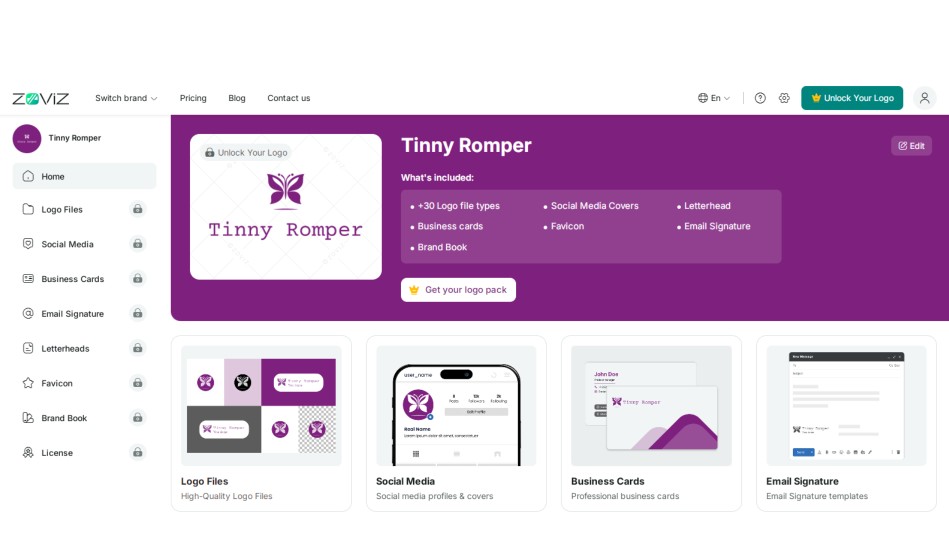
Step 5. You'll see your logo files and brand assets there.
독점 뉴스레터 받기
최신 소식을 이메일로 바로 받아보려면 지금 구독하세요. 놓치지 마세요!
회원님을 위한 추천


Zoviz 로고 메이커를 사용해보세요
브랜드 이름을 입력하면 몇 초 만에 로고 옵션을 받을 수 있습니다.


