
How to Change Your Logo Font using Zoviz

How To Change Your Font
Selecting a font that suits your brand is necessary when working on your logo. That is why, with Zoviz, we will help you meet them and, as a result, make it as easy as possible. Here are the simple steps to change the font
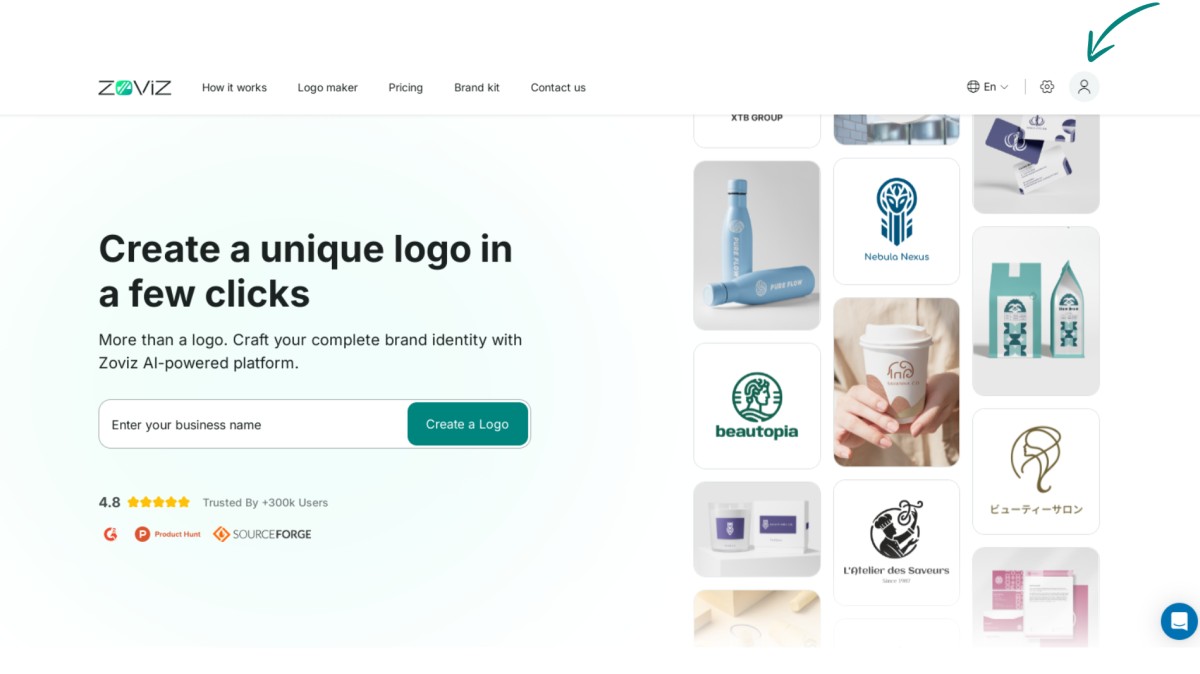
Step 1. Go to the top right corner of the screen and find the profile button.
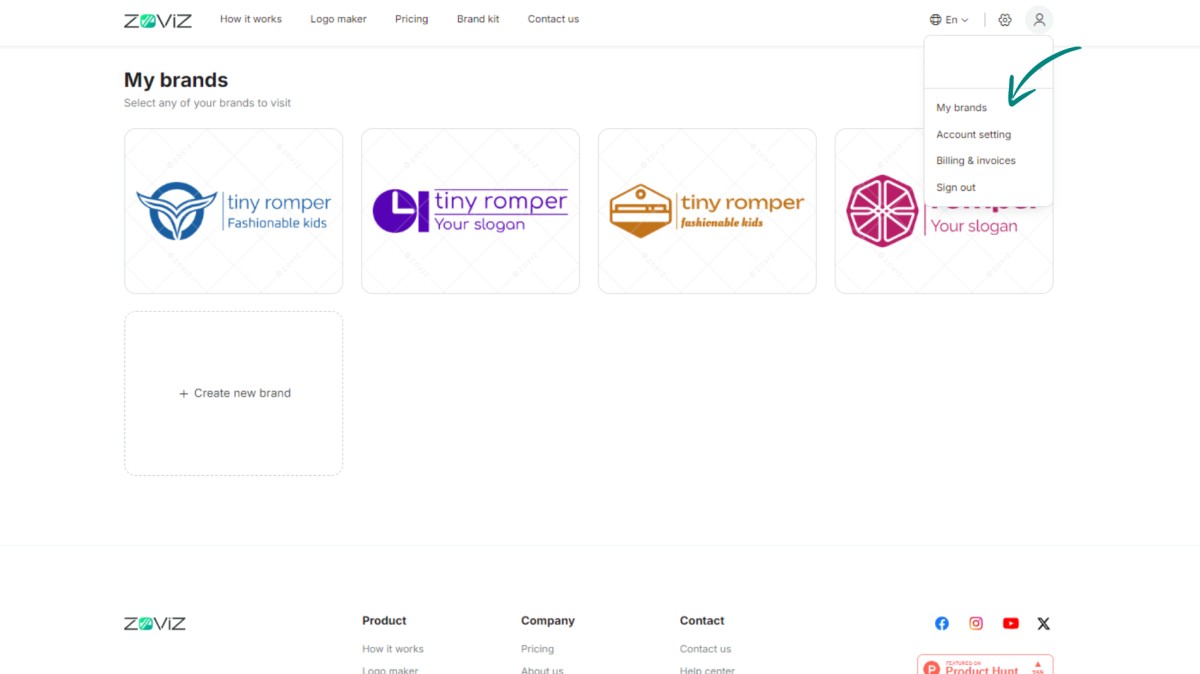
Step 2. Select "My Brands."
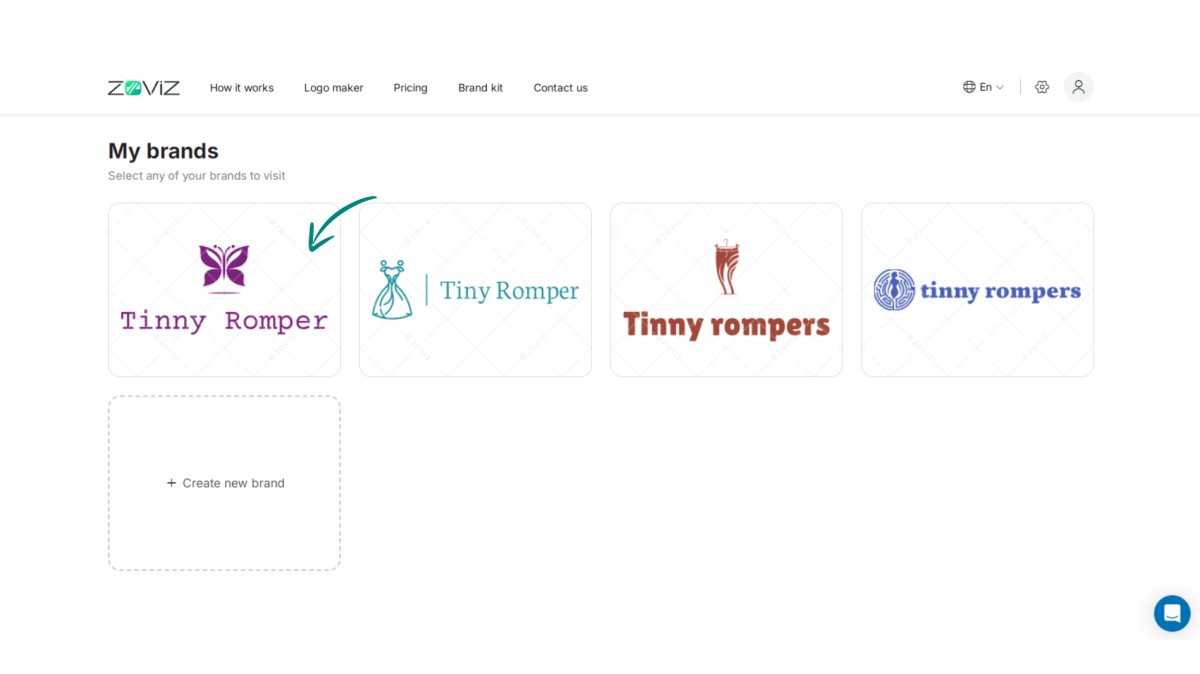
Step 3. Select the logo that needs to be changed.
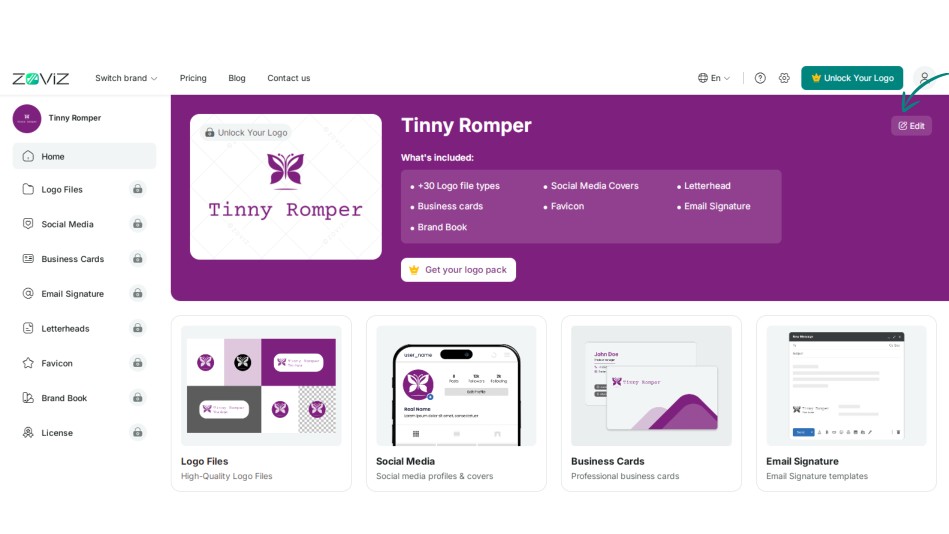
Step 4. Click the Edit button.
Step 5. Navigate to the link in your logo.
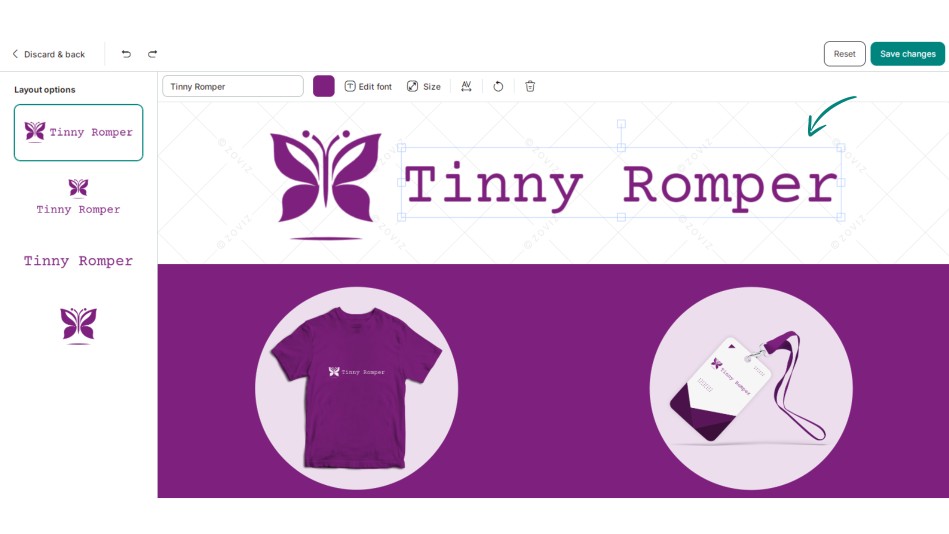
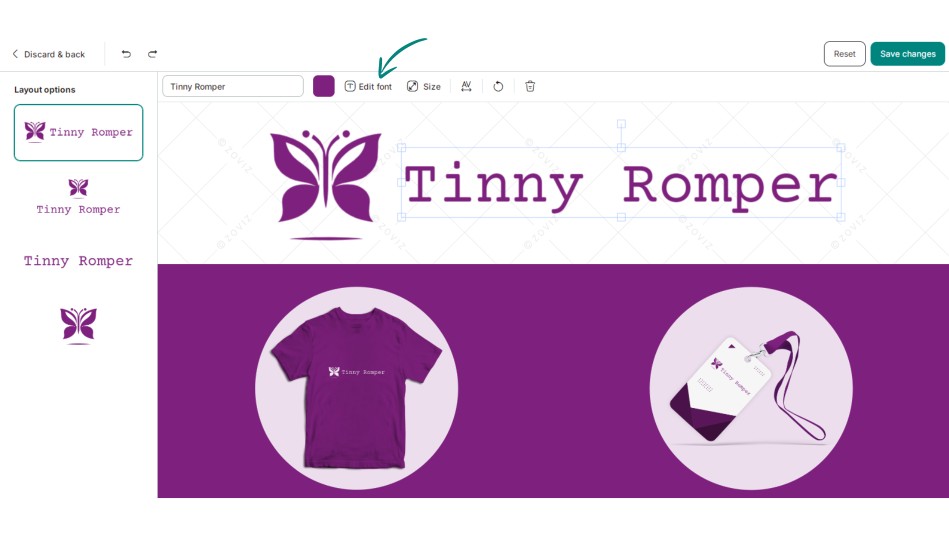
Step 6. Now, click on the “Edit Font” button.
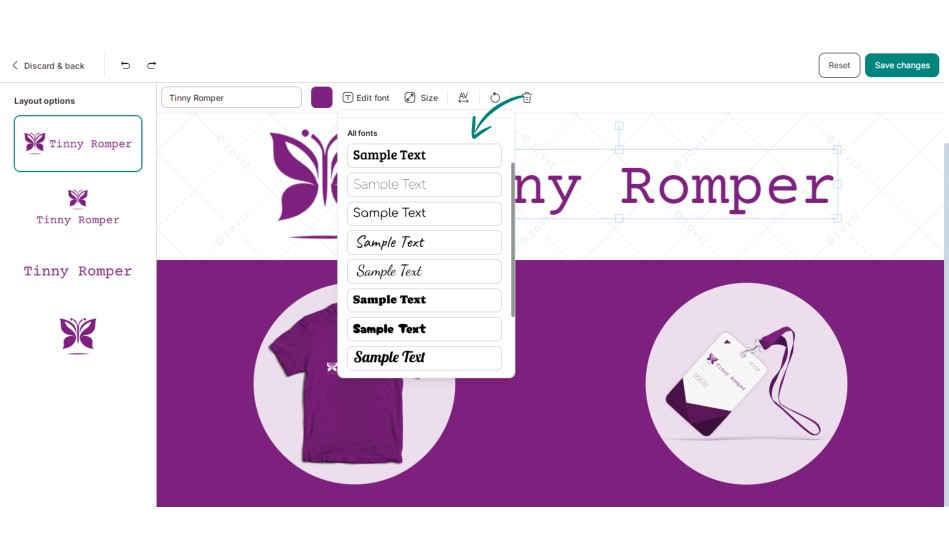
Step 7. Choose the appropriate font for you.
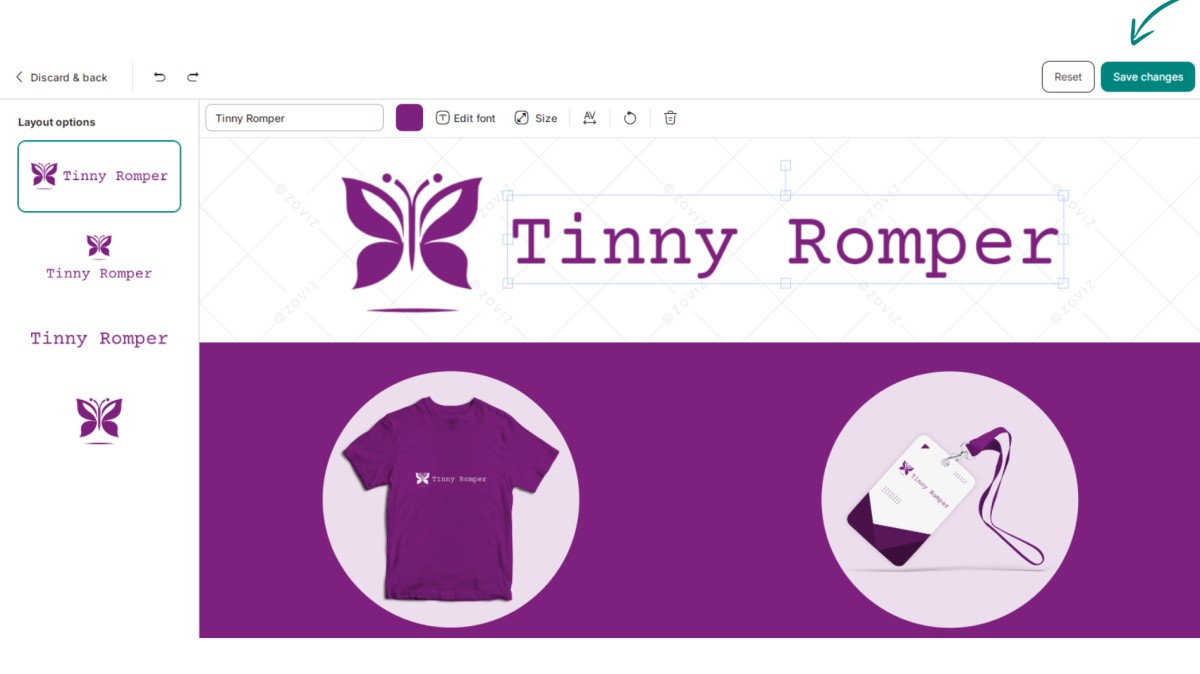
Step 8. Press "Save Changes. "
독점 뉴스레터 받기
최신 소식을 이메일로 바로 받아보려면 지금 구독하세요. 놓치지 마세요!
회원님을 위한 추천


Zoviz 로고 메이커를 사용해보세요
브랜드 이름을 입력하면 몇 초 만에 로고 옵션을 받을 수 있습니다.


