
How Can You Access Your Brand

How Can You Access Your Brand
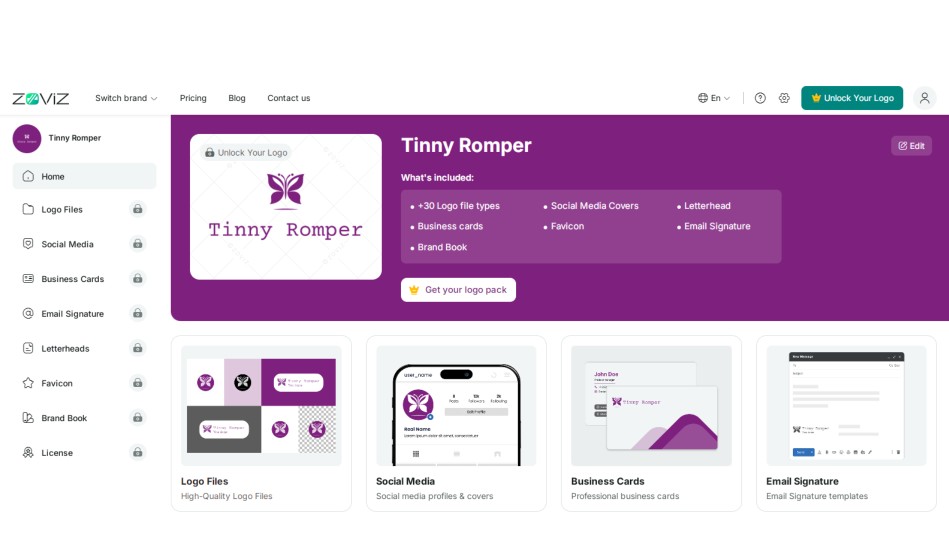
Using Zoviz to access your brand materials is easy and convenient. Once the creation process is complete, we’ll help you navigate downloading and using your brand assets. It includes your logo, social media covers, and everything else you need in terms of branding, and it will all be sorted and easily accessible. Stick to the following guidelines to help you maximize your Zoviz brand kit.
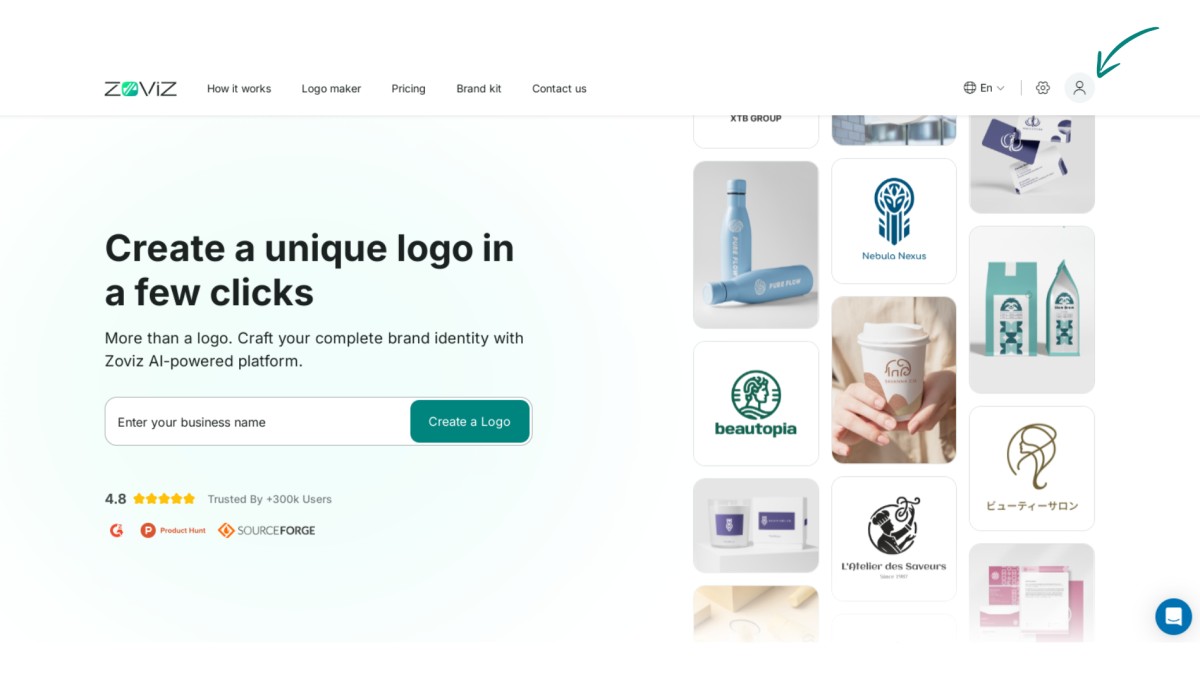
Step 1. Click on the profile button in the top right corner.
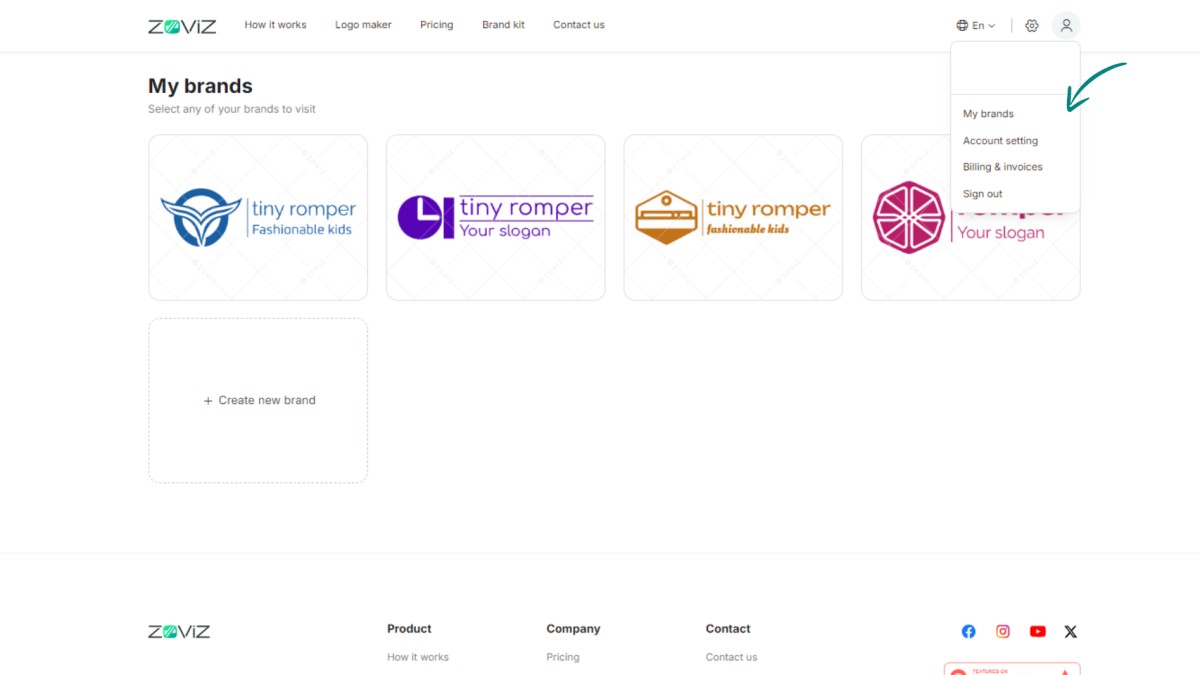
Step 2. Select 'My Brands.'
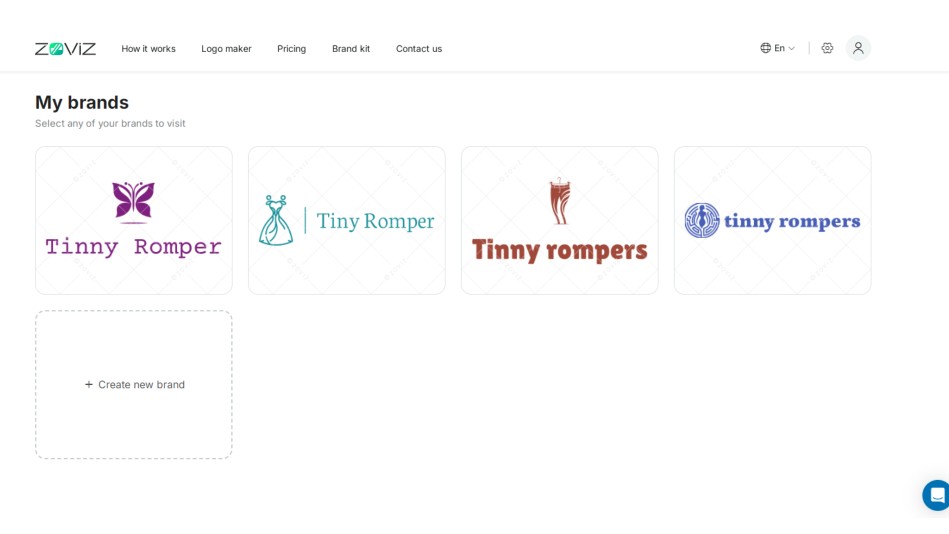
Step 3. Look through the brands you've created.
Step 4. Click on the brand you want.
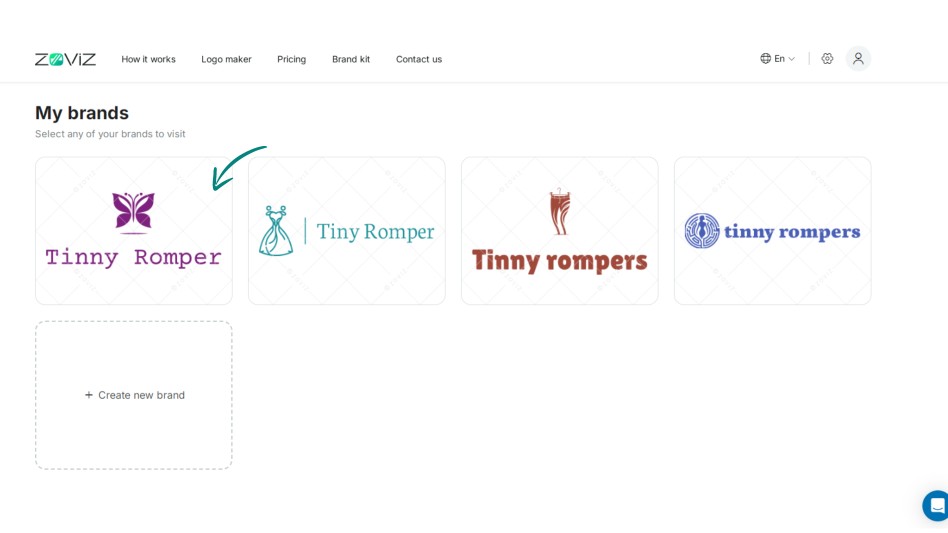
Step 5. You'll see your logo files and brand assets there.
获取独家资讯简报
立即订阅,最新资讯将直接发送到您的收件箱。千万不要错过!


