
How to Signup to Zoviz?

Getting started with Zoviz AI Logo Maker is simple. Here's how to sign up and get access to a set of tools that will allow you to design and develop your brand identity vision.
1. Sign Up with Google
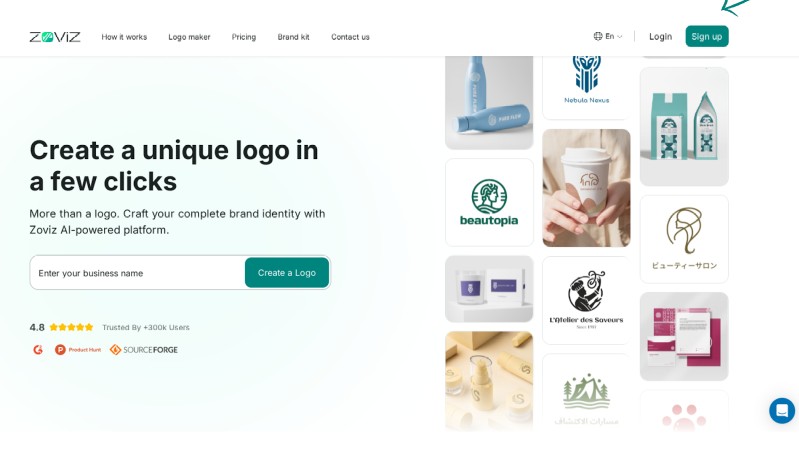
Step 1: Click the sign-up button in the top right corner.
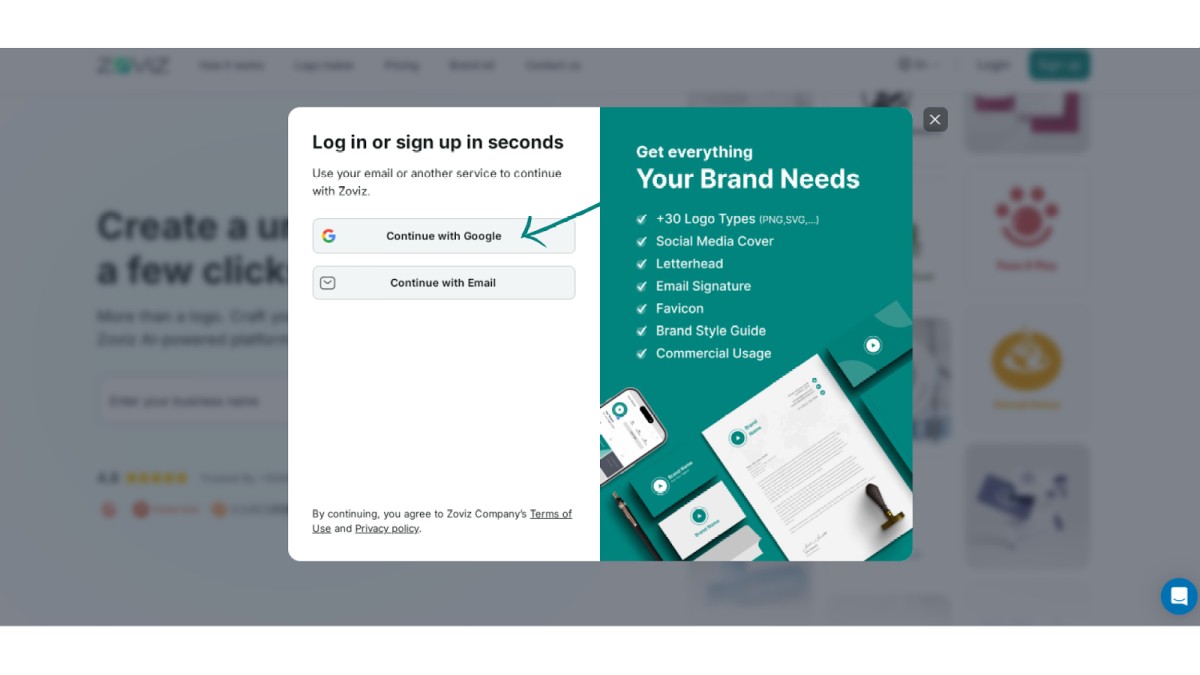
Step 2: Select 'Continue with Google.
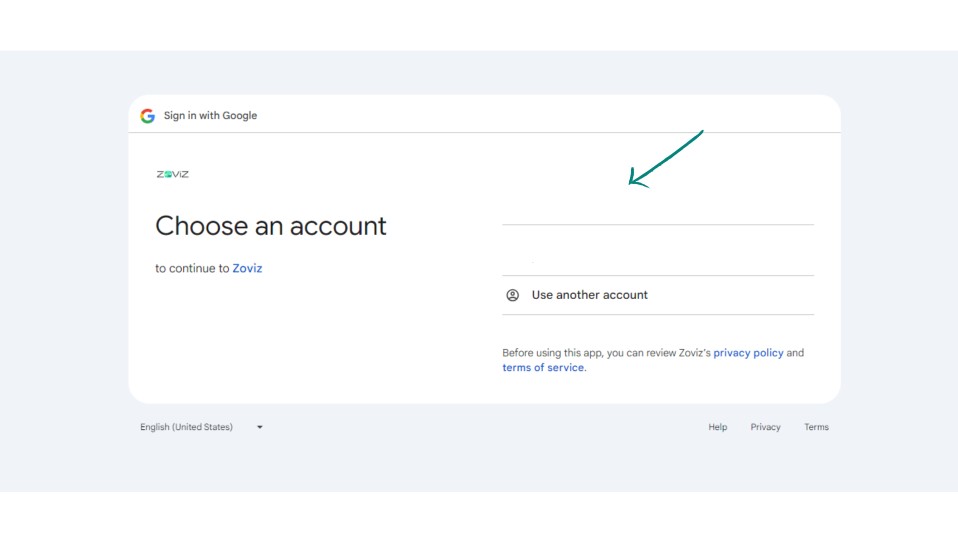
Step 3: Choose the email address you want to use.
2. Sign Up with Email
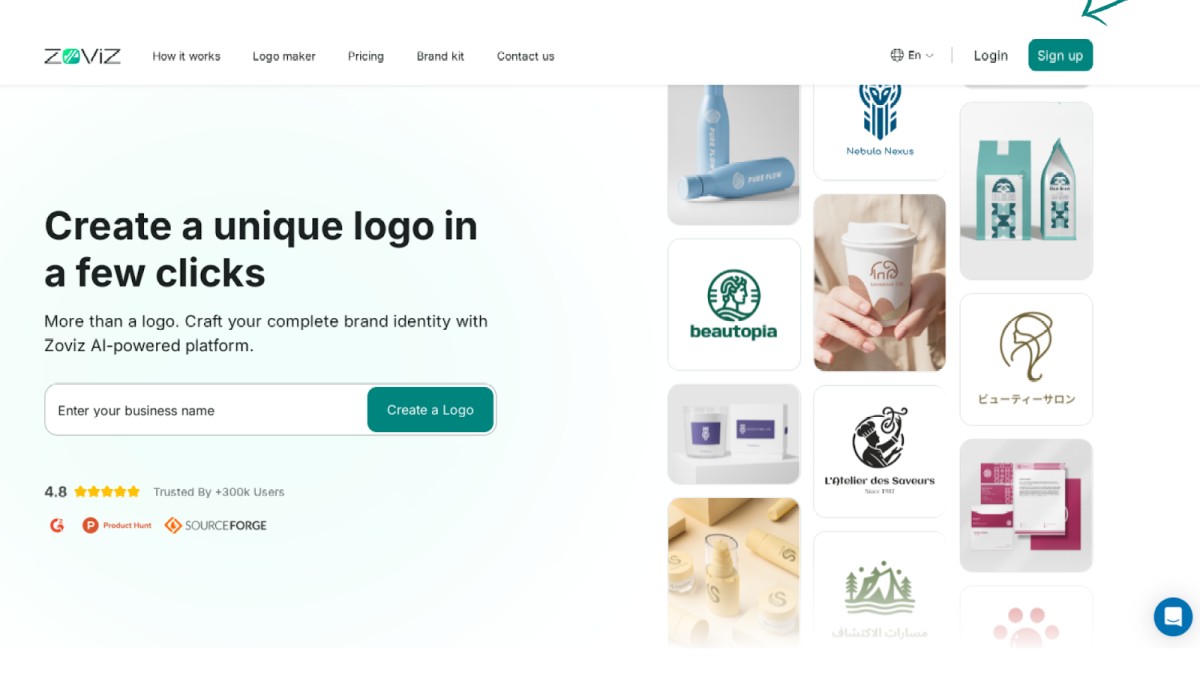
Step 1. Click on the Sign-Up button in the top right corner.
Step 2. Click on the Continue with Email button.
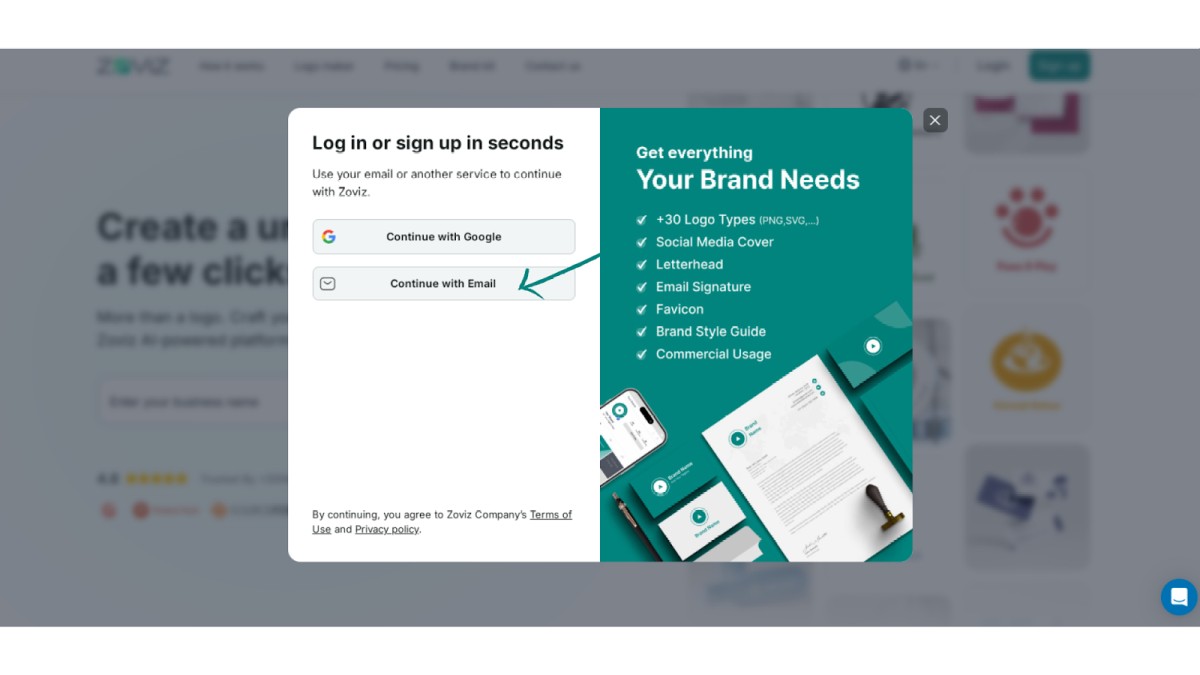
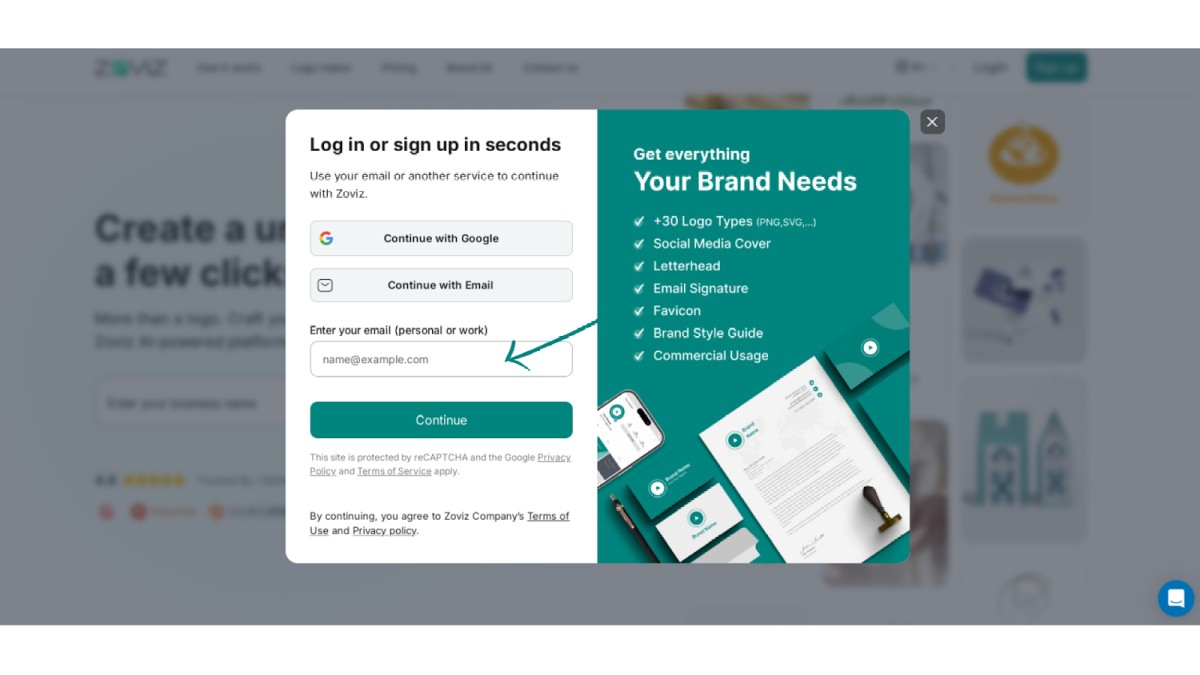
Step 3. Enter your email address.
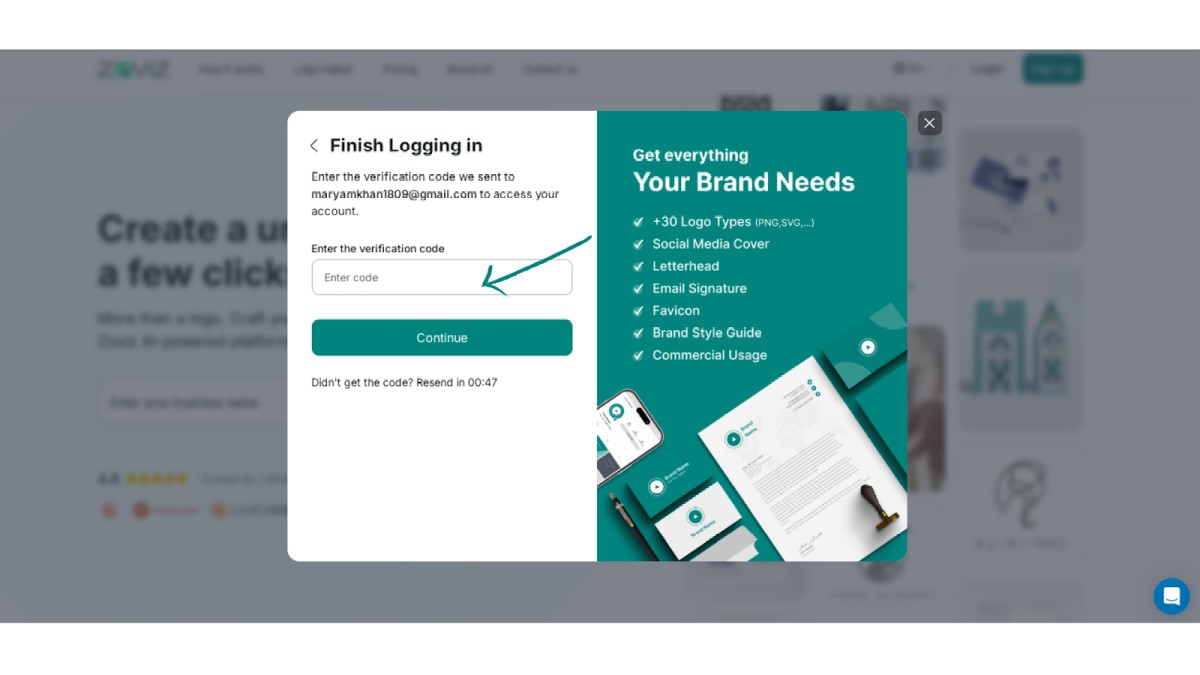
Step 4. Enter the code sent to your email address.
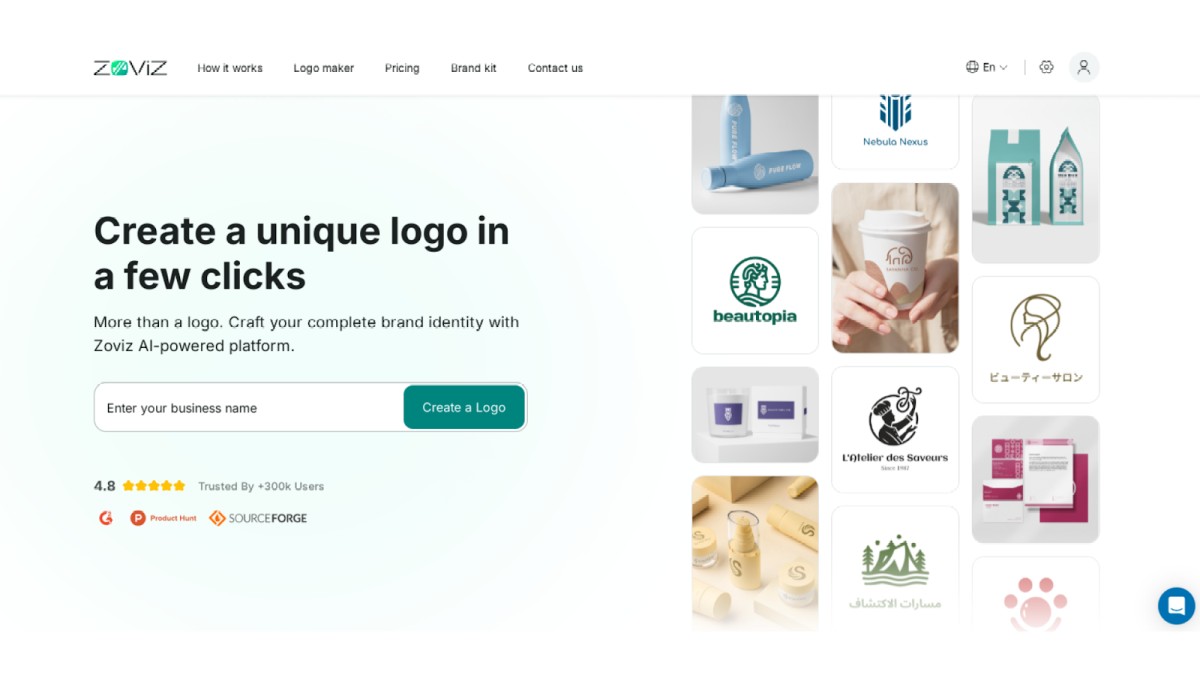
Step 5: Enter your brand name and start using Zoviz
获取独家资讯简报
立即订阅,最新资讯将直接发送到您的收件箱。千万不要错过!
为你推荐


试用Zoviz标志生成器
输入您的品牌名称,几秒钟内获取logo选项。


