
How to Change Your Logo Font using Zoviz

How To Change Your Font
Selecting a font that suits your brand is necessary when working on your logo. That is why, with Zoviz, we will help you meet them and, as a result, make it as easy as possible. Here are the simple steps to change the font
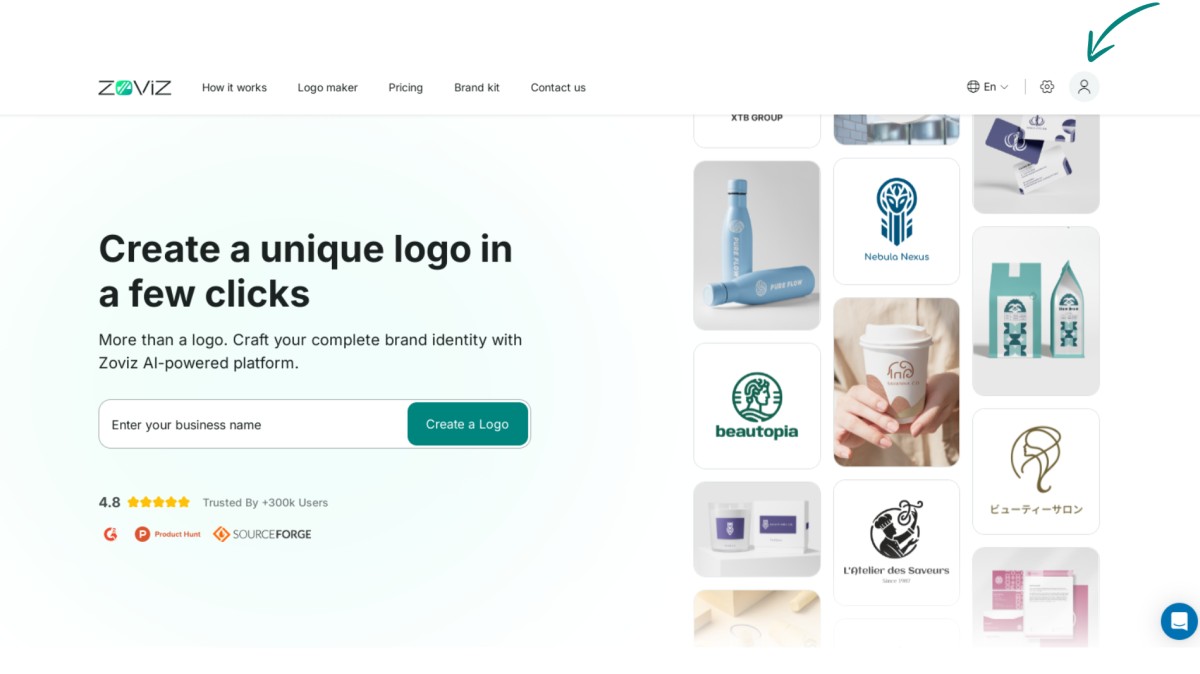
Step 1. Go to the top right corner of the screen and find the profile button.
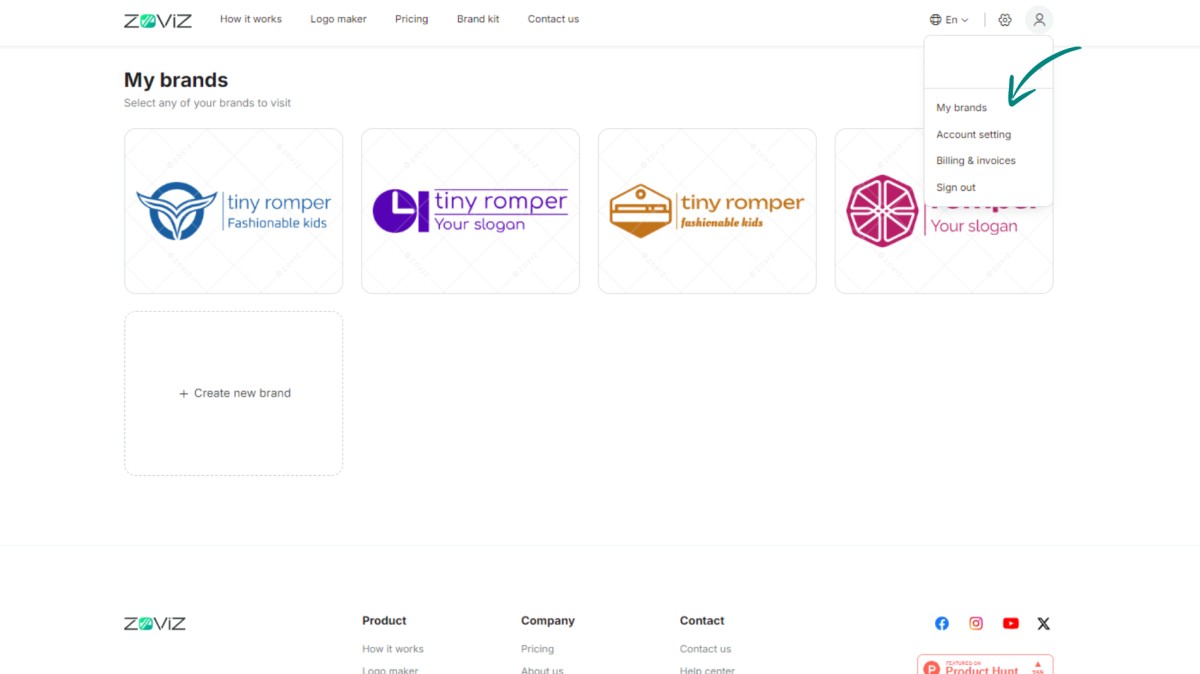
Step 2. Select "My Brands."
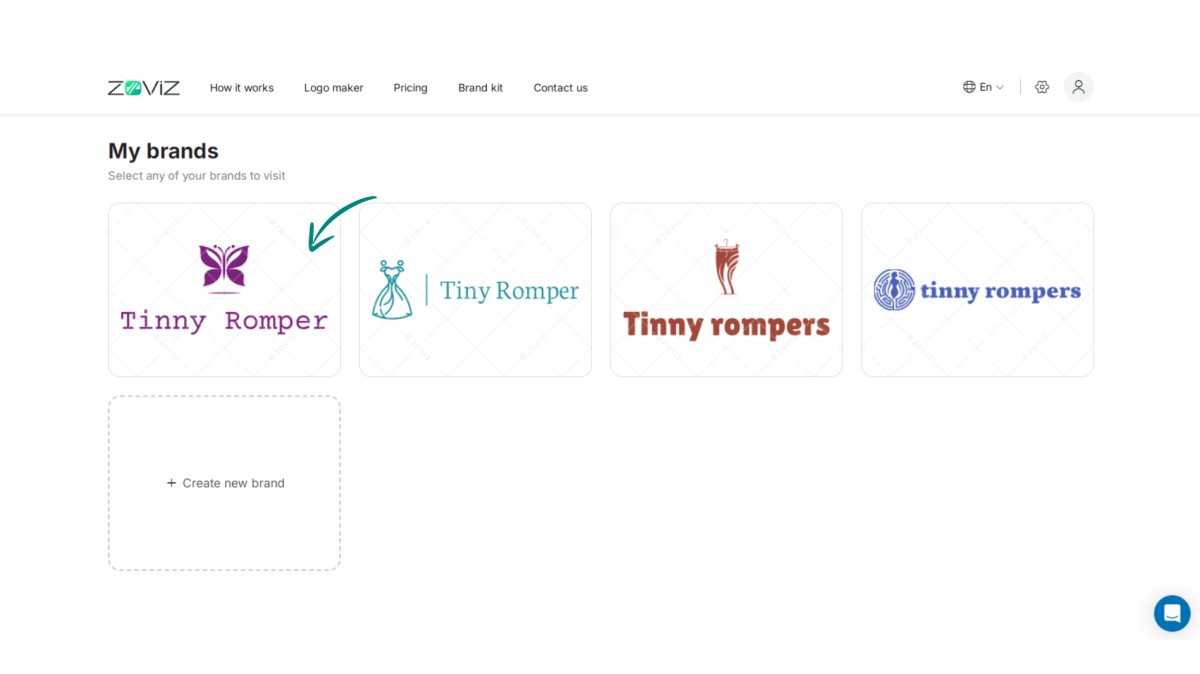
Step 3. Select the logo that needs to be changed.
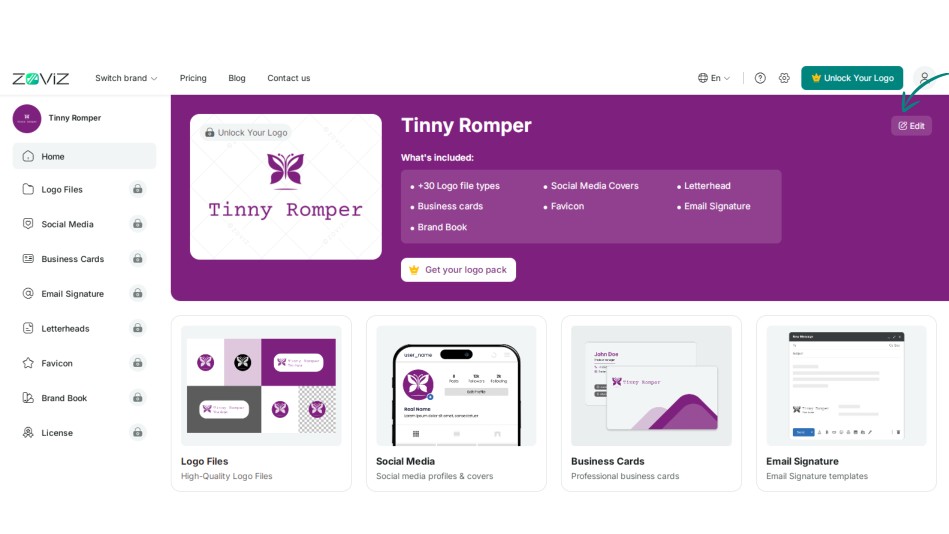
Step 4. Click the Edit button.
Step 5. Navigate to the link in your logo.
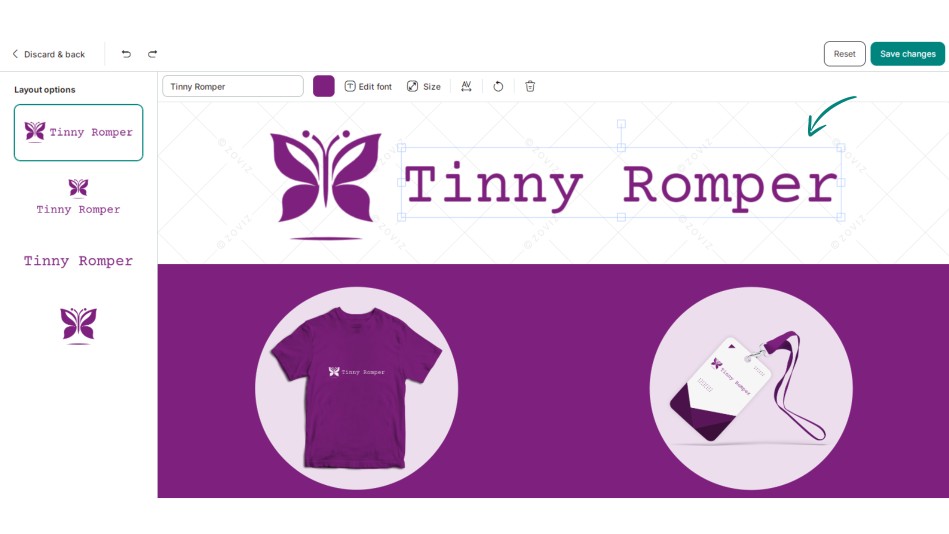
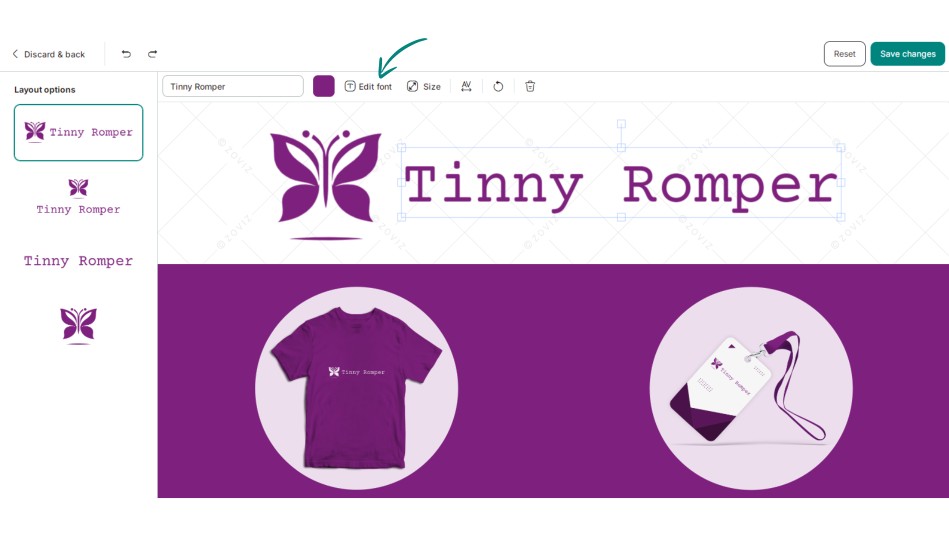
Step 6. Now, click on the “Edit Font” button.
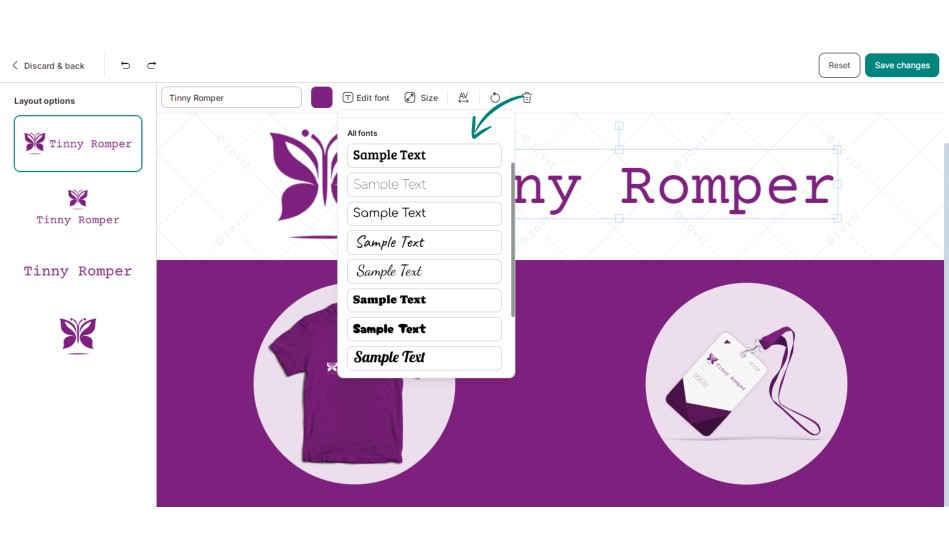
Step 7. Choose the appropriate font for you.
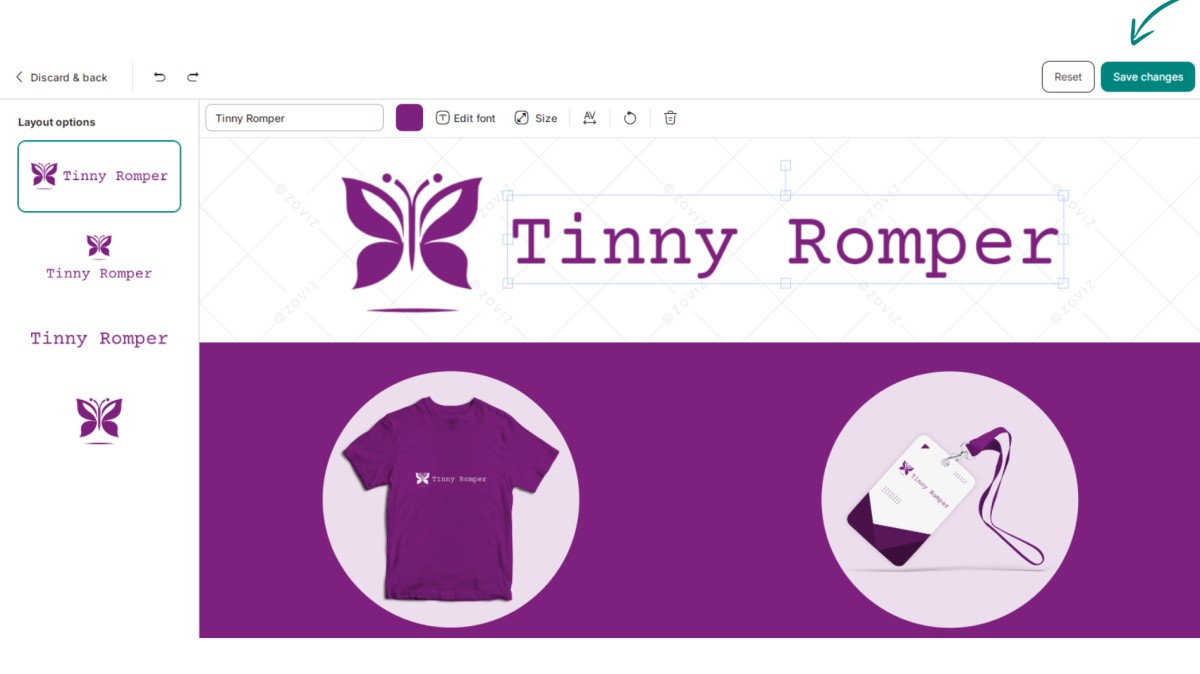
Step 8. Press "Save Changes. "
获取独家资讯简报
立即订阅,最新资讯将直接发送到您的收件箱。千万不要错过!
为你推荐


试用Zoviz标志生成器
输入您的品牌名称,几秒钟内获取logo选项。


