
Type a sentence, get an image. That part hasn't changed since 2022. What has changed is which tools are actually worth your time in 2026, and which ones quietly slap a watermark on everything or bury the good models behind a $20/month wall. We looked at 28 AI image generators, free and paid, to find out which ones hold up.
The best AI image generator in 2026 depends on your budget. For a free image with no signup, Zoviz's AI Image Generator gets you a usable result in seconds. For a daily-driver free tool with no watermark, Google Gemini's Nano Banana 2 gives you roughly 20 images a day at solid quality. If budget isn't the constraint, ChatGPT's GPT Image 2 and Midjourney produce the most consistently polished results, though both need a paid plan to use seriously.
How we compared these tools
We looked at four things for each tool: image quality across everyday prompts, how generous and honest the free tier actually is, whether commercial use is genuinely allowed on that free tier, and how much friction there is to get your first image. Pricing and limits shift often in this space, and we couldn't independently re-verify every legacy tool's current numbers, so we've flagged those honestly rather than guessing.
| Tool | Free tier | Watermark (free) | Commercial use (free) | Best for |
|---|---|---|---|---|
| Zoviz | Yes, no signup | No | Yes | Fastest first image, no account |
| Google Gemini (Nano Banana 2) | ~20 images/day | No | Check Google's terms | Free daily-driver, photorealism |
| ChatGPT (GPT Image 2) | ~2-3 images/day | No | Yes | Prompt accuracy, easy edits |
| Midjourney | None | N/A | Paid plans only | Artistic, atmospheric results |
| Envato ImageGen | 5 generations (trial) | Not disclosed | Not disclosed | Prompt-enhanced results, no design skill needed |
| Bing Image Creator | 15 fast/day, then slower | Yes | Non-commercial only | Casual, no extra signup |
| Canva | Limited daily credits | No | Yes | Dropping images into a layout |
| Adobe Firefly | Small monthly credits | No | Yes (no IP indemnity on free) | Photoshop integration |
| Ideogram | 10-12 credits/day | No | Yes | Text inside images |
| FLUX (Black Forest Labs) | Varies by platform | No | Apache 2.0 on some models | Open-weight control |
| Recraft | 30 credits/day | No | No (rights stay with Recraft) | Vector graphics, logos |
| NightCafe | 5 credits/day, unlimited base SD | No | Yes | Community-driven casual art |
| Craiyon | Unlimited | Yes | Check terms | Quick, silly brainstorming |
| Leonardo.Ai | 150 tokens/day | No | Limited (images public) | High free-tier volume |
| Runway | 125 one-time credits | Yes | Paid plans only | Turning images into short video |
1. Zoviz

Zoviz's AI Image Generator gets you from a text prompt to a high-definition image in a few seconds, no account needed to try it. Type what you want to see, a sunset over a futuristic city, a mascot for a coffee brand, a product shot on a plain background, and Zoviz renders it at a resolution you can actually use, not a thumbnail you'll need to upscale before it's usable anywhere.
- Best for: getting one good image right now, without creating an account first
- Honest trade-off: built for speed and everyday use, not the deep customization power users get from FLUX or Recraft
- Free tier: yes, no signup needed to test it
- Paid plans: available for higher volume and brand-kit features
2. Google Gemini (Nano Banana 2)

Nano Banana 2 is built into the Gemini app and handles multi-element prompts well, keeping subjects consistent across edits in a way cheaper tools often can't.
- Best for: free daily use with strong photorealism
- Honest trade-off: adds an invisible SynthID watermark to every output, and the sharper Nano Banana Pro model is capped at around 2 images a day even on paid tiers
- Free tier: roughly 20 images/day in the Gemini app
- Paid plans: Google AI Plus starts around $8/month for higher limits and Pro access
3. ChatGPT (GPT Image 2)

Tell ChatGPT what you want in plain language and it generates the image right in the chat, then lets you ask for one change at a time instead of starting over.
- Best for: people who'd rather describe changes conversationally than fight with sliders
- Honest trade-off: free tier is tight, somewhere around 2-3 images per 24 hours
- Free tier: very limited, a handful of images per day
- Paid plans: ChatGPT Plus at $20/month for real daily use
4. Midjourney

Midjourney still produces some of the best-looking results here for mood, color, and texture, even as newer models catch up on raw prompt accuracy.
- Best for: atmospheric, artistic images where visual impact matters more than literal accuracy
- Honest trade-off: no free plan at all, and every image you make is public on Midjourney's Explore page by default
- Free tier: none currently
- Paid plans: Basic plan from $10/month for roughly 200 images and commercial rights
5. Envato ImageGen
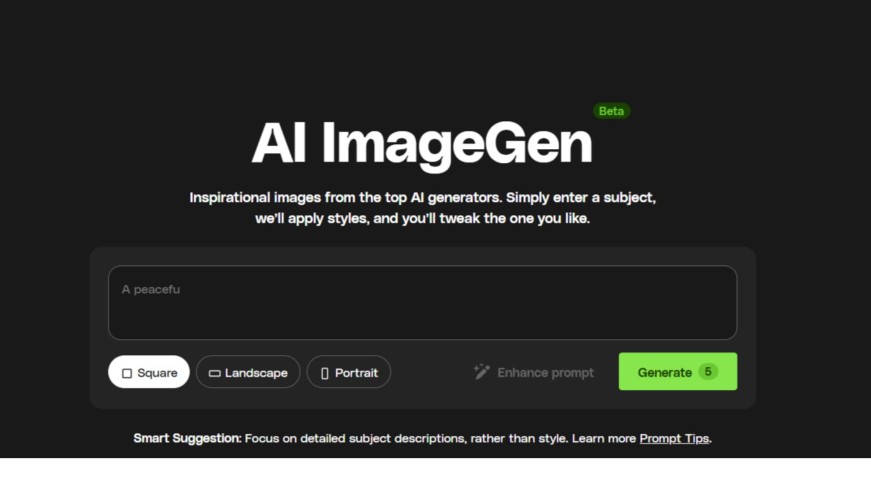
Envato's ImageGen automatically enhances your prompt behind the scenes, so you don't need to know how to write a detailed one yourself.
- Best for: creatives and marketers who want quality results without prompt-writing expertise
- Honest trade-off: the free trial is just 5 generations, after that you're into a subscription
- Free tier: 5 prompt-based generations on signup
- Paid plans: from $16.50/month
Want to go deeper on editing?
Generating the image is only half the job. Our guide to the best AI image editing tools online covers what to do next, from retouching to background swaps.
6. Bing Image Creator
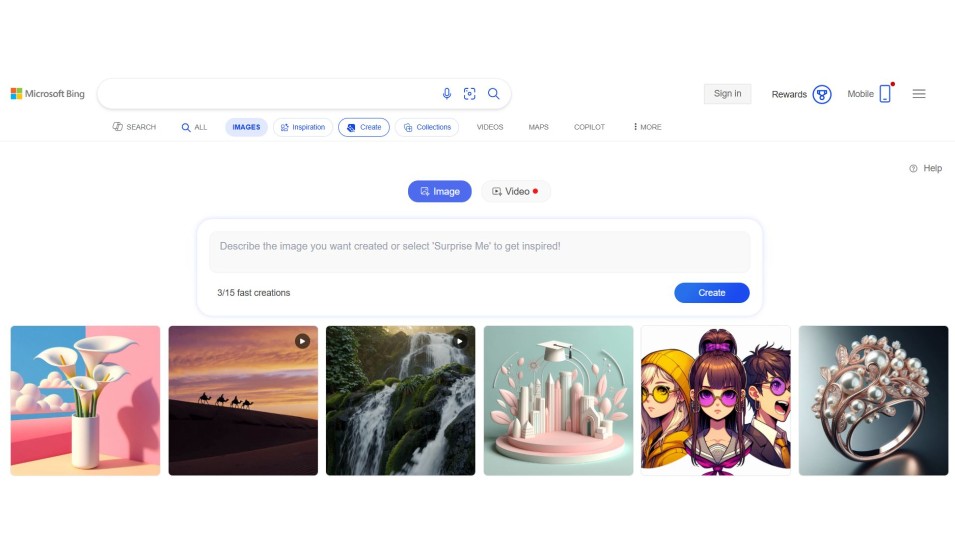
Bing Image Creator runs on Microsoft's own MAI-Image models plus GPT-4o and DALL-E 3, free with just a Microsoft account.
- Best for: casual, occasional use without paying anything, ever
- Honest trade-off: visibly watermarks every image, and the free tier is explicitly non-commercial only
- Free tier: 15 fast generations/day, then slower generation with no hard cap
- Paid plans: none needed for personal use; Copilot Pro adds extra speed
7. Canva
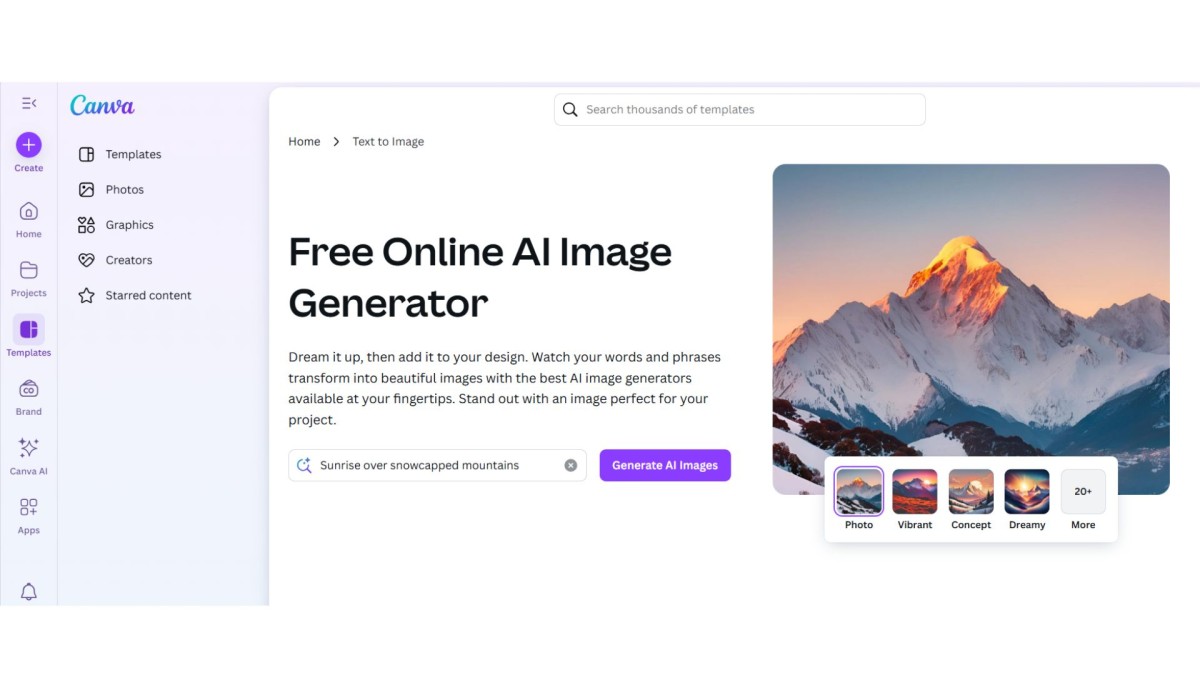
Canva's Magic Media generator isn't trying to be the best standalone image tool. Its value is dropping a generated image straight into a layout you're already building, whether that's a YouTube thumbnail or an Instagram post.
- Best for: people already designing inside Canva who need a quick image without leaving the canvas
- Honest trade-off: text rendering inside generated images is noticeably weaker than Ideogram or ChatGPT
- Free tier: a daily AI credit allowance for standard generation
- Paid plans: Canva Pro unlocks more Magic Media generations plus premium models
8. Adobe Firefly
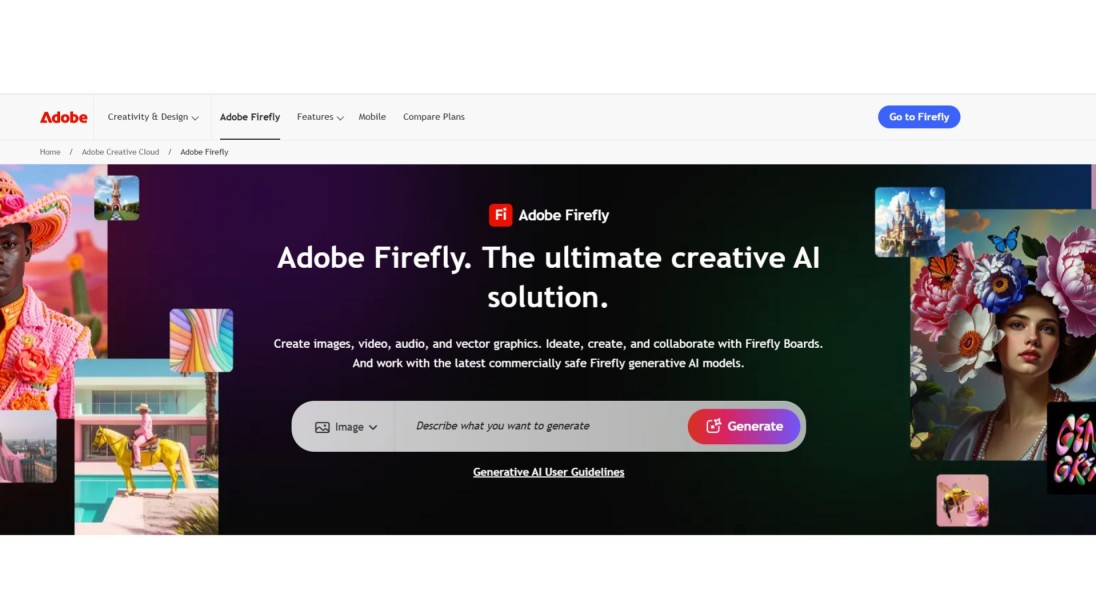
Firefly's real strength is how well it plugs into Photoshop. Generative Fill and Generative Expand let you select part of an existing photo and extend or replace it, matching lighting automatically.
- Best for: people already working in Photoshop or Adobe Express
- Honest trade-off: struggles to generate real, named people and often rejects those prompts outright
- Free tier: a small one-time credit allocation, no meaningful monthly refresh
- Paid plans: Firefly Standard from about $9.99/month for 2,000 credits
9. Ideogram

Ideogram is the one to reach for when you actually need words inside your image: a poster, a product label, a slide with a headline.
- Best for: posters, social graphics, or anything where in-image text matters
- Honest trade-off: every free-tier image is public by default, and generation is genuinely slow during peak hours
- Free tier: around 10-12 credits per day
- Paid plans: Plus tier from roughly $15/month adds private generation and priority speed
10. FLUX (Black Forest Labs)

FLUX comes from the team that originally built Stable Diffusion before splitting off to start their own company. The open-weight Schnell model can be run free if you're comfortable self-hosting.
- Best for: developers or power users who want open-weight control rather than a locked-down chat interface
- Honest trade-off: the polished Pro and Max versions are API-only and cost per image, so "free" really only applies to the lighter models
- Free tier: unlimited if self-hosted; limited via hosted demos
- Paid plans: pay-per-image starting around $0.01-0.03 depending on the model
Working with low-resolution outputs?
Free-tier images often cap out well below what you need for print or a hero banner. Our guide on how to enhance and upscale AI photos covers the fastest ways to fix that without losing detail.
11. Recraft

Recraft doesn't just make raster images, it exports true editable SVGs, which matters if you'll need to resize or recolor the result later. If you've ever needed to remove a background from a generated image, Recraft's tools handle that in the same workspace.
- Best for: vector graphics, icons, and design-first work rather than photorealism
- Honest trade-off: on the free plan, Recraft keeps the rights to whatever you generate, and every image is public
- Free tier: 30 credits/day, no commercial rights
- Paid plans: Pro from $10/month, includes private generation and commercial use
12. NightCafe
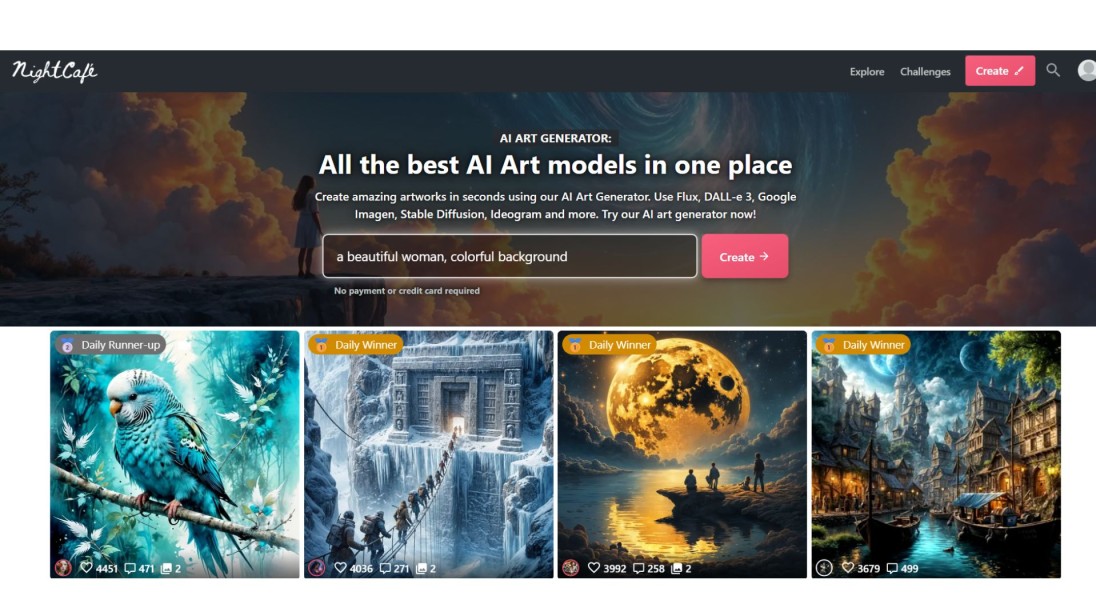
NightCafe pairs generation with a big community gallery, daily art challenges, and a way to earn extra credits just by participating.
- Best for: casual creators who like the social, gallery-driven side of AI art
- Honest trade-off: paid credits vary in cost by model, so your effective free daily image count isn't a fixed number
- Free tier: 5 credits/day, plus unlimited generations on base Stable Diffusion models
- Paid plans: from roughly $5.99/month
13. Craiyon
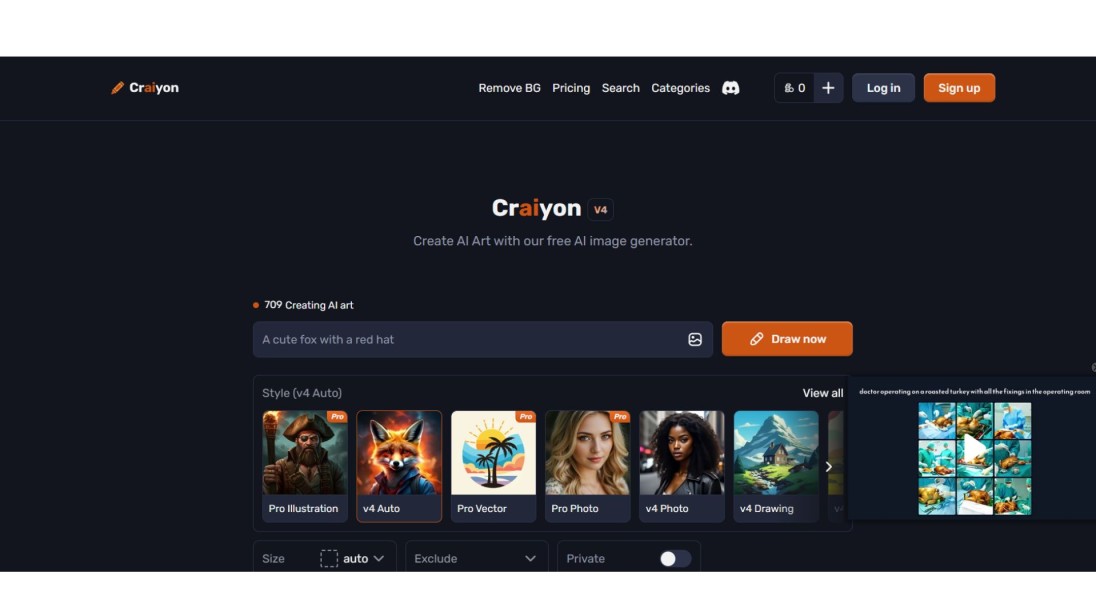
Craiyon (the artist formerly known as DALL-E Mini) is unlimited and needs no account at all. Results are rougher than everything else on this list, but for quick, throwaway brainstorming that's beside the point.
- Best for: fast, silly, no-commitment idea generation
- Honest trade-off: lower detail than every other tool here, and downloads carry a visible watermark
- Free tier: unlimited
- Paid plans: a small ad-free tier exists but most people never need it
14. Leonardo.Ai
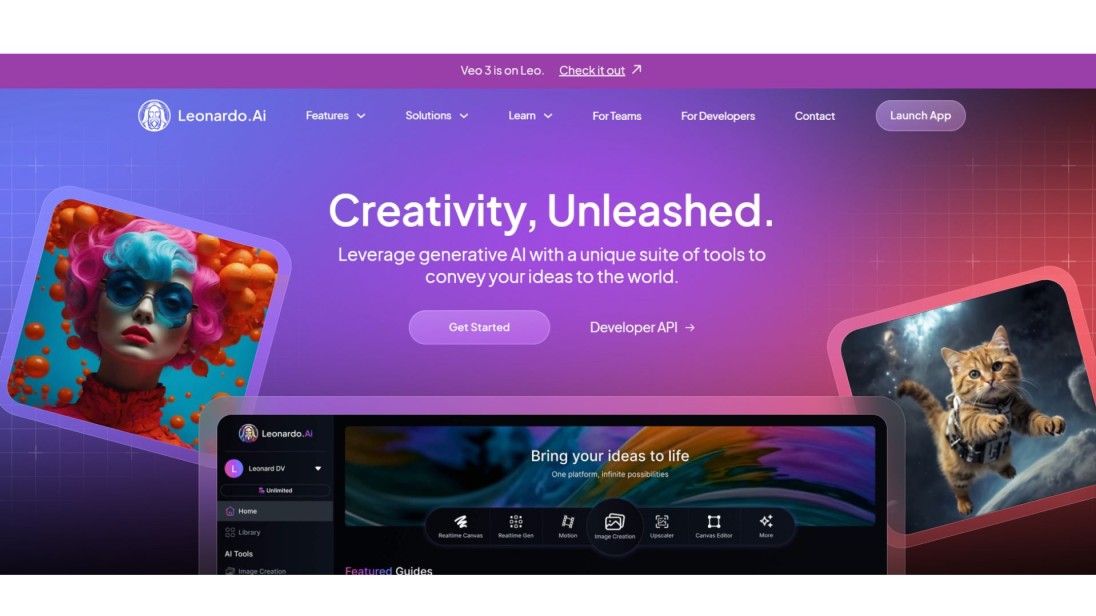
Leonardo gives you the most free-tier volume on this list, 150 tokens a day, roughly 25 to 40 images depending on the model.
- Best for: high-volume free generation, game assets, concept art
- Honest trade-off: free-plan images are public and Leonardo retains broad usage rights over them
- Free tier: 150 tokens/day
- Paid plans: Essential from $12/month for private generation and full rights
15. Deep Dream
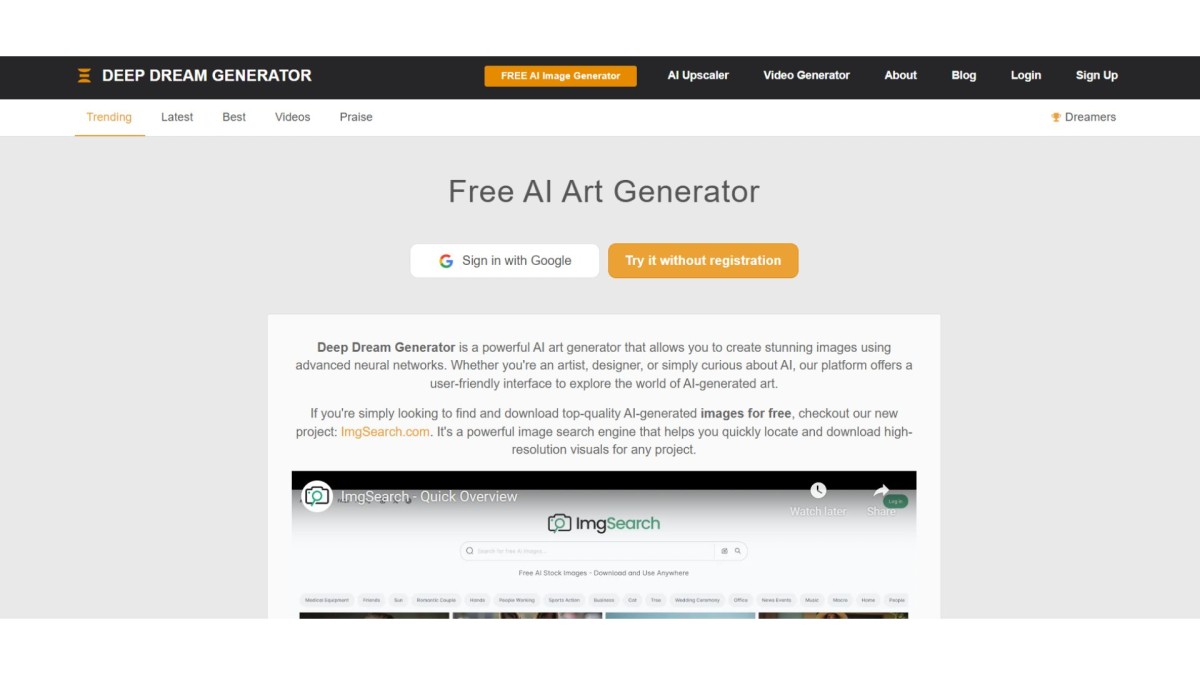
Deep Dream leans into surreal, pastel, dreamlike output rather than anything photorealistic. It's more art project than production tool at this point.
- Best for: abstract, trippy visuals for album art or experimental design
- Honest trade-off: limited real-world use beyond artistic experimentation, and current pricing/limits weren't independently verifiable this pass
- Free tier: historically available; check current terms before relying on it
- Paid plans: not confirmed as of this writing
A generated image that looks sharp on screen can fall apart the moment you try to print it or blow it up for a banner. We tested 12 AI Image upscalers, faithful models built for real photos and creative ones built for AI art, to see which ones actually hold detail past 4x. Zoviz's own upscaler goes up to 16x free with no watermark and no signup. Read the full article here.
16. Artbreeder
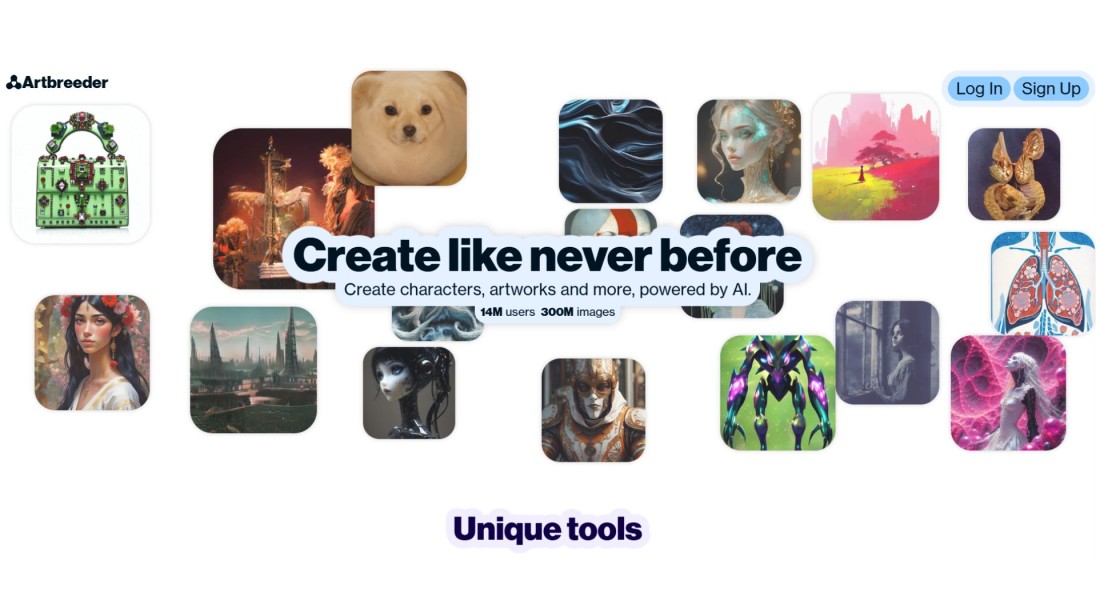
Artbreeder works differently from most tools here. You start from an existing image and use sliders to morph it, rather than typing a fresh prompt each time.
- Best for: blending and gradually evolving existing images rather than generating from scratch
- Honest trade-off: less useful if you need a specific new concept fast, since it's built around iteration, not one-shot generation
- Free tier: historically available; check current terms before relying on it
- Paid plans: not confirmed as of this writing
17. Dream by Wombo
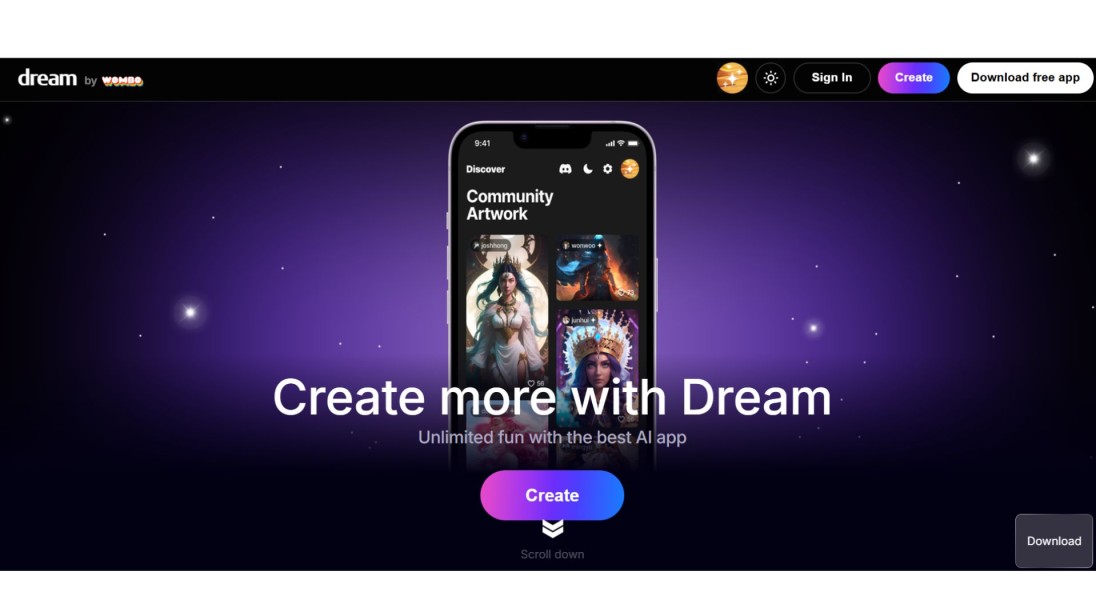
Wombo Dream works on both desktop and mobile. Pick a style, write your idea, and get a result fast.
- Best for: mobile wallpapers and quick, fun visuals on the go
- Honest trade-off: styles lean decorative and artistic rather than precise or photorealistic
- Free tier: historically available; check current terms before relying on it
- Paid plans: not confirmed as of this writing
18. Playground
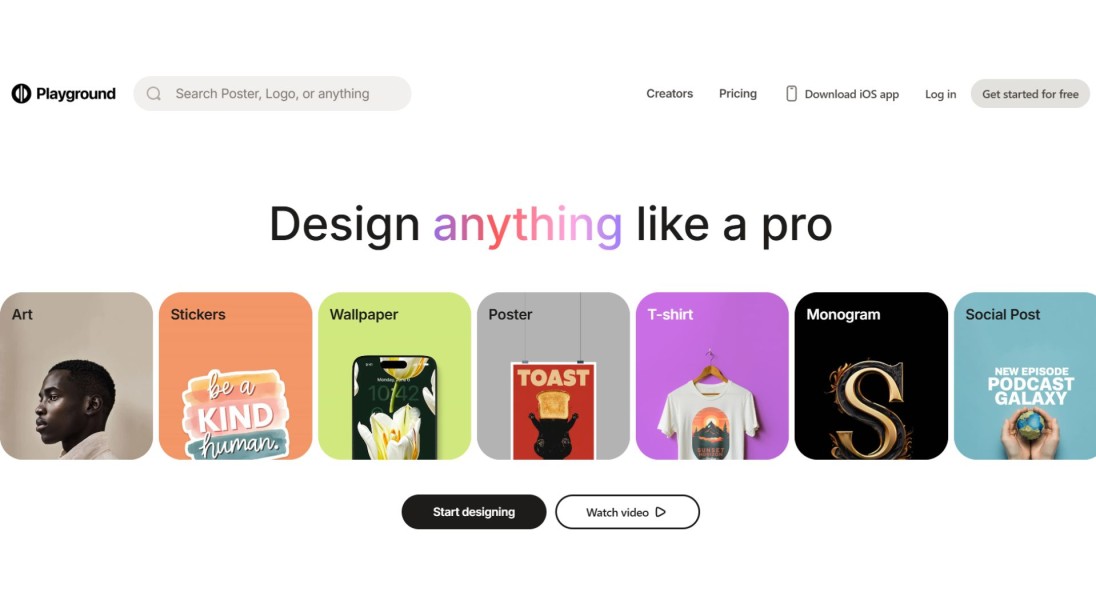
Playground let you generate, patch up small details, or swap backgrounds in an open, beginner-friendly interface.
- Honest trade-off: worth knowing this one pivoted away from AI art generation in late 2024 and cut its free tier significantly, so treat it as legacy rather than a current recommendation
- Best for: users who already have an account from its earlier AI-art era
- Free tier: heavily reduced from what it once was
- Paid plans: not confirmed as of this writing
19. Fotor
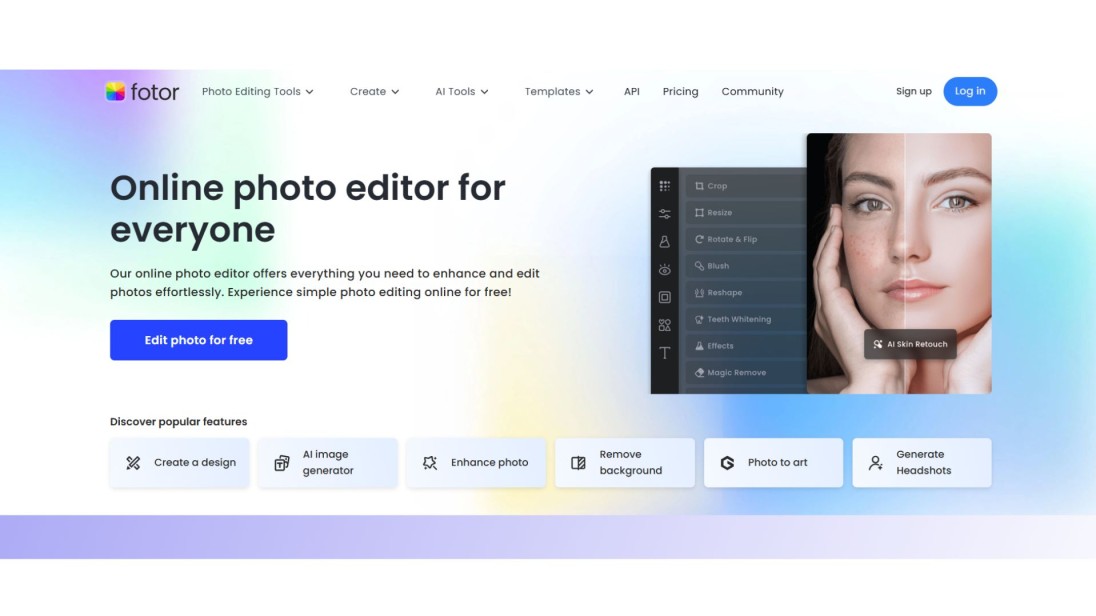
Fotor is a photo editor first, with text-to-image generation as one feature inside it. Write a prompt, get an image, then adjust brightness or add filters without switching apps.
- Best for: post-production work on an image you've already generated
- Honest trade-off: the generation model itself isn't the draw here, the editing suite is
- Free tier: available with limits; check current terms
- Paid plans: subscription tiers apply for full editing access
20. Picsart
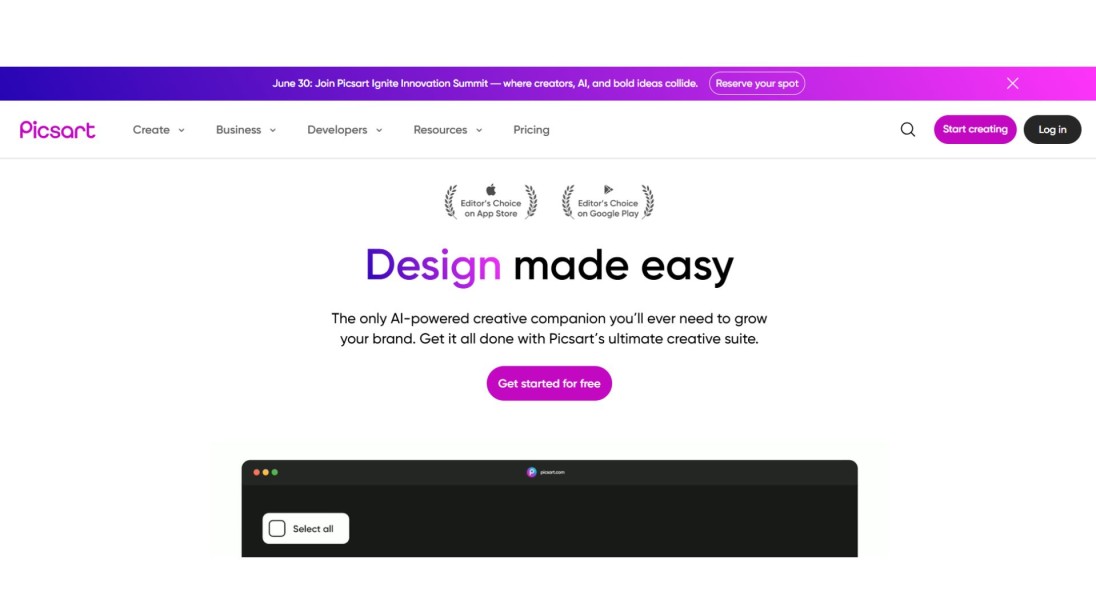
Picsart turns a prompt into an image, then lets you decorate it with stickers, drawings, and text in the same app.
- Best for: social media creators who want to stylize a generated image immediately after making it
- Honest trade-off: more decoration tool than serious image generator
- Free tier: available with limits; check current terms
- Paid plans: Picsart Gold subscription unlocks premium tools
21. StarryAI
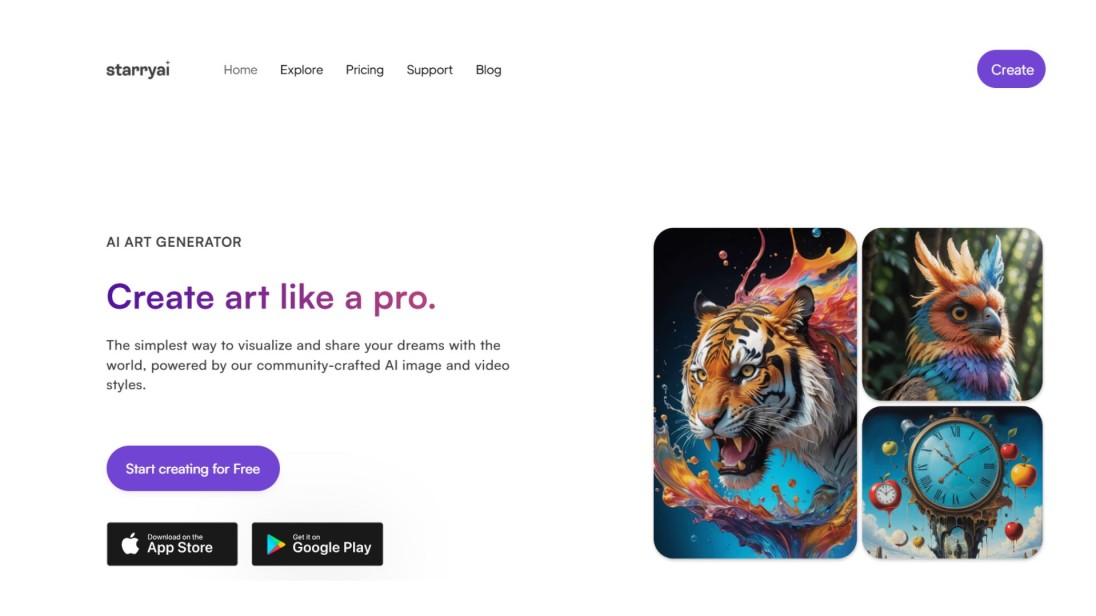
StarryAI markets itself around full ownership of what you generate, aimed at people who want to sell or publish their output.
- Best for: creators who plan to sell prints or merchandise from generated art
- Honest trade-off: current free-tier limits weren't independently verifiable this pass
- Free tier: historically limited-credit based; check current terms
- Paid plans: subscription tiers apply
22. Runway
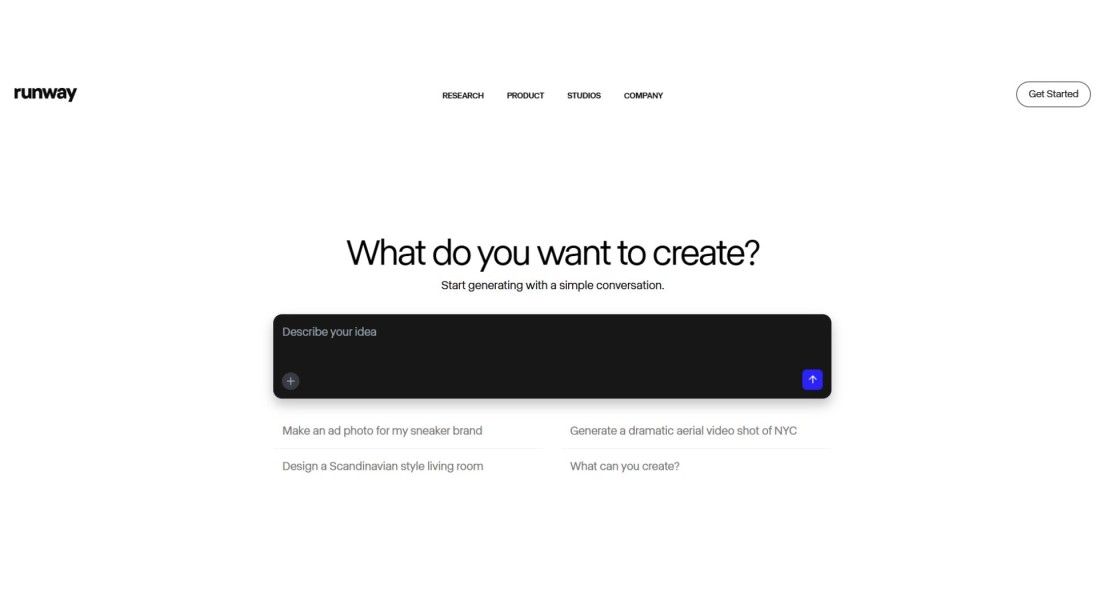
Runway has shifted hard toward video in 2026, but it still handles image generation and image-to-video conversion inside the same credit system.
- Best for: turning a generated image into a short video clip, and general video-adjacent workflows
- Honest trade-off: the free plan is 125 one-time credits, not a monthly allowance, and outputs are watermarked until you upgrade
- Free tier: 125 one-time credits (not renewing)
- Paid plans: Standard from $12/month, Pro from $28/month
23. Pixray
Pixray gives you more granular control over settings than most beginner-friendly tools, letting you push toward old, animated, or dreamy looks.
- Best for: users willing to learn deeper settings for a specific, unusual aesthetic
- Honest trade-off: the learning curve is real, this isn't a type-and-go tool
- Free tier: historically available; check current terms before relying on it
- Paid plans: not confirmed as of this writing
24. Paint AI
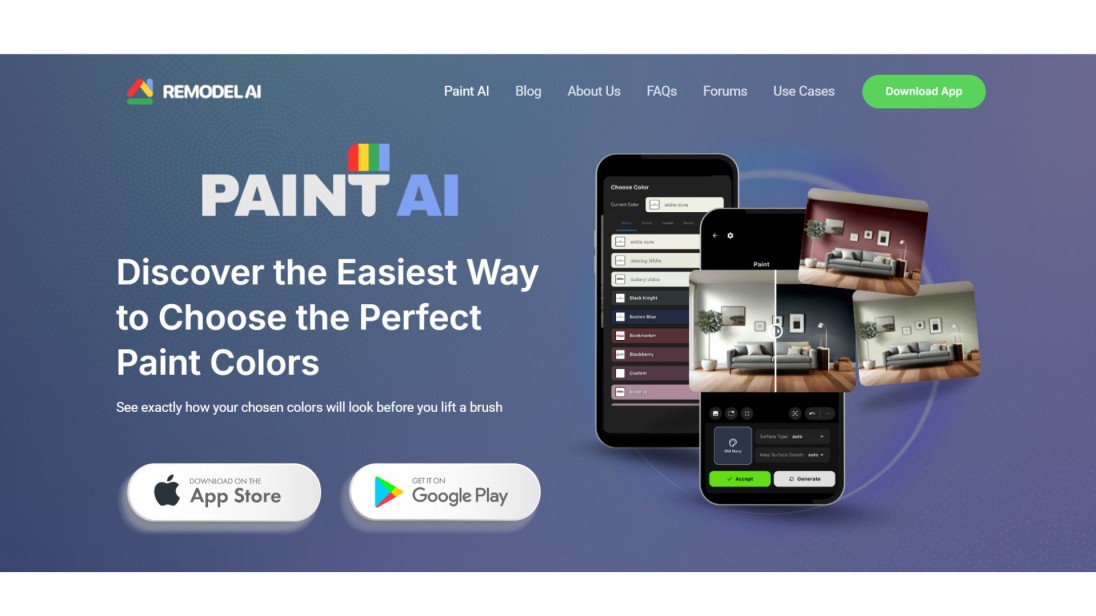
Paint AI strips things down to typing an idea and hitting a button, with no account setup required.
- Best for: students or anyone who wants an instant image with zero friction
- Honest trade-off: simplicity comes at the cost of control and customization
- Free tier: historically available; check current terms before relying on it
- Paid plans: not confirmed as of this writing
25. DeepAI
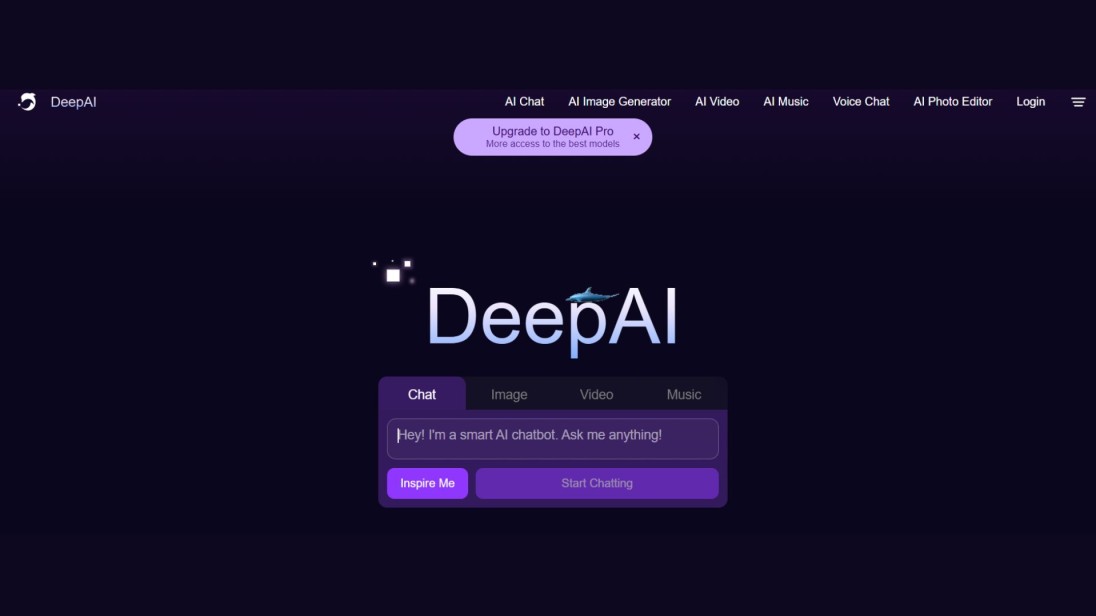
DeepAI keeps things minimal: write a prompt, get an image, nothing more.
- Best for: quick experimentation without a learning curve
- Honest trade-off: limited features beyond basic generation
- Free tier: historically available; check current terms before relying on it
- Paid plans: not confirmed as of this writing
26. Depositphotos AI Image Generator

Depositphotos added an AI generator on top of its existing stock photo platform, aimed at people who'd otherwise be browsing stock libraries.
- Best for: marketers and bloggers who want professional-looking output without hiring a designer
- Honest trade-off: built by a stock photo company first, so it may feel less specialized than dedicated AI-first tools
- Free tier: check current terms
- Paid plans: tied to Depositphotos' existing subscription plans
27. Mage Space
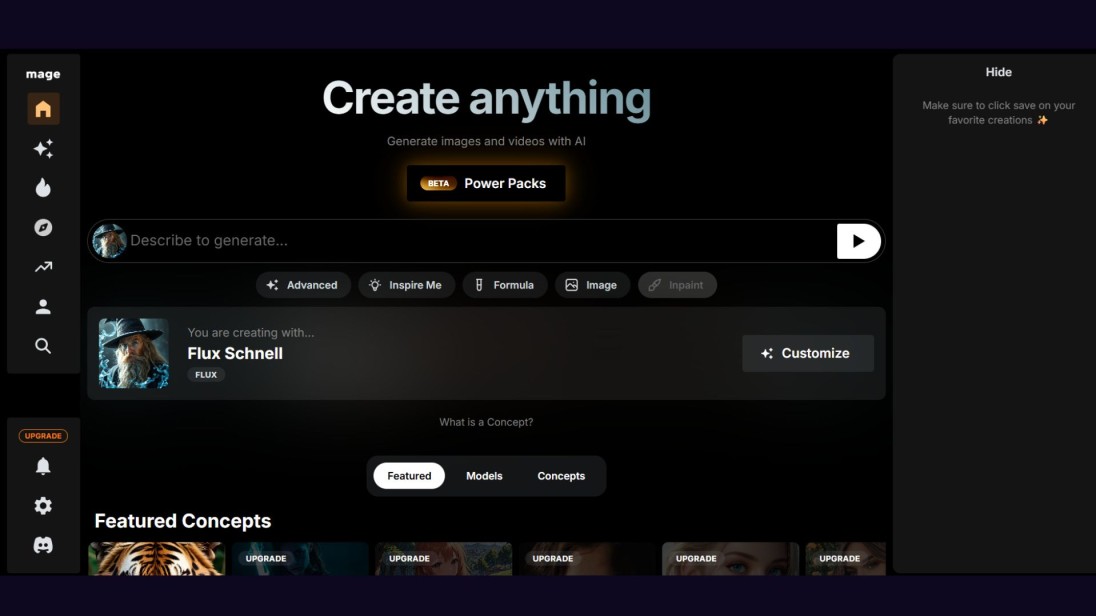
Mage Space leans into fewer content restrictions than most mainstream tools, without requiring signup.
- Best for: experimenting with unconventional or highly creative prompts
- Honest trade-off: the lighter content filtering is a double-edged sword depending on what you're making it for
- Free tier: no signup required historically; check current terms
- Paid plans: not confirmed as of this writing
28. Getimg
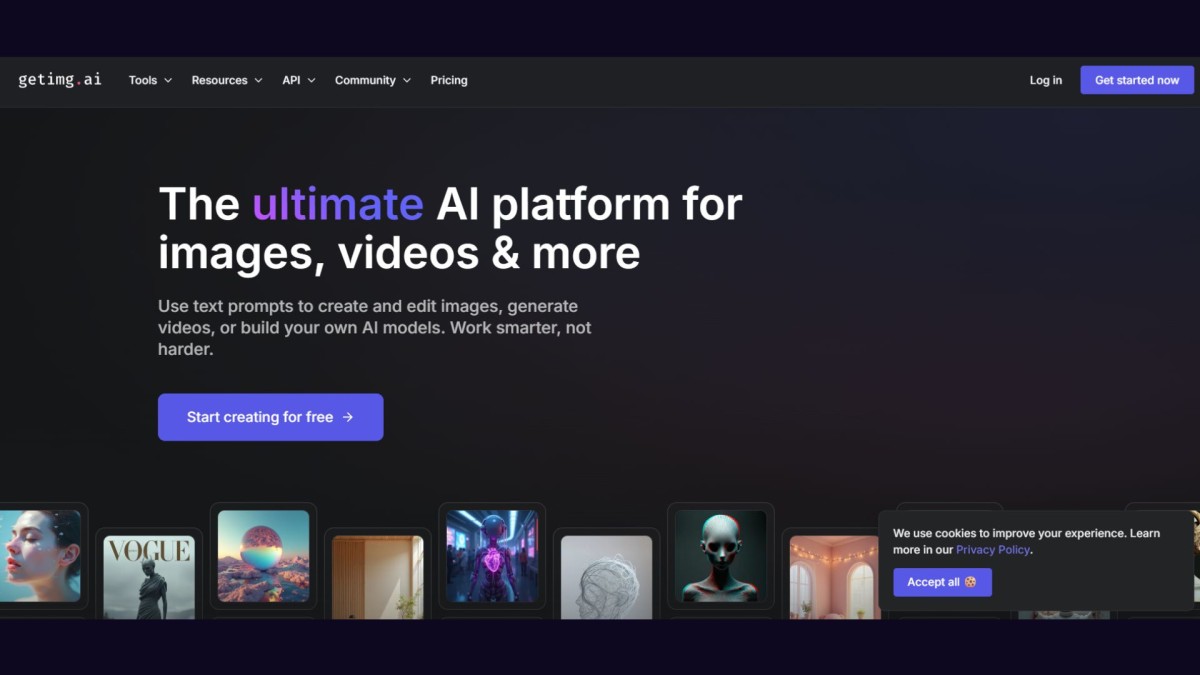
Getimg covers both generating new images and editing existing ones, including extending an image past its original borders.
- Best for: touch-up work like adding elements or fixing small errors in an existing AI image
- Honest trade-off: less of a specialist than tools built purely for one job
- Free tier: historically available; check current terms before relying on it
- Paid plans: not confirmed as of this writing
Free vs. paid: what you actually give up on a free plan
"Free" hides a lot of fine print in this category. Three things to check before you commit to a tool for real work:
- Watermarks. Bing, Craiyon, and Runway carry visible marks on free output. Gemini and OpenAI add invisible metadata (SynthID, C2PA) instead, which won't show up in the image but does flag it as AI-generated if anyone checks.
- Commercial rights. Free-plan generation and commercial permission are two separate questions. Recraft and Leonardo let you generate for free but keep broad rights to what you make unless you upgrade. Ideogram and Zoviz grant commercial use even on the free tier.
- Public galleries. Midjourney, Ideogram, and Leonardo publish your free-tier images by default. If you're prototyping something for a client who hasn't seen it yet, that's worth knowing before you start.
Which one should you actually use?
If you need one image and don't want to sign up for anything, start with Zoviz. If you want a free tool you'll actually keep using day to day, Nano Banana 2 is the best all-around free option in 2026. Everyone else on this list earns a spot for a specific job, so pick based on what you're actually making, not just what's trending.
Frequently asked questions
What's the best free AI image generator right now?
For most people, Google Gemini's Nano Banana 2 is the strongest free option: roughly 20 images a day, no visible watermark, and solid photorealism. For the fastest possible first image with no signup, Zoviz's generator is hard to beat.
Can I use free AI-generated images commercially?
It depends entirely on the tool, not just the price. Zoviz and Ideogram allow commercial use on their free tiers. Recraft and Leonardo do not; you need a paid plan to actually own the rights to what you generate for free.
Which AI image generators don't add a watermark?
Zoviz, Gemini, ChatGPT, Ideogram, and Adobe Firefly don't add a visible watermark on free outputs, though several embed invisible metadata that identifies the image as AI-generated.
What's the real difference between free and paid AI image generators?
Mostly volume, speed, and rights, not raw image quality. Free tiers cap how many images you get per day, often queue you behind paid users, and sometimes withhold full commercial rights until you upgrade.
Which AI image generator is best for realistic photos?
Nano Banana 2 and GPT Image 2 currently produce the most convincing photorealistic results among tools with a usable free tier. Midjourney is strong artistically but less reliable for straight realism.
Do free AI image generators keep my images private?
Not always. Midjourney, Ideogram, Leonardo, and Recraft all make free-tier generations public by default. If privacy matters, check this before you generate anything sensitive.


