
How to Signup to Zoviz?

Getting started with Zoviz AI Logo Maker is simple. Here's how to sign up and get access to a set of tools that will allow you to design and develop your brand identity vision.
1. Sign Up with Google
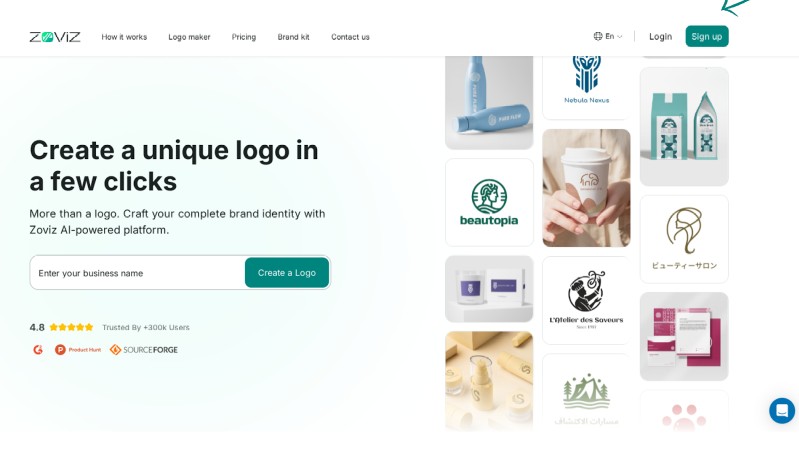
Step 1: Click the sign-up button in the top right corner.
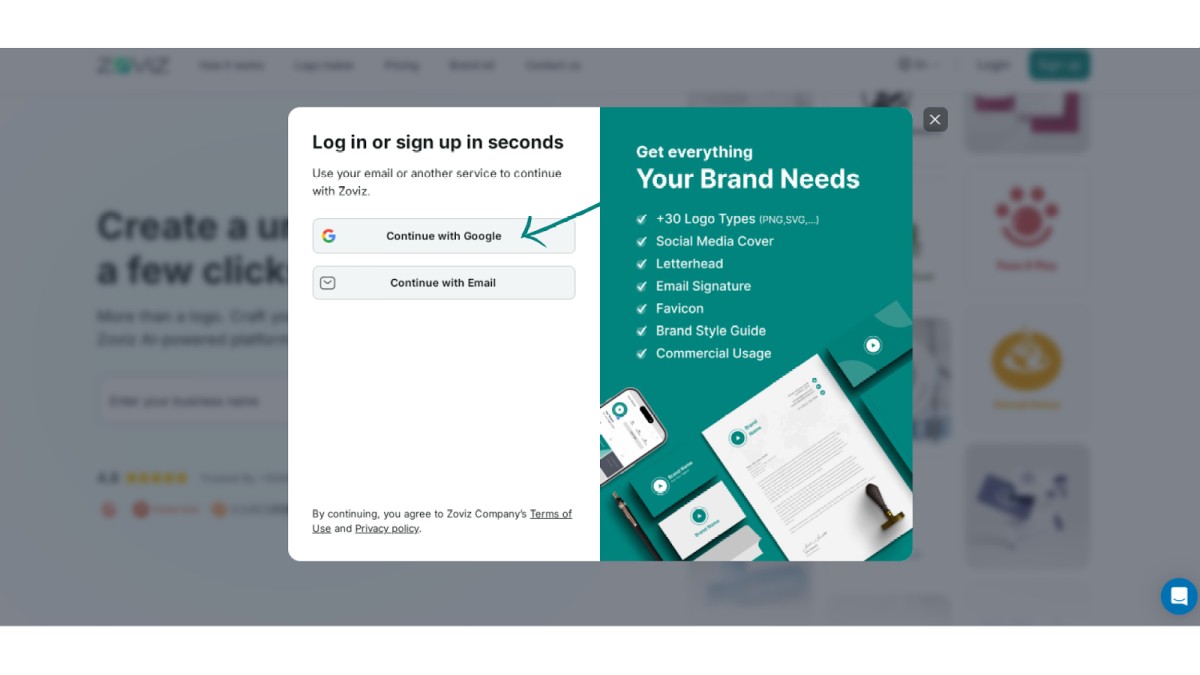
Step 2: Select 'Continue with Google.
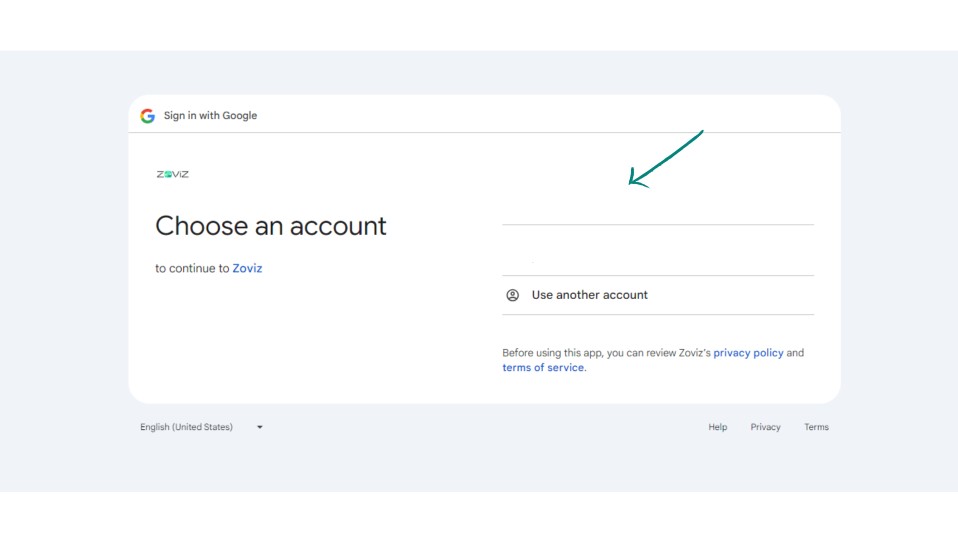
Step 3: Choose the email address you want to use.
2. Sign Up with Email
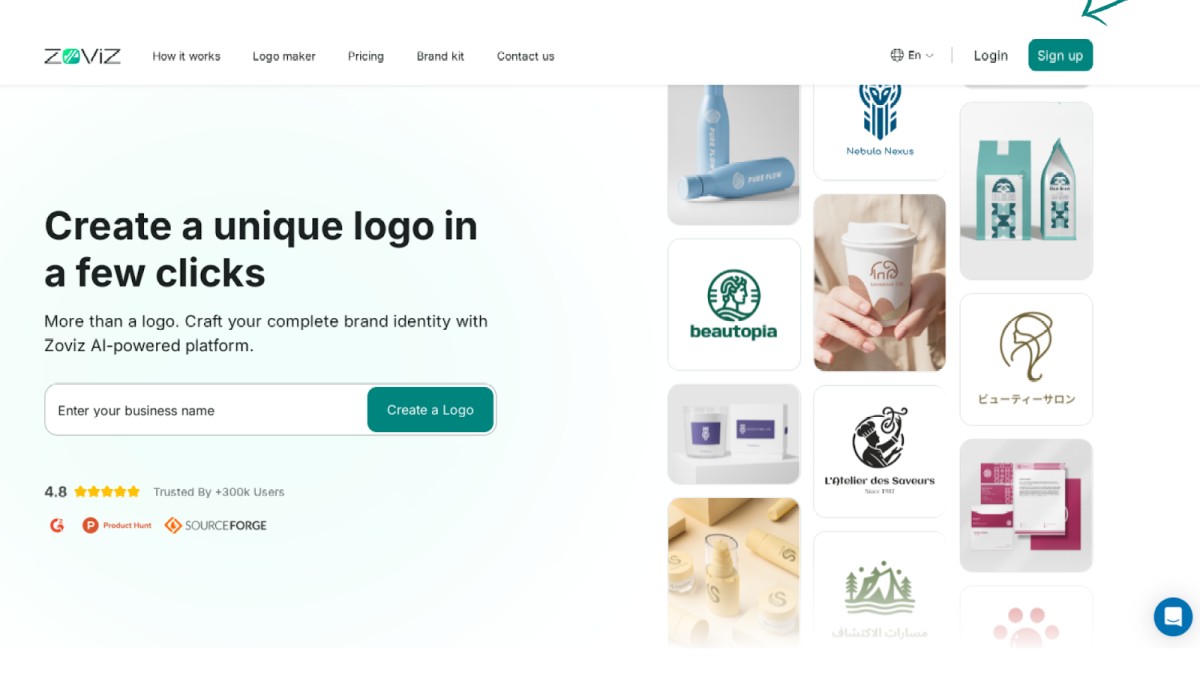
Step 1. Click on the Sign-Up button in the top right corner.
Step 2. Click on the Continue with Email button.
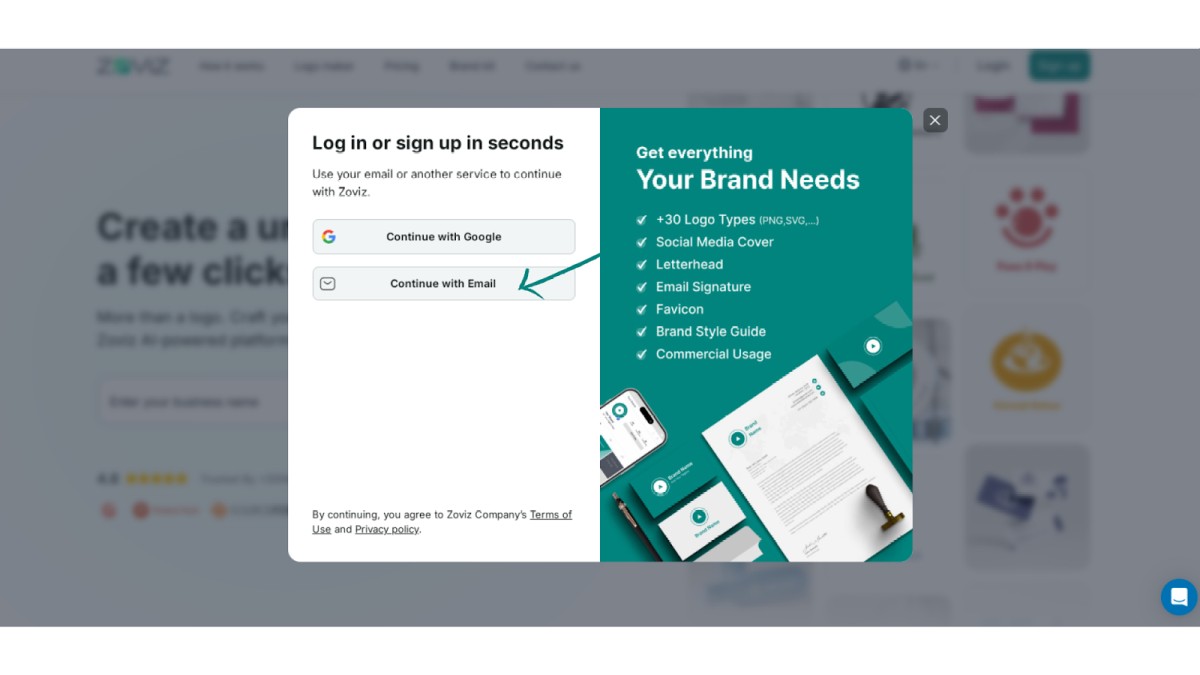
Step 3. Enter your email address.
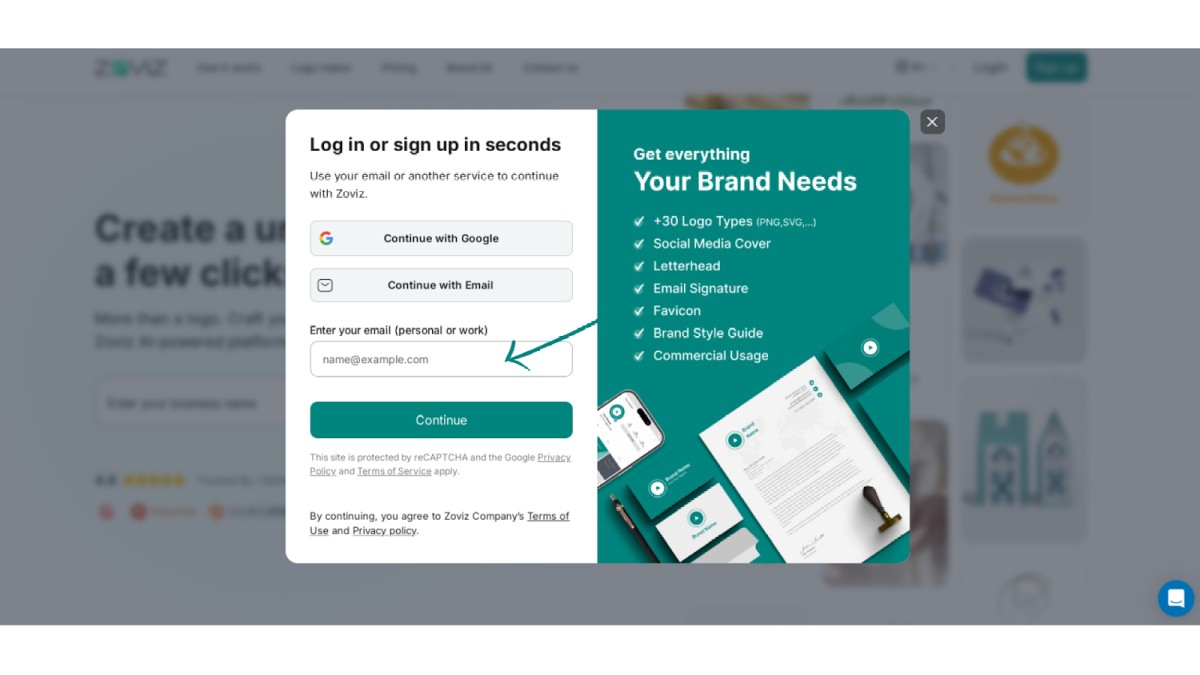
Step 4. Enter the code sent to your email address.
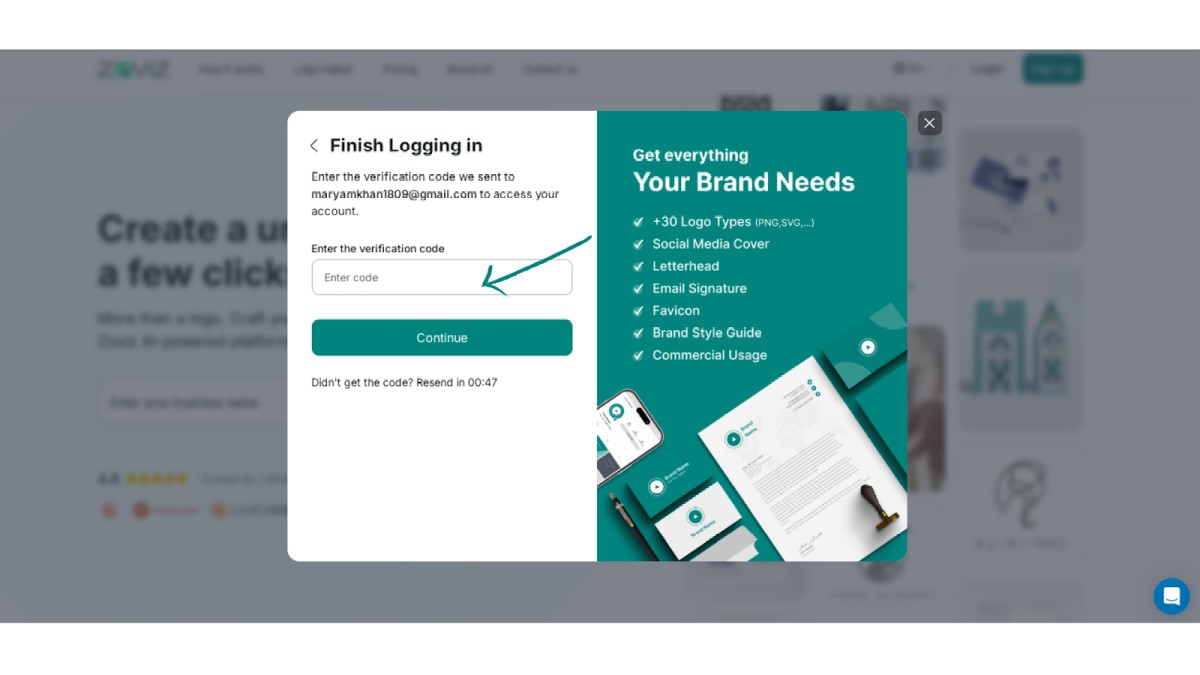
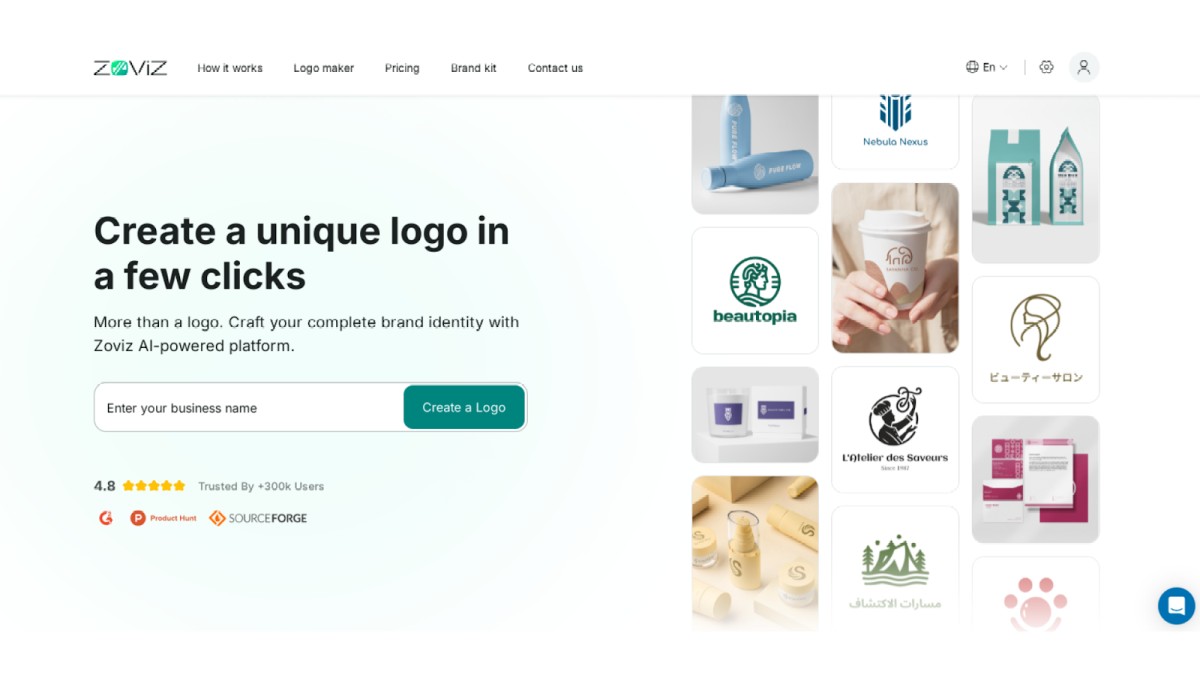
Step 5: Enter your brand name and start using Zoviz
독점 뉴스레터 받기
최신 소식을 이메일로 바로 받아보려면 지금 구독하세요. 놓치지 마세요!
회원님을 위한 추천


Zoviz 로고 메이커를 사용해보세요
브랜드 이름을 입력하면 몇 초 만에 로고 옵션을 받을 수 있습니다.


