
How To Make a Logo With Zoviz in 3 Steps

Building a business logo has always been challenging. Check out how Zoviz helps people create unique business logos.
In addition to logos, Zoviz has a full brand package that includes letterheads, email signatures, business card designs, favicons, brand guidelines, and much more.
Now, let us look at how Zoviz works in creating the logo.
Before joining Zoviz and designing your logo and brand kit, it is essential to create an account. This will ensure that you have access to all the necessary tools and aspects.
Step 1: Enter your brand name
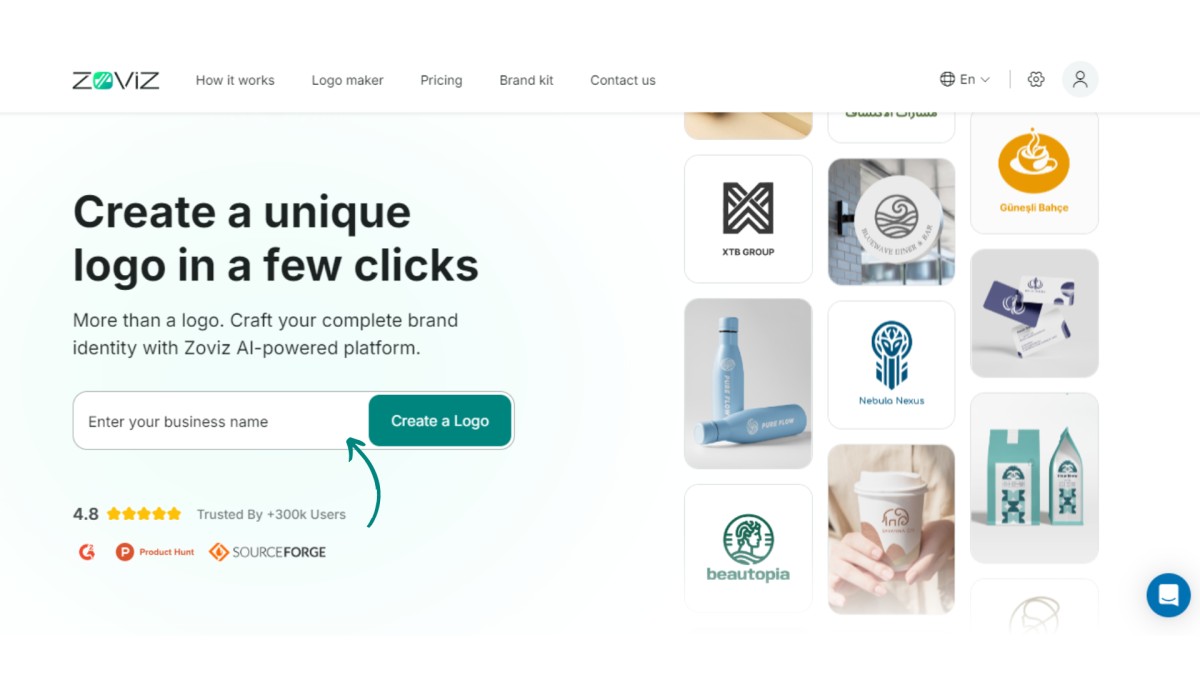
Begin by navigating to the Zoviz AI logo maker and type your brand name on this site.
Step 2: Customization of logo design
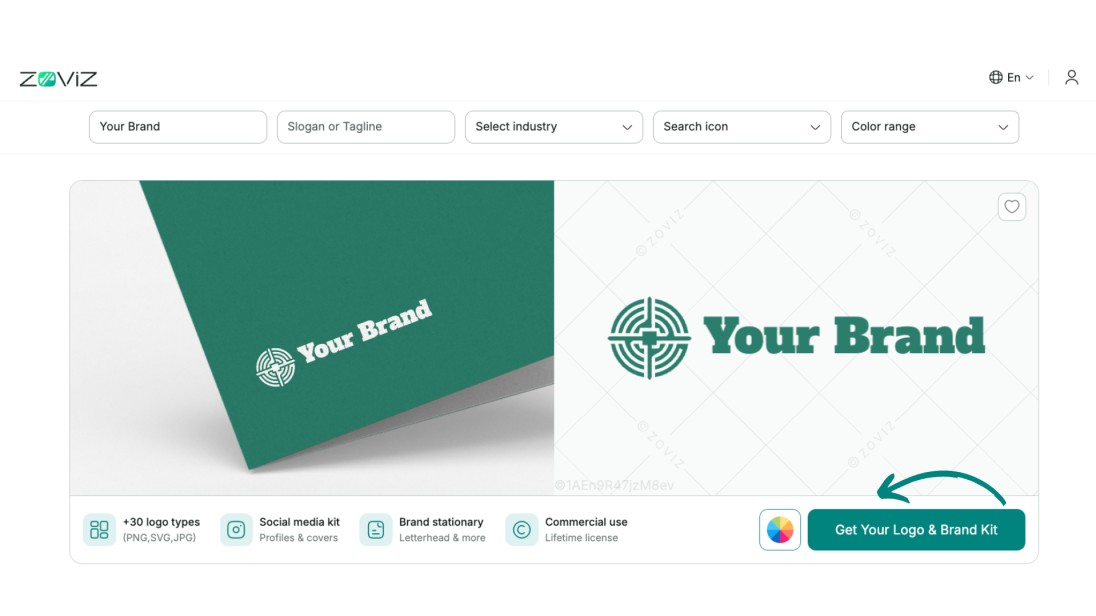
Put in your brand’s slogan and anything else related to your industry. In the logo options, you can change the color, the font type, the icon, and the position of the logo itself. Further, you can modify the color or the slogan or add/modify it, the industry you are in or want to portray, and many more logo customization to suit your unique taste.
Further, customize the appearance of the logo in the profile section
- Go to the Profile section.
- Choose the specific Brand that you intend to work on.
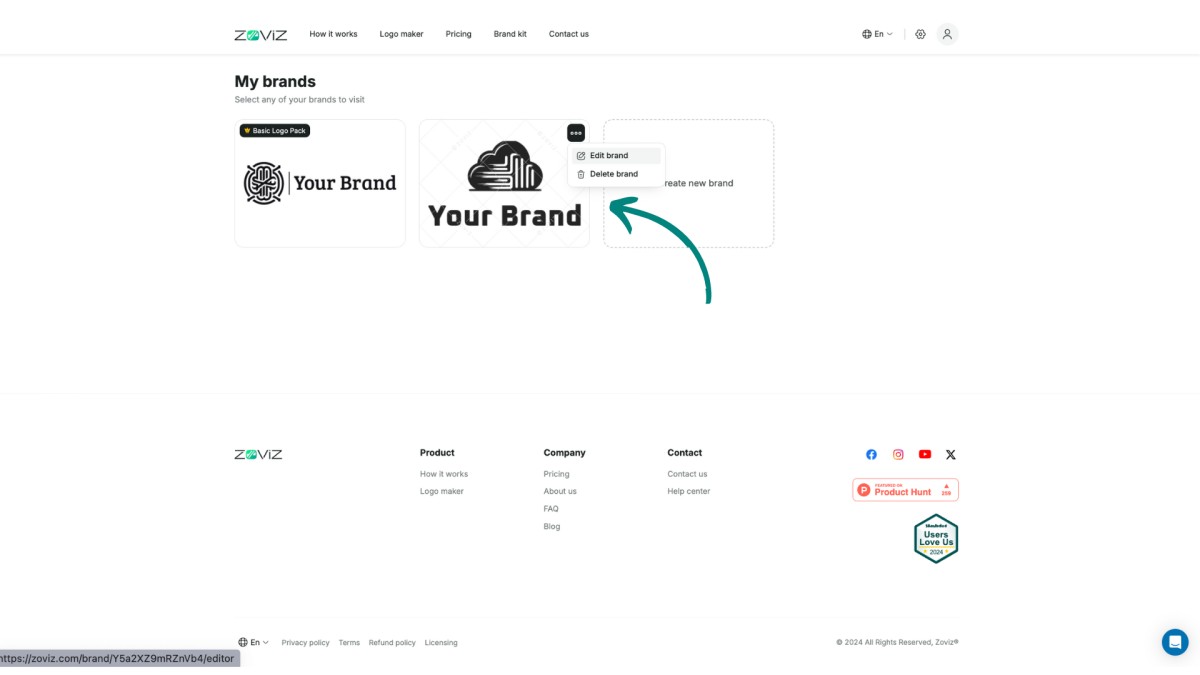
- Customize the fonts, colors, sizes, or icons further as needed.
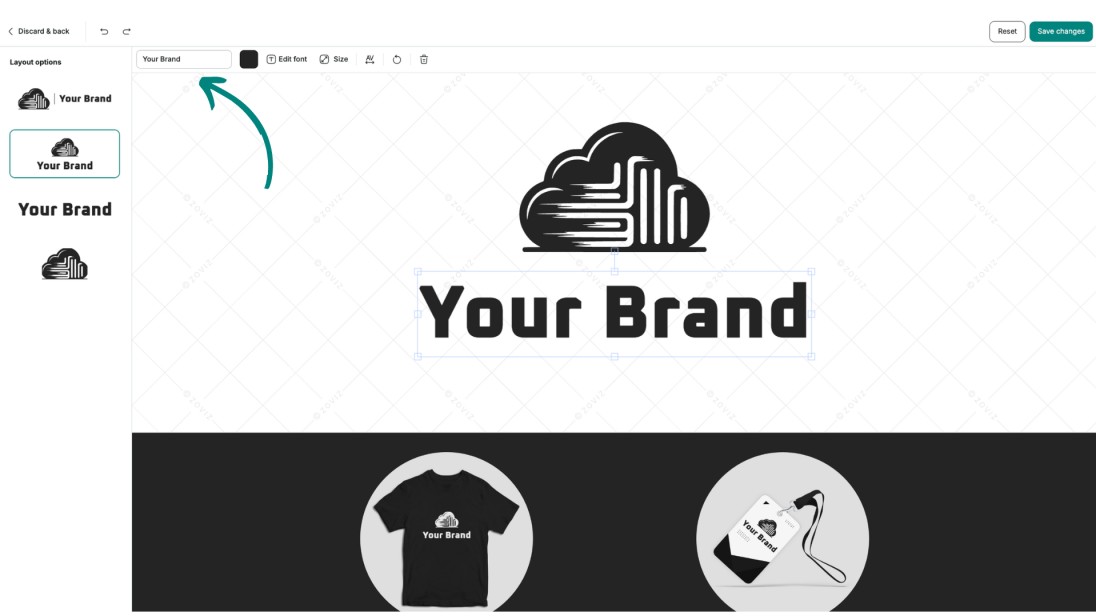
Step 3: Purchase And Download
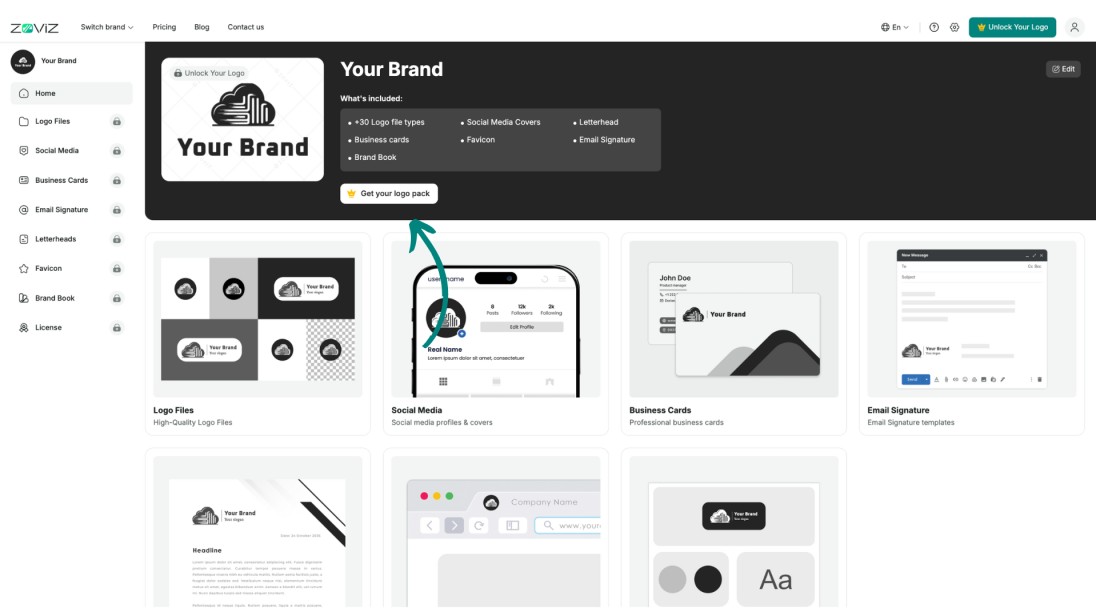
- Choose the customized logo pack. And click on “ Get your logo pack”
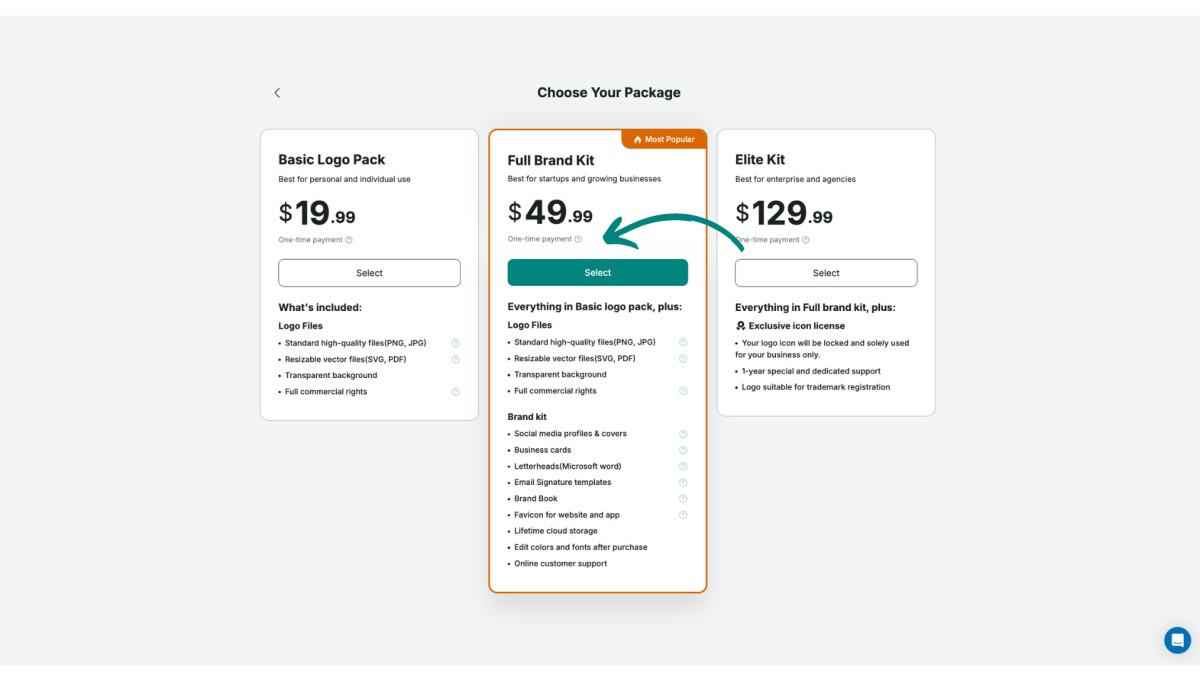
- Complete your purchase by selecting the desired packages.
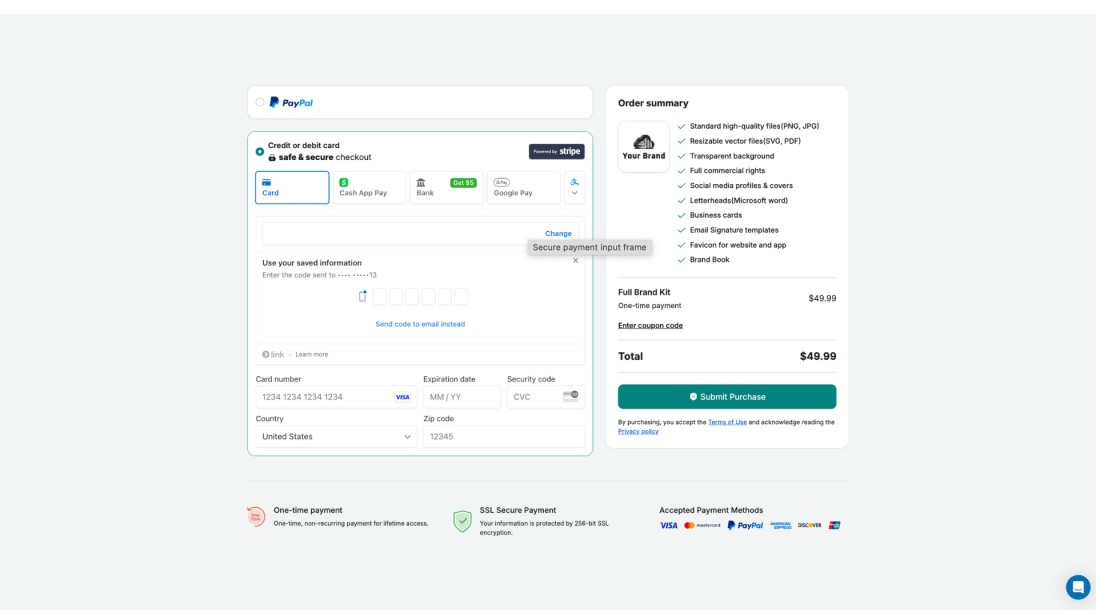
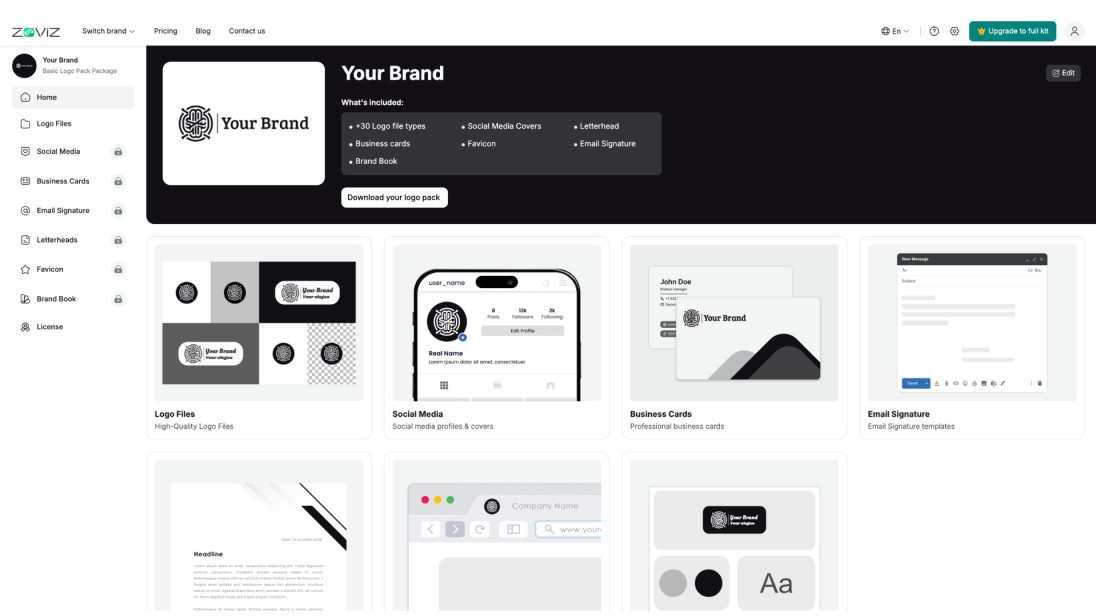
- After purchase, click the download button.
독점 뉴스레터 받기
최신 소식을 이메일로 바로 받아보려면 지금 구독하세요. 놓치지 마세요!
회원님을 위한 추천


Zoviz 로고 메이커를 사용해보세요
브랜드 이름을 입력하면 몇 초 만에 로고 옵션을 받을 수 있습니다.


